PRODUCT UPDATE / AI game asset workflows
3D AI Studio launches Templates with 32 game development workflows
The October 28 update packages image, 3D and audio workflows as task templates. Game developers can start with a description or sketch, inspect the intermediate image and use engine export presets; downloads require a paid plan.
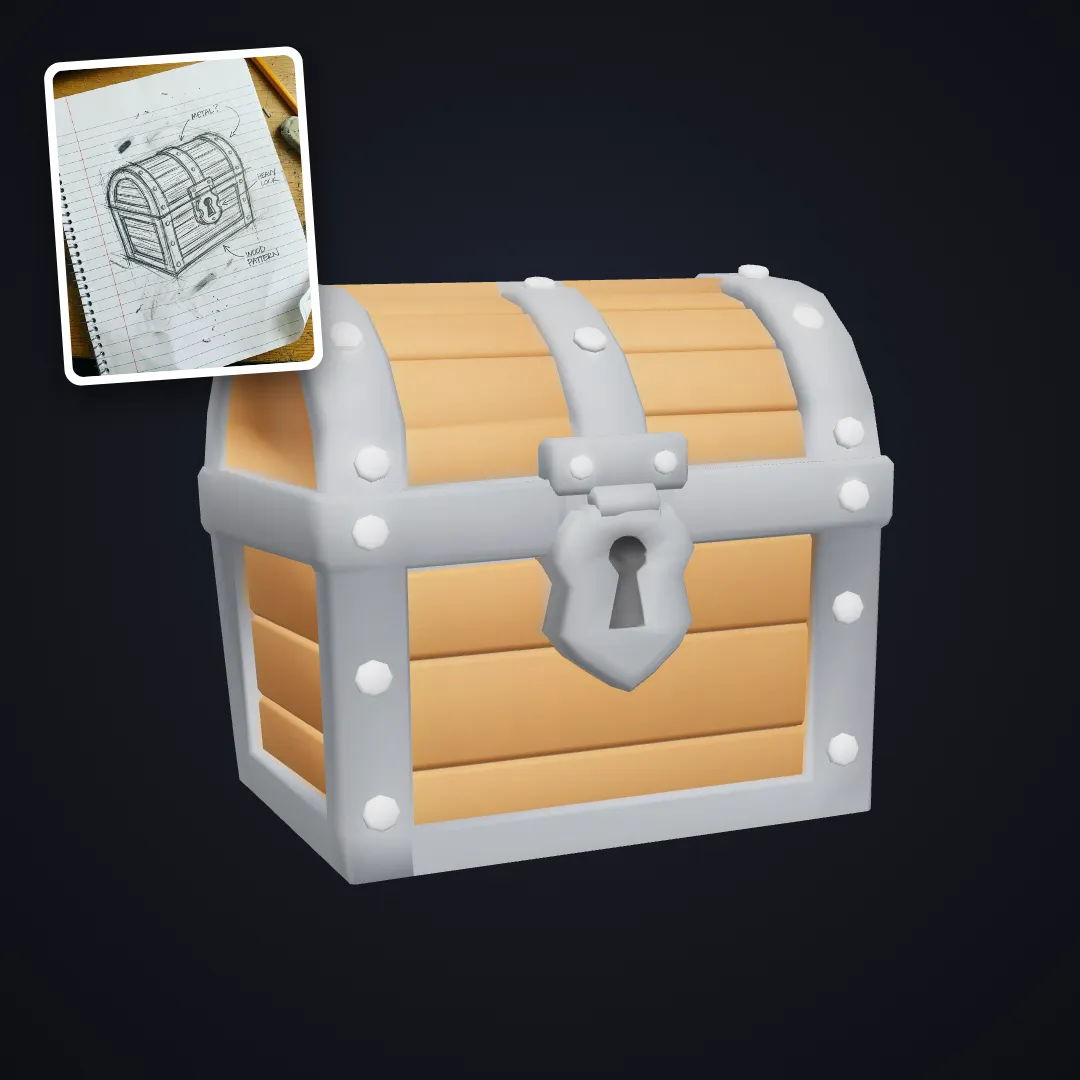
For developers turning sketches and short descriptions into reusable game-asset workflows.
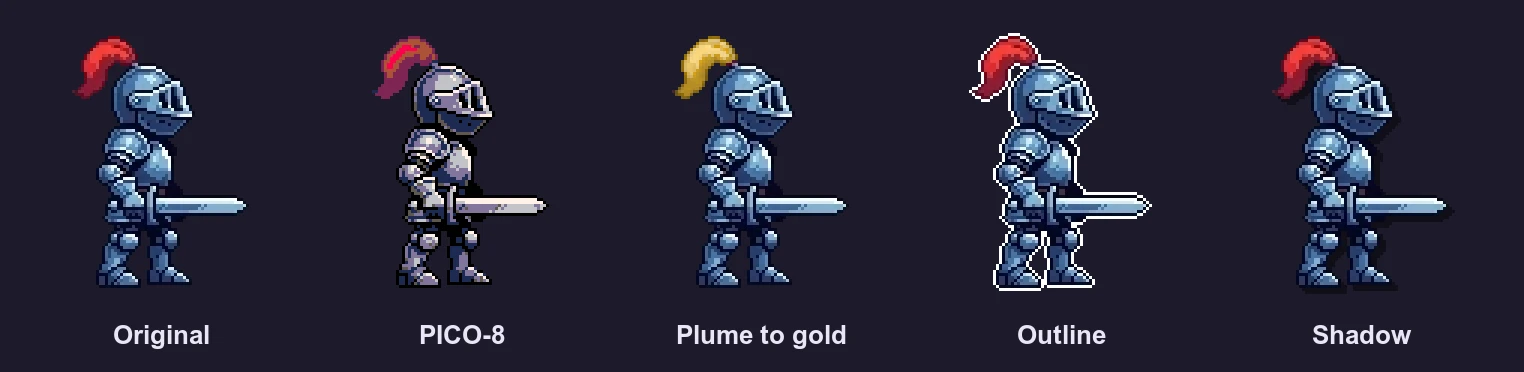
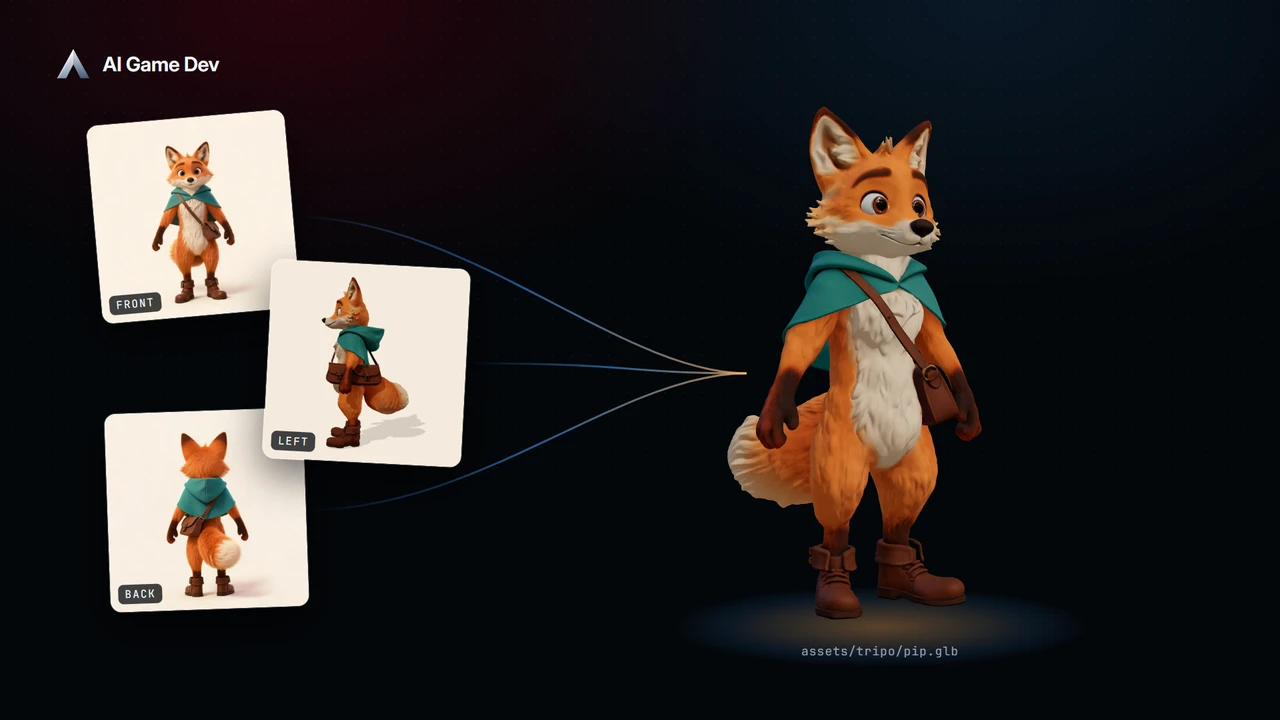
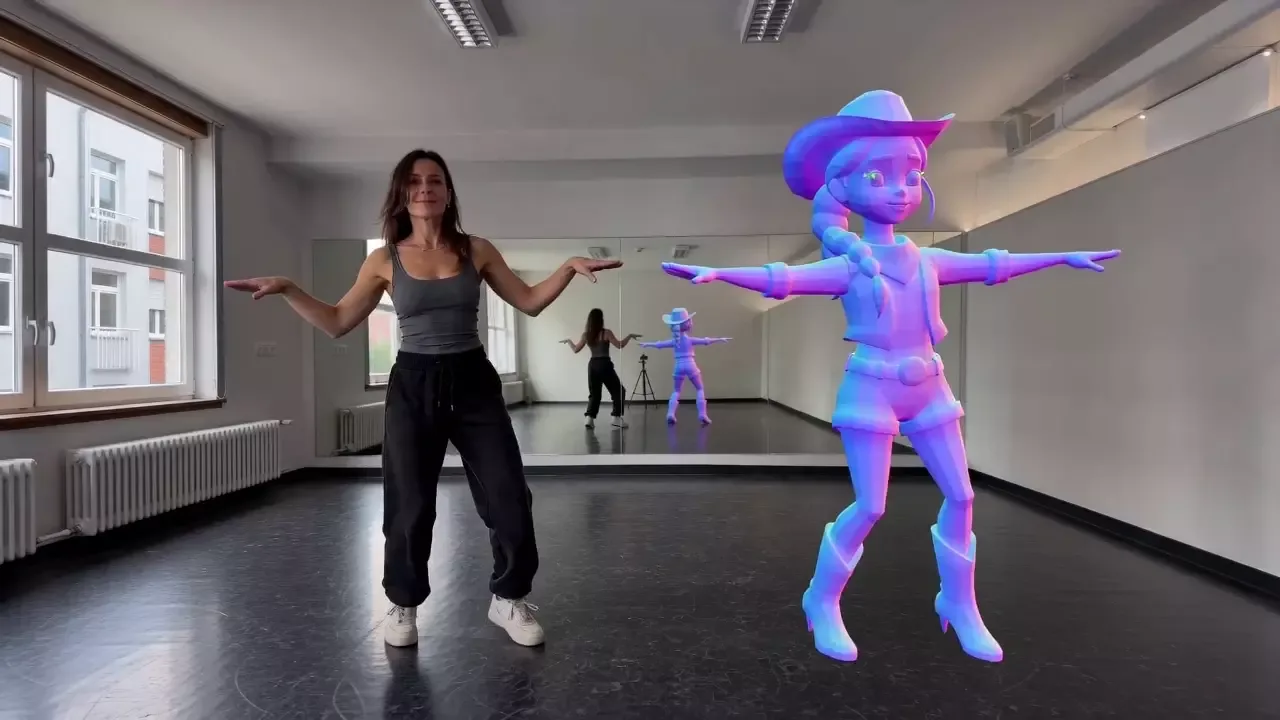
3D AI Studio's October 28 update introduces Templates: ready-made workflows that connect inputs, model settings and processing steps. The announcement lists 73 templates, including 32 for game development, covering props, characters, seamless materials, inventory icons, pixel art, sound effects and NPC voice lines.
Developers choose a task, add a photo, sketch or short description, then adjust the available style and detail options. For templates that prepare an image before building a model, the canvas lets them inspect that intermediate result and make another version before continuing to 3D.
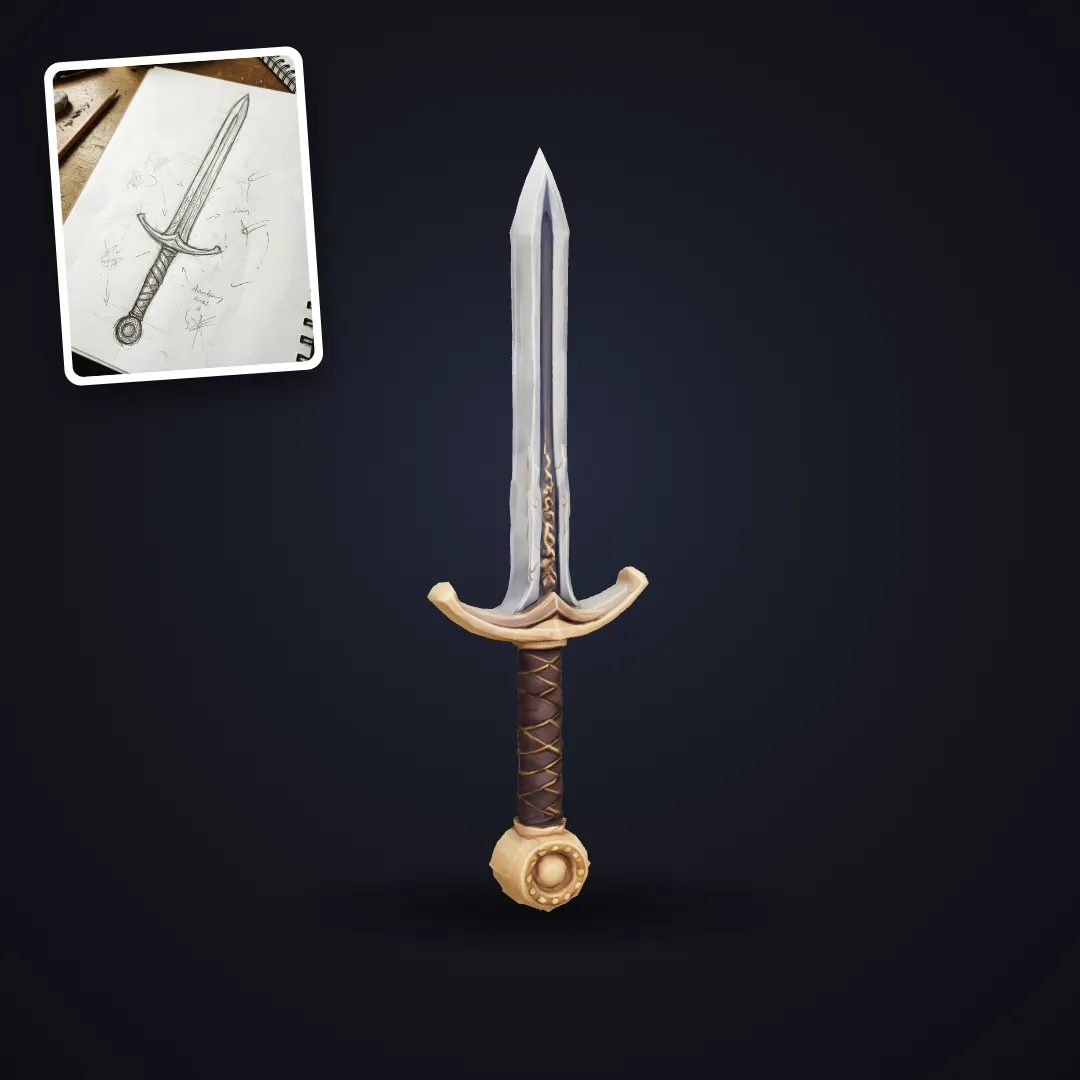
From a sketch to a game prop
The Low-Poly Prop template uses Image Studio to prepare a concept image, then Tripo P2 to build the model. Its style choices include flat-shaded, cozy pastel, PS1 retro and dark fantasy. The page recommends describing one object, such as a barrel, to keep the input focused.
The Stylized Hand-Painted Prop template packages a painterly fantasy look. Its documented Prism 3.1 step sets a 5,000-face limit. These task-specific settings give developers a starting point for a matching set of props; each template also links to its underlying tools for further adjustment.

Export presets, with a separate step for weapon pivots
The update adds template export presets for Unity, Unreal / UEFN, Godot, Roblox Studio and Blender. According to the announcement, presets set the file format, texture size, polygon budget and a pivot at the model's base.
The Stylized Weapon template documents a 3,000-face Prism 3.1 step. For a weapon held by a character, its guide recommends moving the pivot to the grip inside the engine. That is a useful check when taking a generated prop into an existing character setup.
Free credits cover previews; downloads require a paid plan
Free accounts can run templates using their monthly free credits and see the full result. Downloading the resulting files requires a paid plan, as does High detail. The announcement says the run cost appears before generation.
The live template pages also provide briefs for the 3D AI Studio MCP connector, which is included in every paid plan. An assistant can follow the template's steps, show intermediate results and save the output to the account's library. Check the displayed cost when preparing a set of assets, since a template can contain several generation steps.
Sources (4)
No sponsorship or affiliate links in this article.