Build a first playable
Turn a scoped idea into a running core loop that you can inspect and keep improving.
Follow AI game development news, compare tools for coding, art and audio, and use step-by-step workflows to build a playable game.
Choose the work in front of you, then open the methods and tools that support it.
Turn a scoped idea into a running core loop that you can inspect and keep improving.
Find practical routes for 2D, 3D, and audio assets that can move into a game engine.
Make critical flows repeatable, fix real failures, and prepare the project for players.
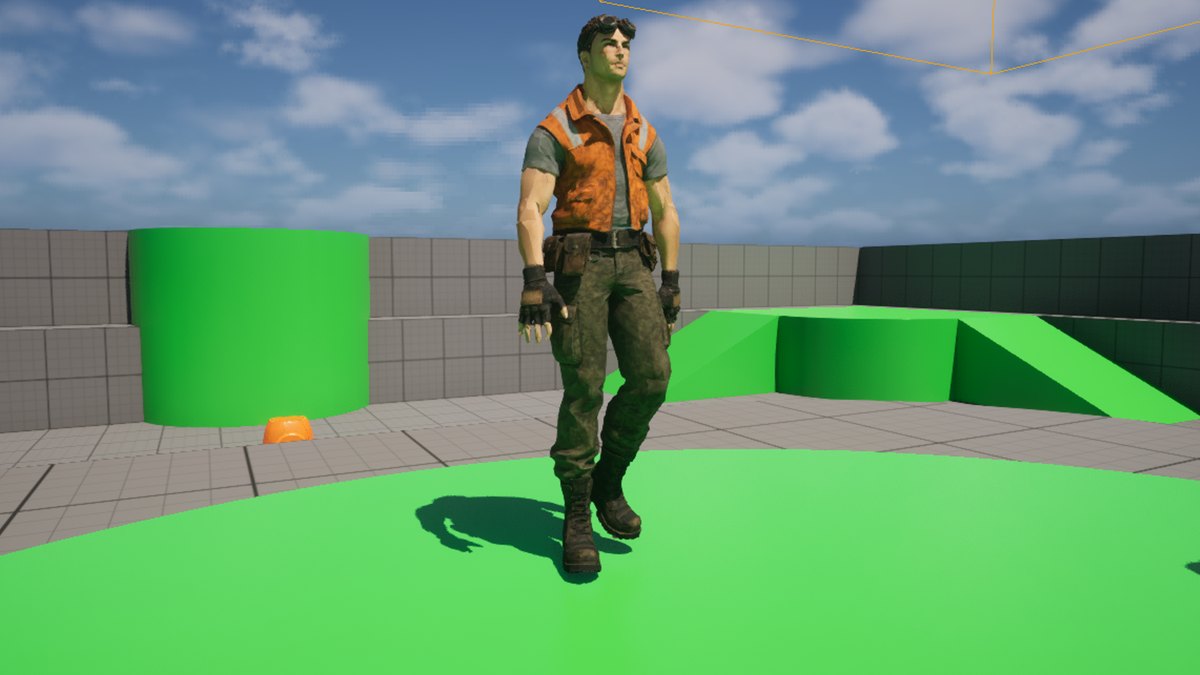
Meshy’s November 10 update lets developers choose a humanoid skeleton for Mixamo, Unreal or Unity and request finger bones. Later animation tasks use the skeleton chosen for the rig.

The November 12 release opens Viewfinder, Chisel and the Atlas API. Level designers can explore camera angles from photos, give a graybox a visual treatment and export a scene as a GLB mesh.
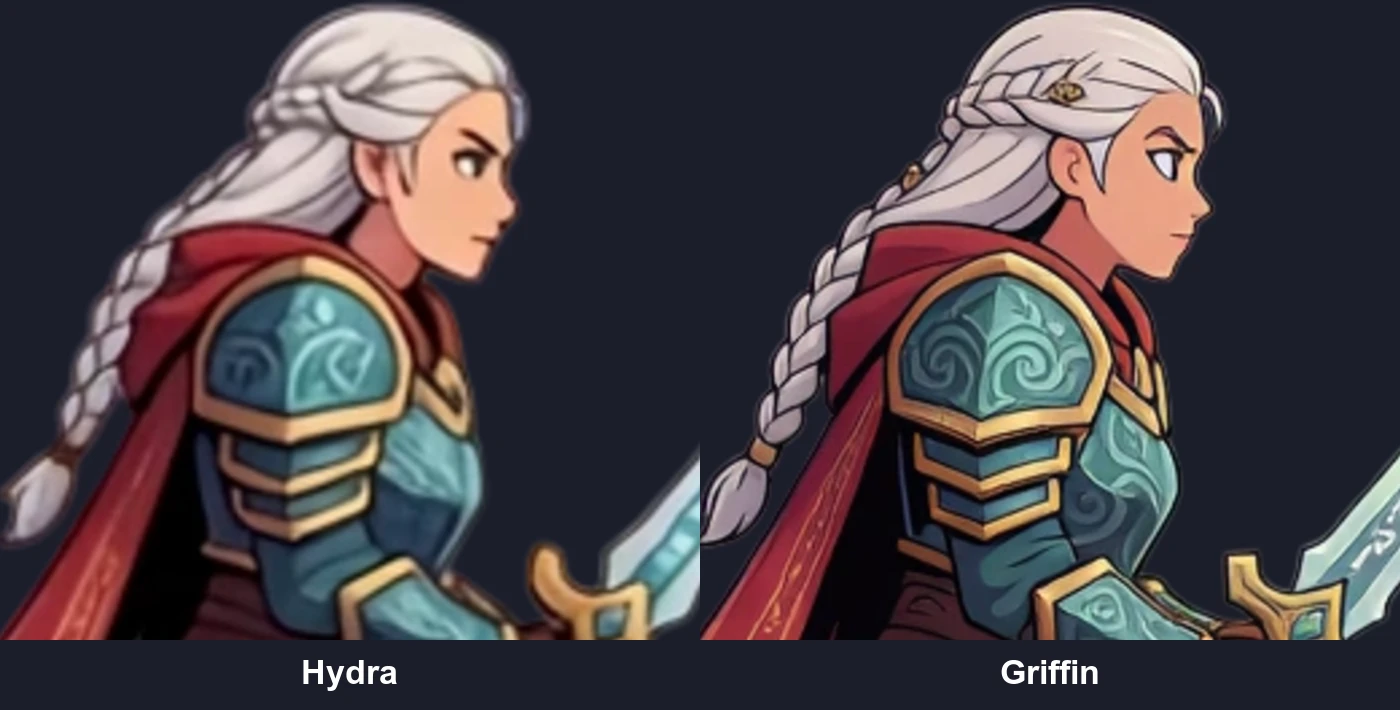
Ludo.ai’s November 12 update gives developers another model for animating detailed 2D characters. Griffin costs 10 credits per animation and runs for up to five seconds.
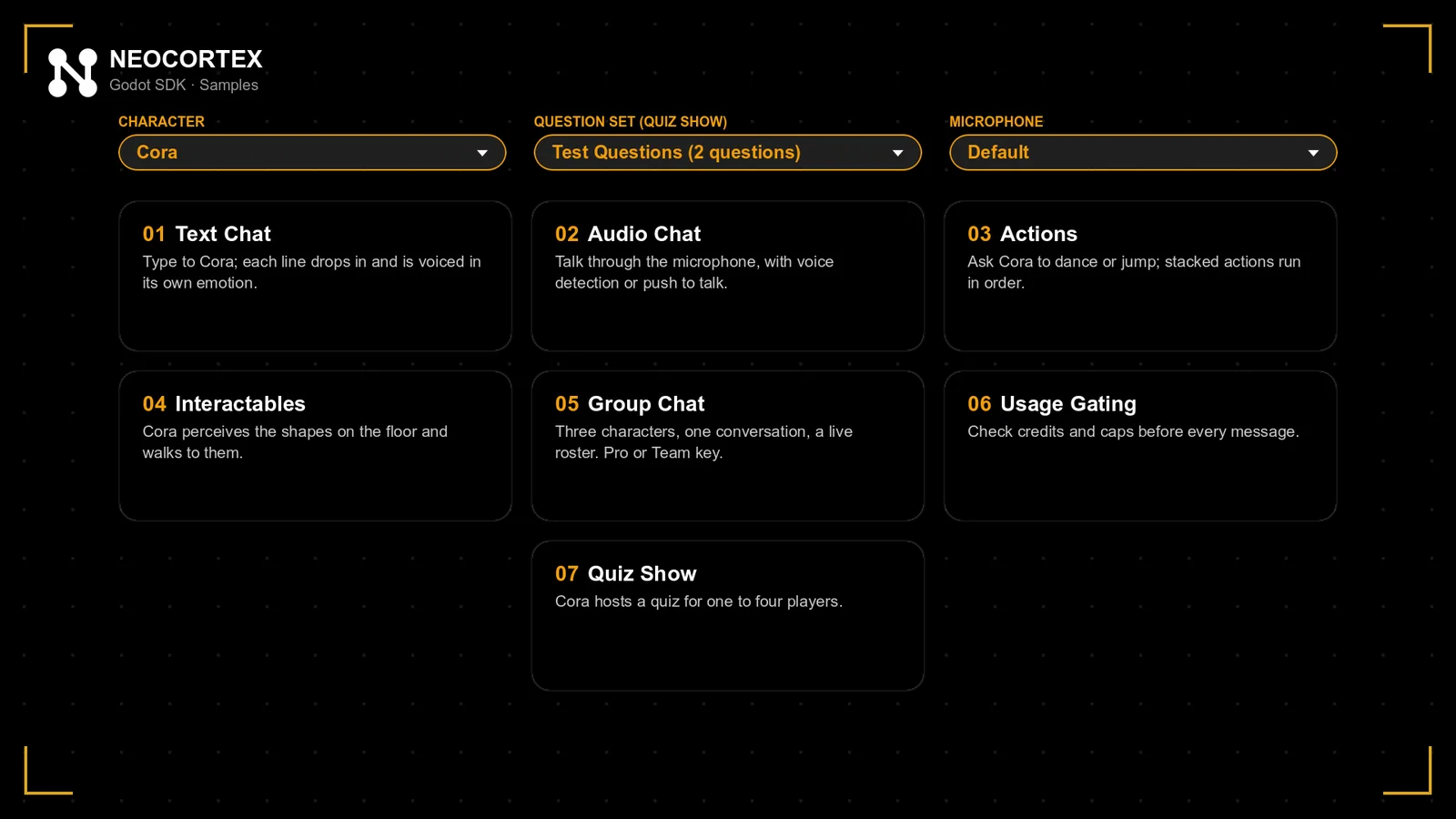
The open-source Neocortex Godot SDK ships with seven samples. Developers can add text or voice chat and use GDScript to connect character actions to gameplay.
The app moves existing Fable 5.1 and Image 2.5 selections to the new models. Fable 5.2 is available from Studio and the update includes Sunburst examples of game sprites and inventory icons.
AI Game Developer adds Unity Asset Store and Fab integration to its editor plugins. AI agents can find asset packs in your library and import them into a Unity or Unreal project.
Turn character art into 2D animation candidates without frame-by-frame drawing or rigging, then select frames and export game assets through the browser or official API/MCP. Developed by this site's owner.
AltTesterTesting & optimizationInspect object hierarchies and automate critical flows in Unity or Unreal test builds, with Pro CLI/MCP for development agents.
PhraseMarketing & launchManage game strings, terminology and review workflows through Unity, CLI, API and MCP integrations.
Create models from text or reference images, then move on to animation and export.
CodexPrototyping & game codeWork with your project code to build prototypes, change features and run tests.
ElevenLabsCharacter voices & soundCreate audio assets for character dialogue, voiceovers and game sound effects.
Find out which PS2 games have been demonstrated in a browser and what you need to try them yourself. Includes the official project, local build steps, controls, saves and troubleshooting.
Three playable debugging exercises show how to describe a fault, limit an AI repair, check the result and recover a working version. Includes broken and fixed examples, six screenshots, templates and source.
A beginner's path from a small game brief to a greybox, useful feedback, clear visuals and a shareable browser game—with a playable example, nine illustrated checkpoints and downloadable source.
Start with project constraints, reduce the field to two candidates, and use the same small prototype to test whether an engine gives both you and your AI agent a readable, executable, verifiable and recoverable workflow.