PRODUCT UPDATE / 3D game art · Motion capture
Scenario adds a video-to-motion skill for game characters
Skills 0.60.0 gives agents a workflow for turning reference clips into 3D animation. Characters that must keep an existing rig need motion-only output and retargeting; generation still uses Scenario credits.
For game artists using reference footage who need to preserve a character rig and choose the right animation export.
Scenario's Agent Skills 0.60.0 release, published on October 26, adds scenario-video-to-motion. It gives agents connected to Scenario MCP a dedicated procedure for choosing motion outputs, preparing reference footage, estimating costs and downloading 3D animation. For game artists with an existing character rig, the first decision is how to keep that rig intact.
Scenario already offers video-to-motion models, including Uthana. The new release adds instructions for agents using those services. Its development record says the previous 3D skill covered the task in a single line.
Existing rigs need motion-only output and retargeting
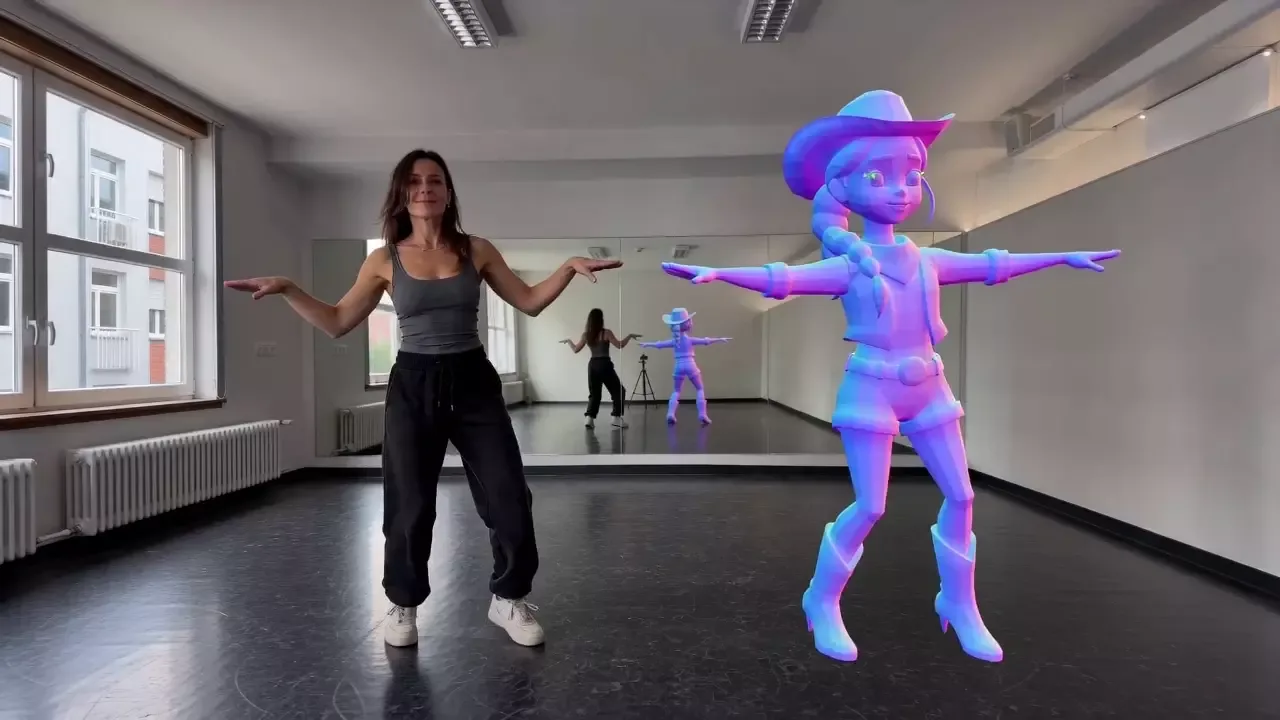
The new skill separates two main routes. A model can take a character mesh, create its own rig and apply the captured movement. Alternatively, an agent can request motion on a standard skeleton, such as a Mixamo-style or MetaHuman skeleton where supported, without uploading the character.
The second route is intended for characters whose existing rig must stay. That motion still needs retargeting onto the project's character. Uploading a mesh for automatic rigging does not preserve its original skeleton or make existing animation clips compatible.
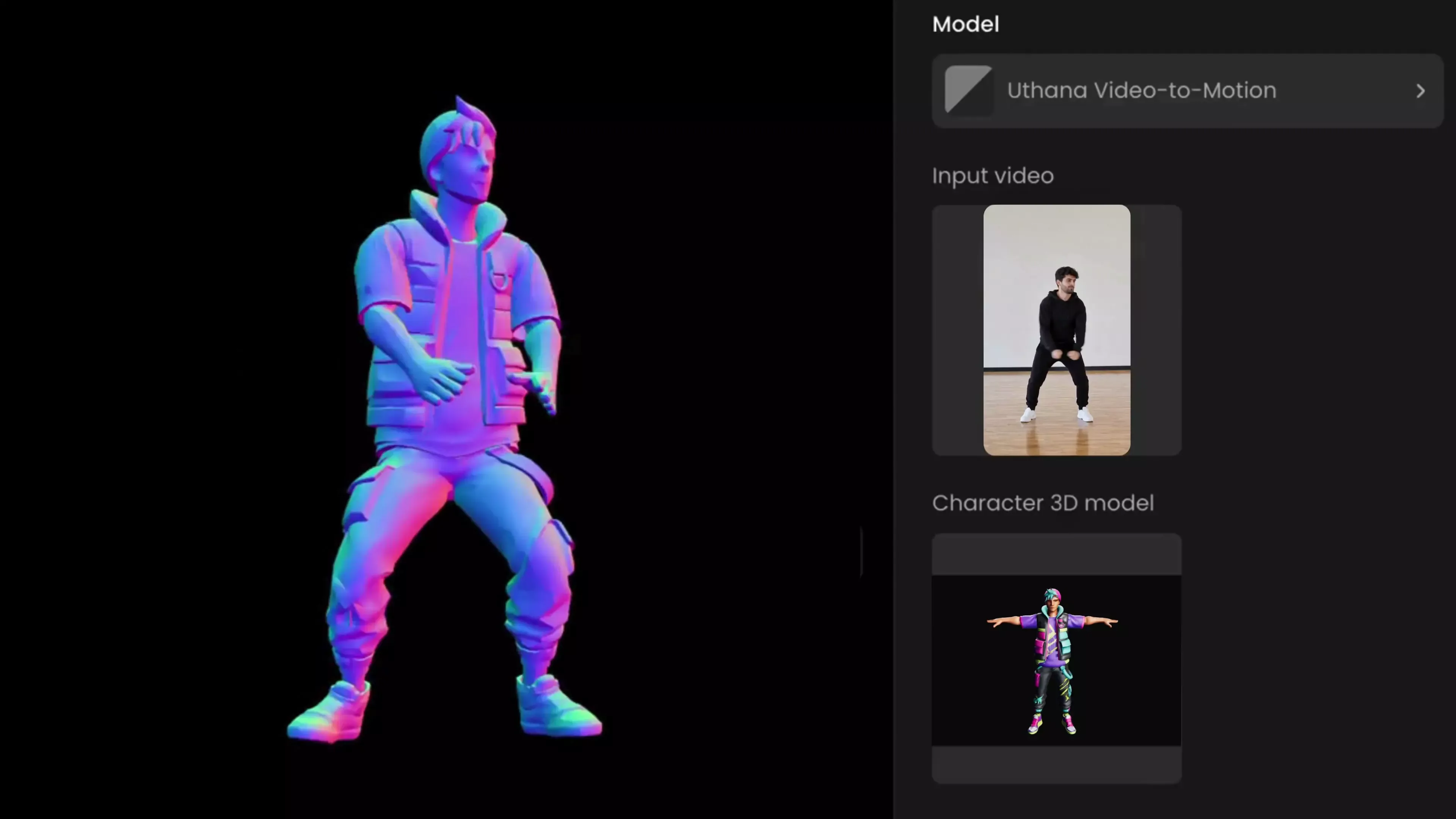
Export settings also belong in the generation request. Models offer different formats and engine targets; converting a downloaded file afterward is not documented to preserve its animation. Where available, the workflow uses in-place motion for characters moved by game code, loop settings for cycles, and axis controls to correct orientation.
Trim the reference clip before pricing
The skill asks for a single person with the full body and feet visible, a stationary camera and little occlusion. It advises trimming footage to the action needed in the game, then checking the selected model's duration, file-size and pixel-dimension limits. Those limits vary between models.
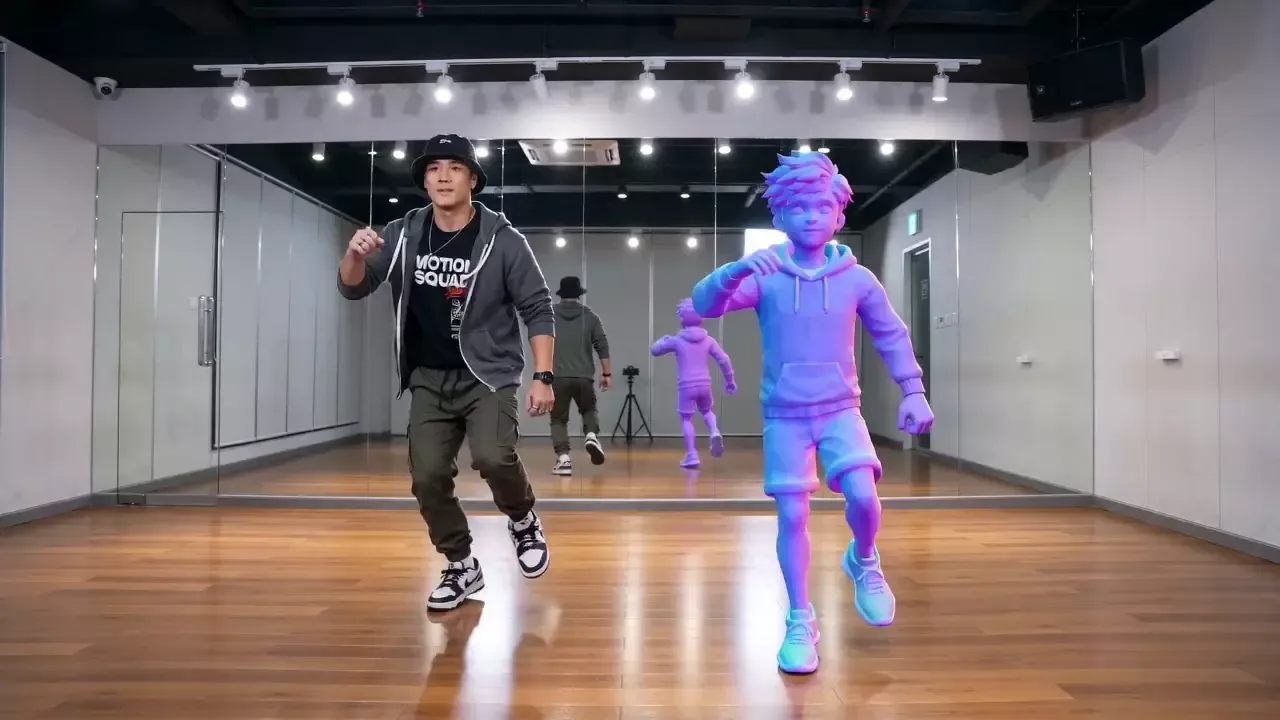
The MCP connection requires a Scenario account and a compatible client. Actual generation uses Scenario credits; the pricing documentation ties consumption to the model and output settings. The skill calls for a dry_run estimate before generation, so a long reference clip or additional capture options can be considered before spending credits.
The PR's published application test checked an agent's plan only. It does not demonstrate a completed capture or engine import. A game project still needs to inspect the resulting animation's facing, foot contact and loop seam, then check it on the intended character.
Sources (6)
No sponsorship or affiliate links in this article.