Scope grows faster than the playable loop
Generated ideas and assets are cheap to request, but every accepted result creates integration, testing, maintenance, and rights work.
END-TO-END WORKFLOW
A practical route from a testable brief to a playable build—showing what AI can accelerate, what each stage must hand off, and where human judgment stays essential.
DIRECT ANSWER
To make a game with AI, define one playable loop, choose an engine or browser target, and use a coding assistant to build a small working version. Add the art and audio needed to test it, run acceptance checks, and play it yourself before planning release.
Keep each step small enough to inspect. Generated code, images and audio need checks for functionality, editability and usage conditions before they enter the build. You still decide whether the game is understandable, fun and ready to ship.
A small playable build with a documented scope, reviewable source files, a short test checklist, and a clear record of which AI outputs were accepted or replaced.
CONTROL SCOPE FIRST
One core loop with visible success, failure, or progress feedback.
One target platform and one primary input method for the first build.
Only assets whose format, editability, provenance, and use conditions have been checked.
A human playthrough before any claim that the game is finished or fun.
START WITH A BUILDABLE BRIEF
Use this brief as a starting point for a coding assistant. It is an example scope; run the generated build and check each outcome yourself.
Build a small 2D browser game in one scene. The player moves with the arrow keys, collects five tokens and sees a counter. Collecting the last token shows a win message and a restart button. Use simple shapes first, keep all code in the project, and leave out accounts, multiplayer and a shop.
A token increases the counter exactly once and then disappears.
The win message appears only after all five tokens are collected.
Restart restores the player, five tokens and a zero counter without reloading the page.
THE COMPLETE WORKFLOW
Define the player action, the feedback loop, the target platform, and what is deliberately outside the first build.
Ask a coding agent to work in short, inspectable increments and keep the game runnable after each accepted change.
Add only the menus, HUD states, prompts, and feedback needed for a new player to understand the loop.
Use generated images as editable production inputs, not as proof that a consistent asset set already exists.
Treat generated meshes as starting material that must survive topology, scale, texture, rig, and engine checks.
Use generated music, sound, and voice to test direction early, then verify the files and use conditions before release.
Only add dynamic dialogue when it serves the game loop and can be constrained, tested, and safely interrupted.
Use generated worlds for exploration and production input, then rebuild navigation, scale, collision, and player guidance deliberately.
Combine repeatable automated checks with real playthroughs; AI can help generate tests, but observed behavior decides whether they are useful.
Present what the build actually does, prepare a recoverable release, and measure how players find and use it.
COMMON FAILURE MODES
Generated ideas and assets are cheap to request, but every accepted result creates integration, testing, maintenance, and rights work.
Code, images, meshes, audio, and dialogue still need format, quality, consistency, provenance, and runtime checks.
Build success and test passes can confirm known behavior; they cannot establish clarity, pacing, feel, or fun without human play.
Recheck pricing, commercial-use conditions, model behavior, export support, and service dependencies before a material release.
METHOD & EVIDENCE
This page synthesizes the site's production stages, published tool research, and editorial policy. It does not claim a standardized test across every tool, or promise a fixed time, cost, or quality improvement.

The September 30 launch connects backend integration and live operations to Codex. SDK 1.0.0 targets Unity 6 and later; the service is currently free during beta.
Read article
The September 29 announcement brings game art, conversational revisions and HTML export into Layer's playable-ad workflow. Generation uses Creative Units; exports have no separate fee.
Read article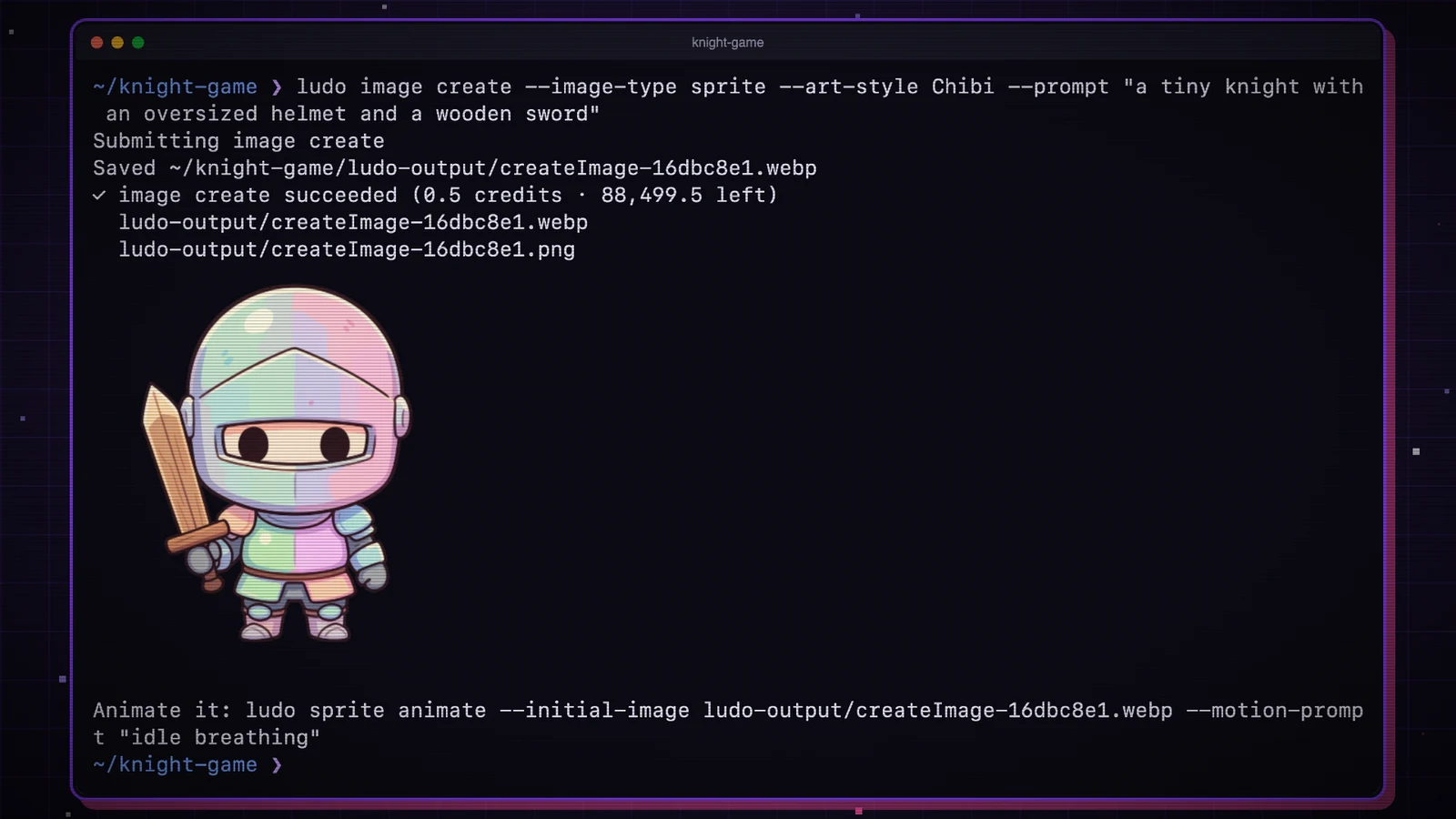
The September 28 release brings Ludo's generators to the terminal, with local file output, Godot animation resources and spending controls. Pro or Studio access is required.
Read article