PRODUCT UPDATE / AI image and texture workflows
3D AI Studio adds Qwen Image 2.1, with image generation from one credit
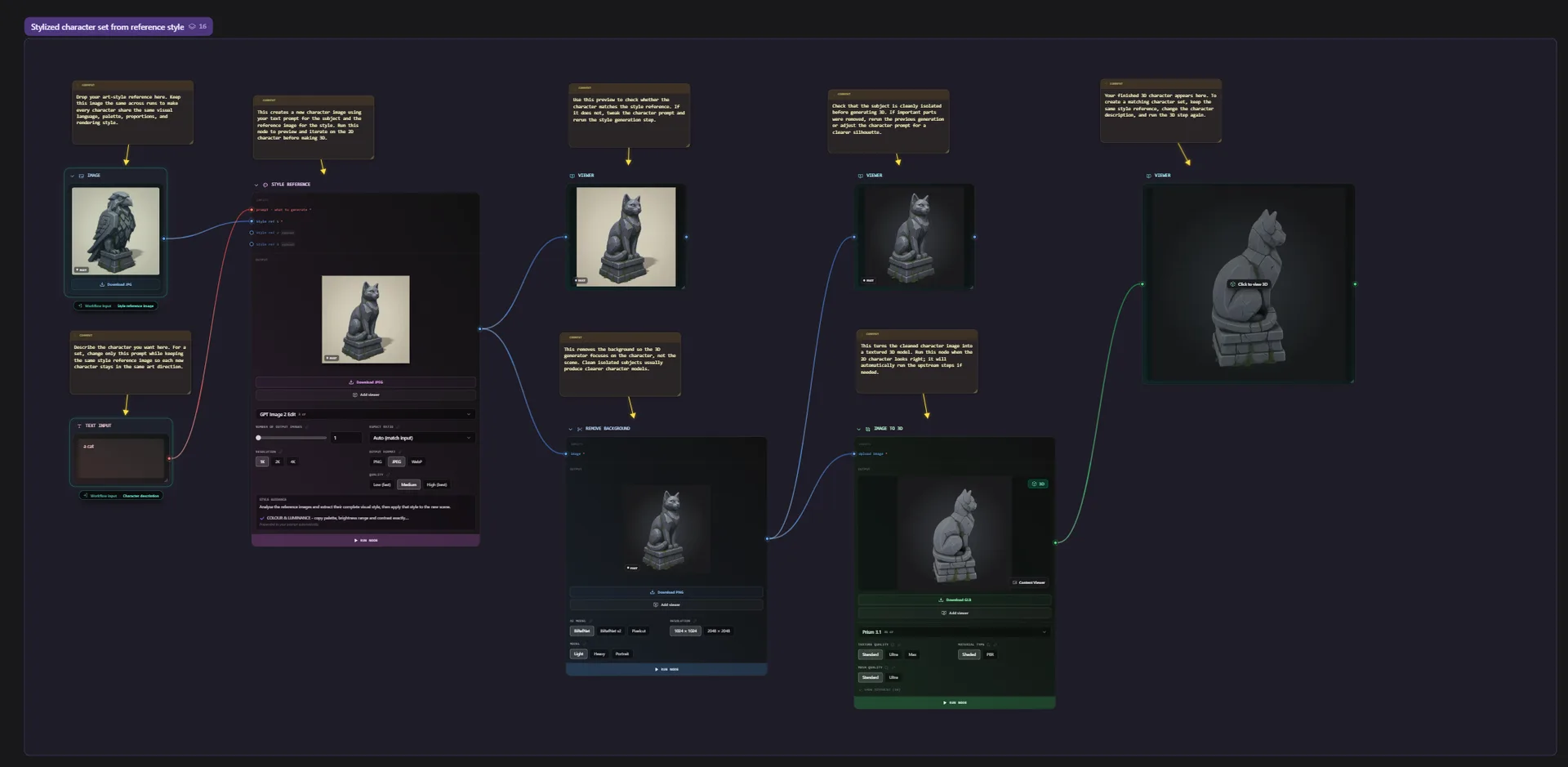
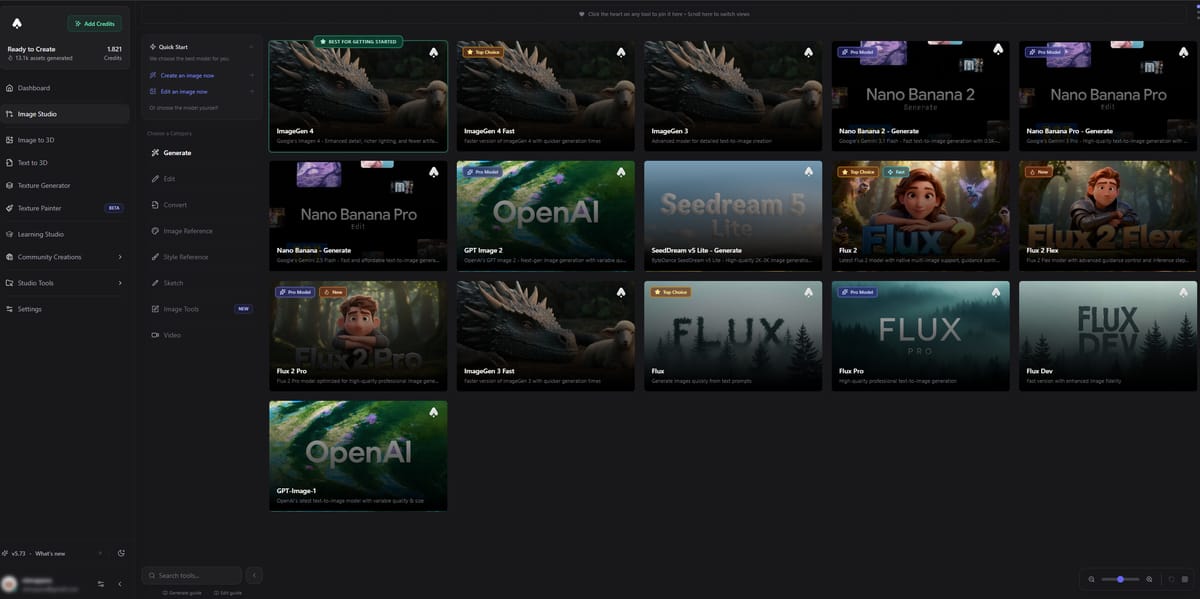
Version 6.8.26 brings Qwen Image 2.1 to image generation, editing, Texture Painter and Flow. A free prompt enhancer helps describe game references and surface changes; generation still uses credits.
For developers iterating character references, prop textures and image batches.
3D AI Studio added Qwen Image 2.1 in version 6.8.26 on October 22, alongside free prompt enhancement. For game developers, the update adds another option for iterating reference images and repainting model surfaces inside existing asset workflows.
Image costs start at one credit
The release notes list one credit at 0.5K, two at 1K, and six at 2K; editing at 2K costs seven. Both Generate and Edit have dedicated entries. The company advertises roughly two-second generation at 1K.
Qwen Image 2.1 does not produce transparent backgrounds. A character reference may therefore need background removal before becoming a cutout asset. Image Studio already supports preparing references and sending them to Image to 3D.
Repaint a view without replacing the whole texture
Qwen Image 2.1 also joins Texture Painter. Its AI painting guide requires a paid plan and explains how a result becomes a separate layer. Brush over the model to reveal useful areas; erase to hide them again. This can help preserve a hand-painted detail while trying another surface treatment.
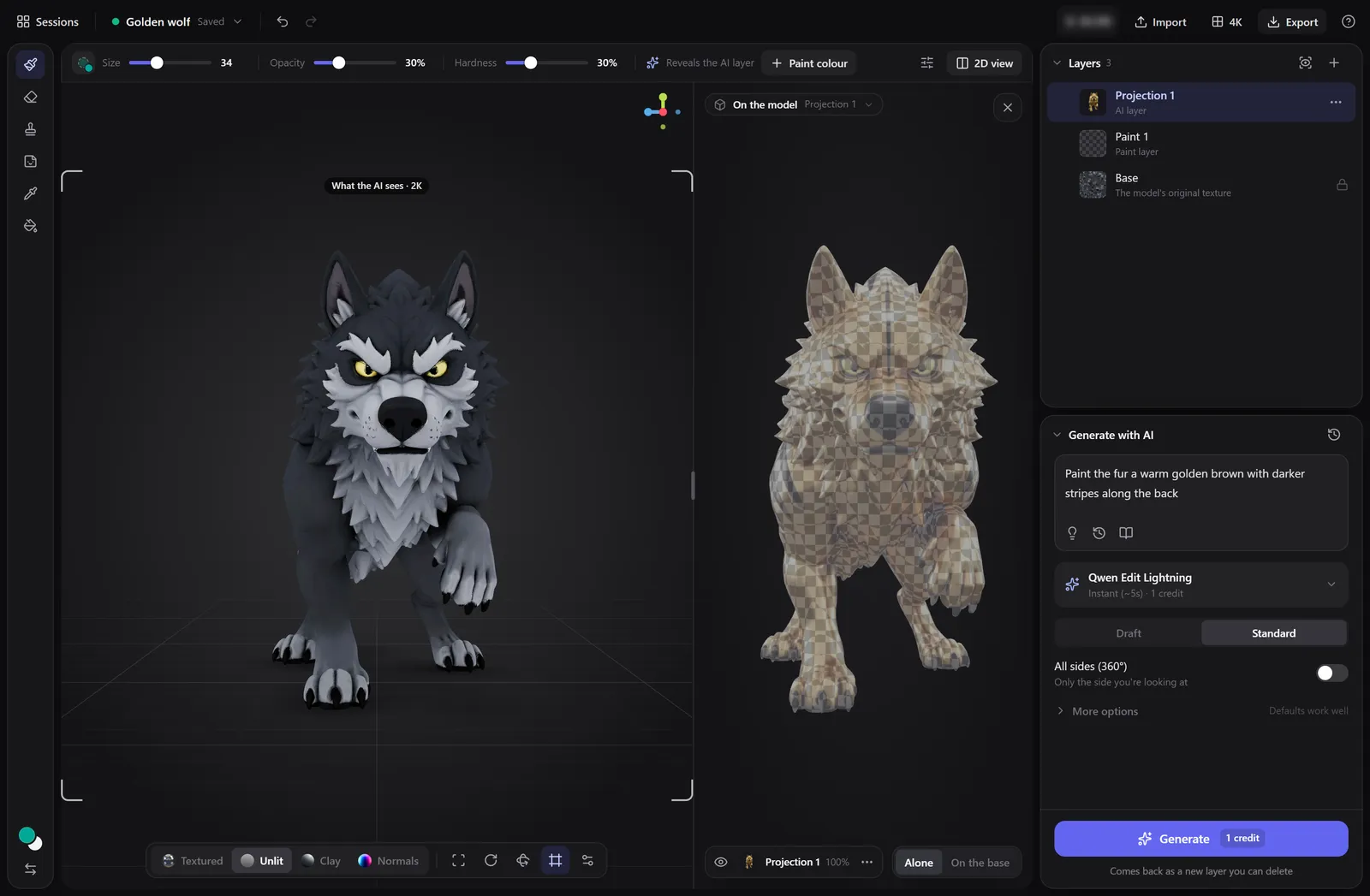
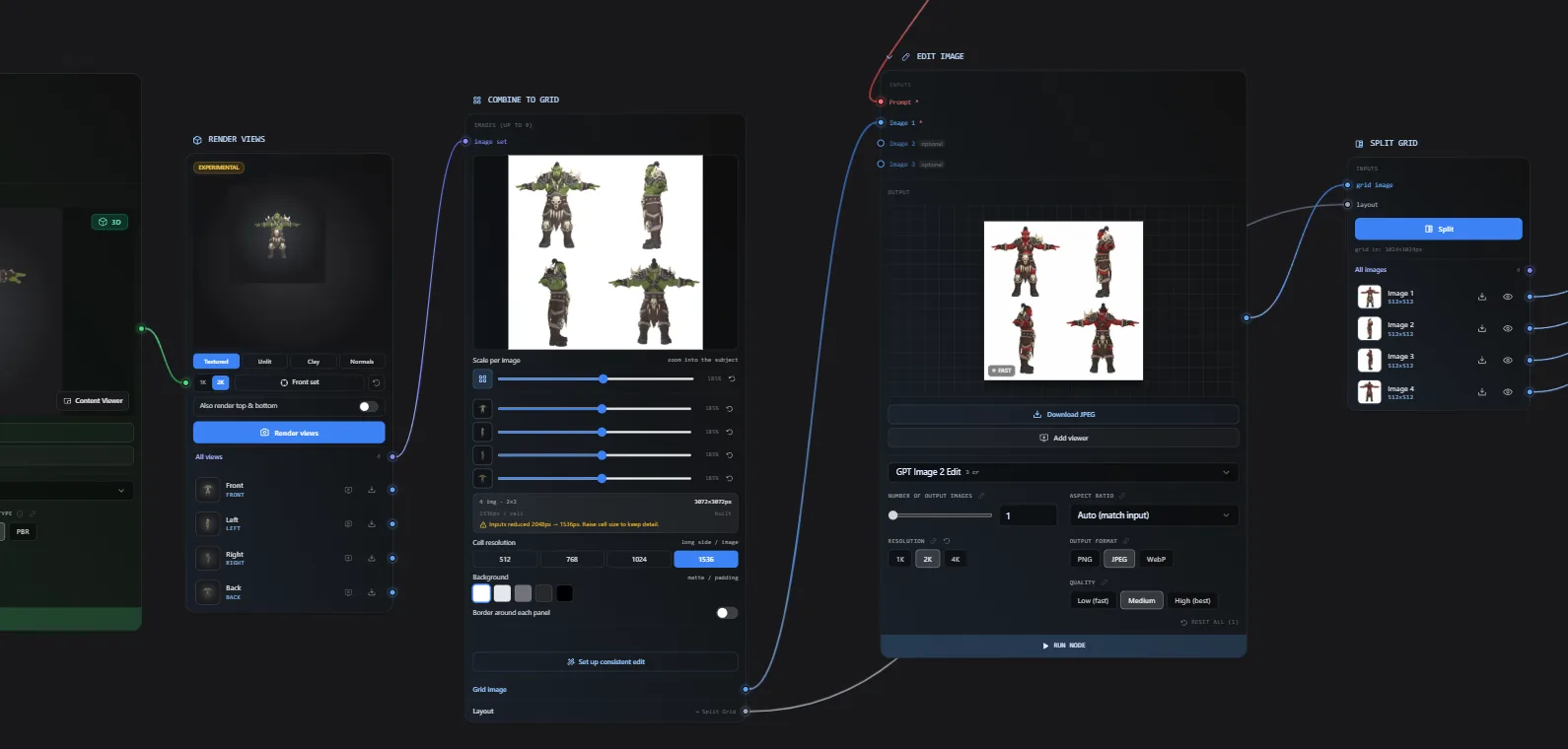
The new model is available in Flow's image nodes and through MCP. The connector requires a paid plan and spends the account's normal credits.
Expand the prompt, then check the batch estimate
Enhance Prompt is free with a daily usage limit. In Texture Painter, it describes the visible materials and finish while keeping shape and camera instructions out. For an edit, specify both the requested change and the details to preserve.
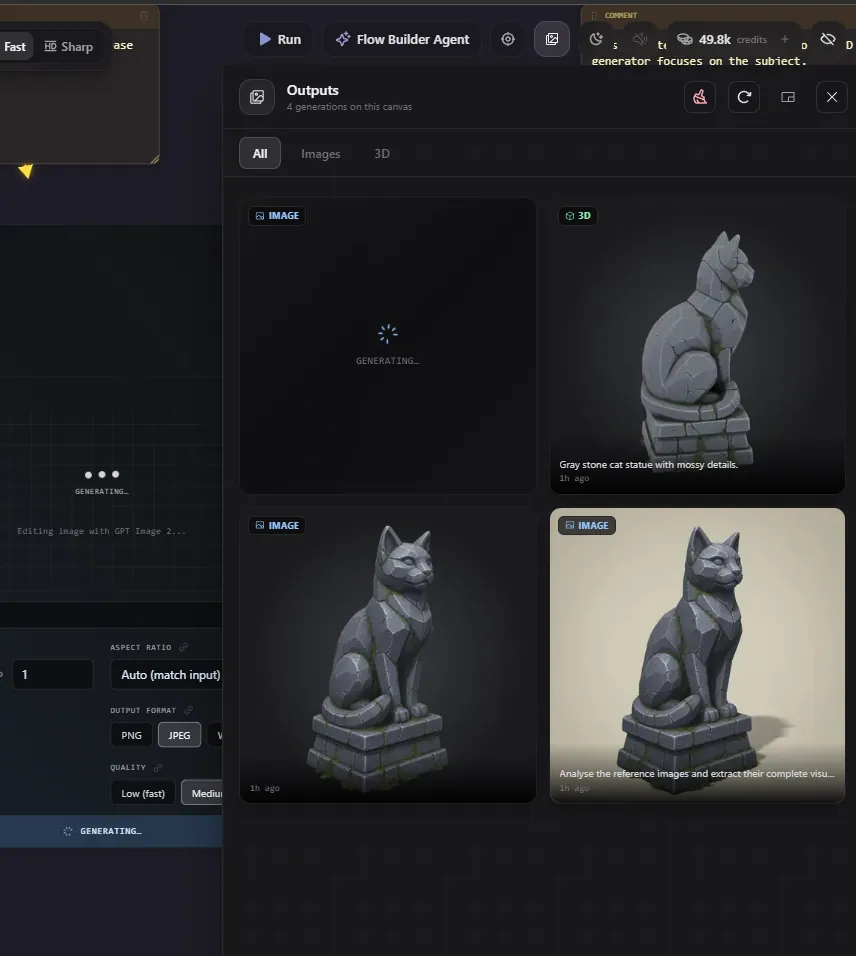
In Flow, each batch item incurs its own model cost. Building the graph is free; inspect the run panel's estimate before generating a set of prop or character variations. The one-credit starting price covers one low-resolution image. Additional generations and processing steps add to the pipeline total.
Sources (7)
No sponsorship or affiliate links in this article.