PRODUCT UPDATE / 3D asset workflows
3D AI Studio Flow improves Auto arrange and keeps node sizes steady
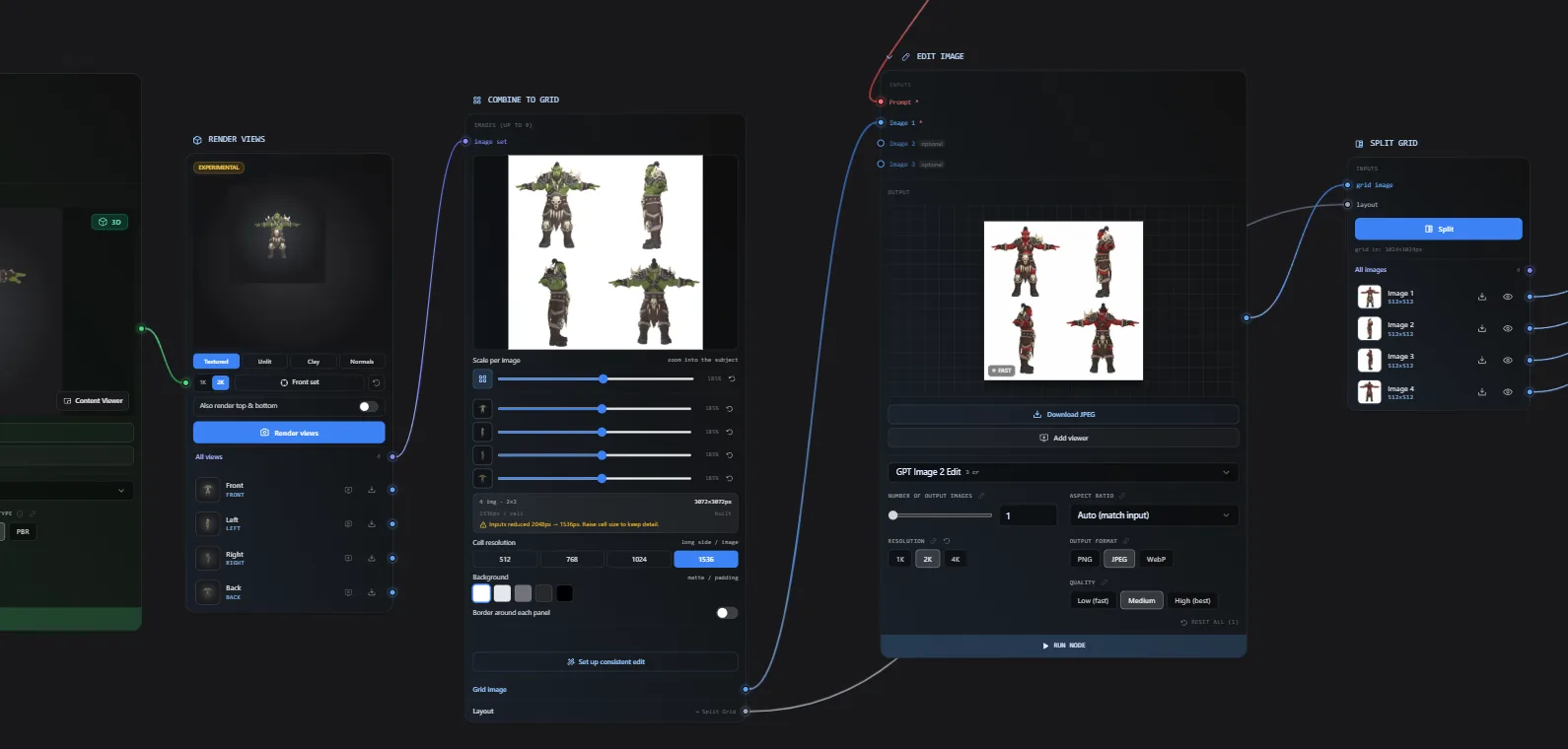
Version 6.8.25 rearranges branching graphs and reserves output space before generation. The changes help organize reference images, models and export steps on one canvas.
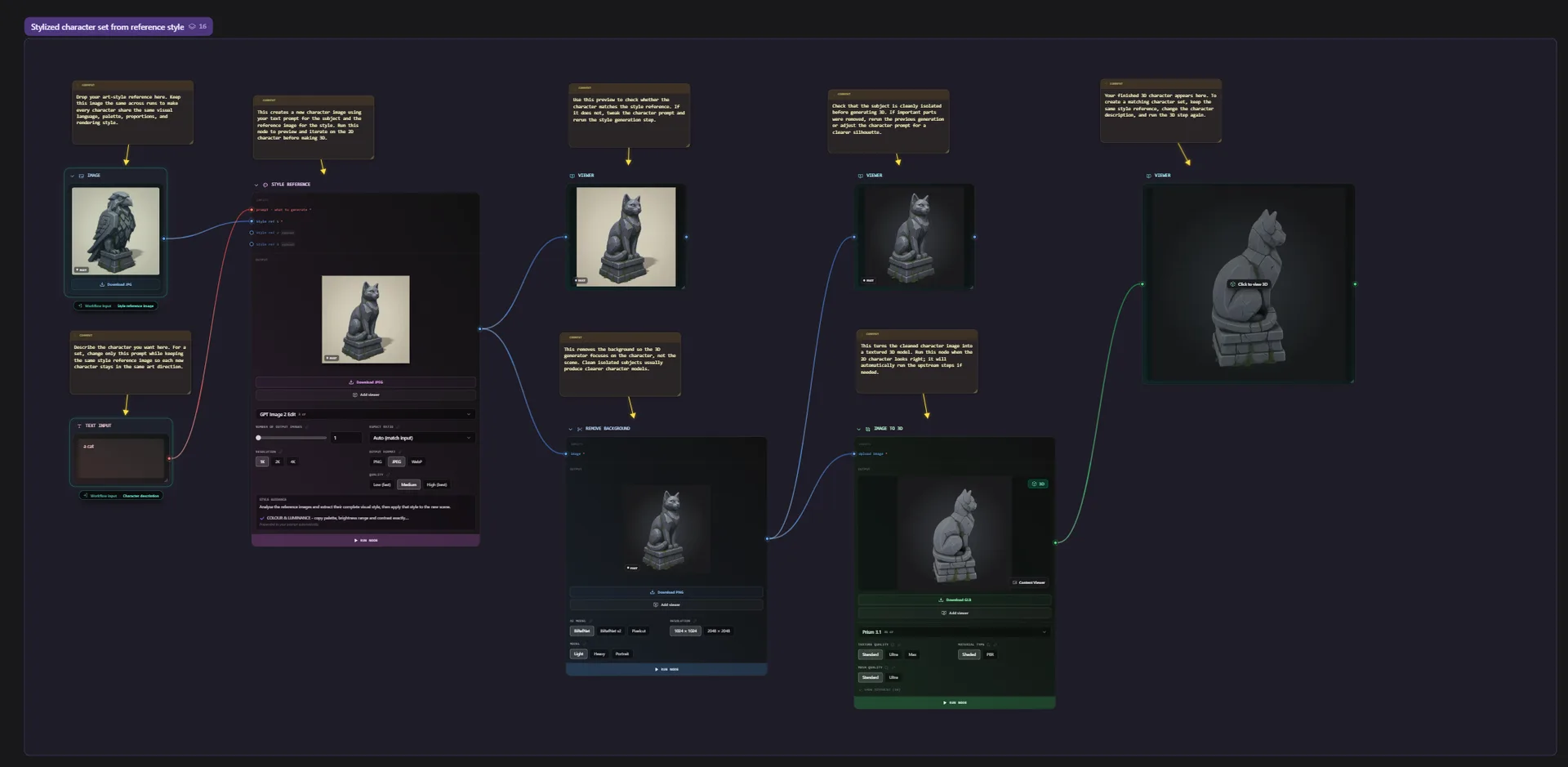
For creators organizing multi-view references and generation steps in reusable game-asset graphs.
3D AI Studio's October 21 version 6.8.25 update improves Auto arrange in Flow and reserves space for results inside generation nodes. The changes help organize branching canvases used to connect reference images, character models and export steps.
Inputs sit beside the steps that use them
The changelog describes a left-to-right layout with prompts, images and settings close to their consuming nodes. Shared inputs sit between the steps they feed. Repeated branches form rows, while steps that combine several inputs sit centrally to reduce crossing connections.
For a character pipeline that processes separate reference views before combining them, rows can make each input easier to trace. The Flow product page shows how image, model-processing and export steps connect; completed graphs can already be saved as reusable templates.
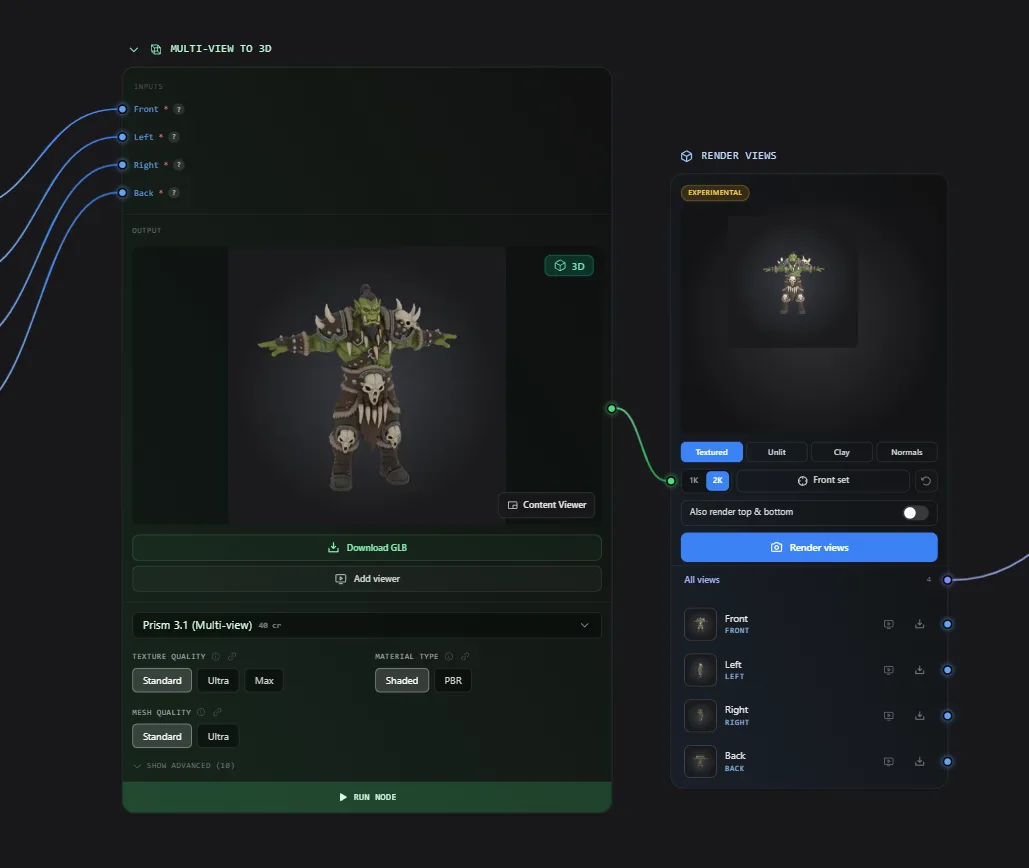
Flows built by the Flow Builder Agent use the same layout. Notes and frames also get spacing adjustments: when an arranged frame grows, frames below it move down to make room.
Result space is reserved before generation
Image generation, image editing and 3D nodes now display their result area when added. According to the developer, receiving a result no longer expands the node or shifts its connections. That keeps the canvas positions steady while creators revise prompts and compare asset variations.
Download and Add viewer move onto the result preview. Files without an inline preview, such as USDZ or 3MF, get a download button; older results remain accessible through View all.
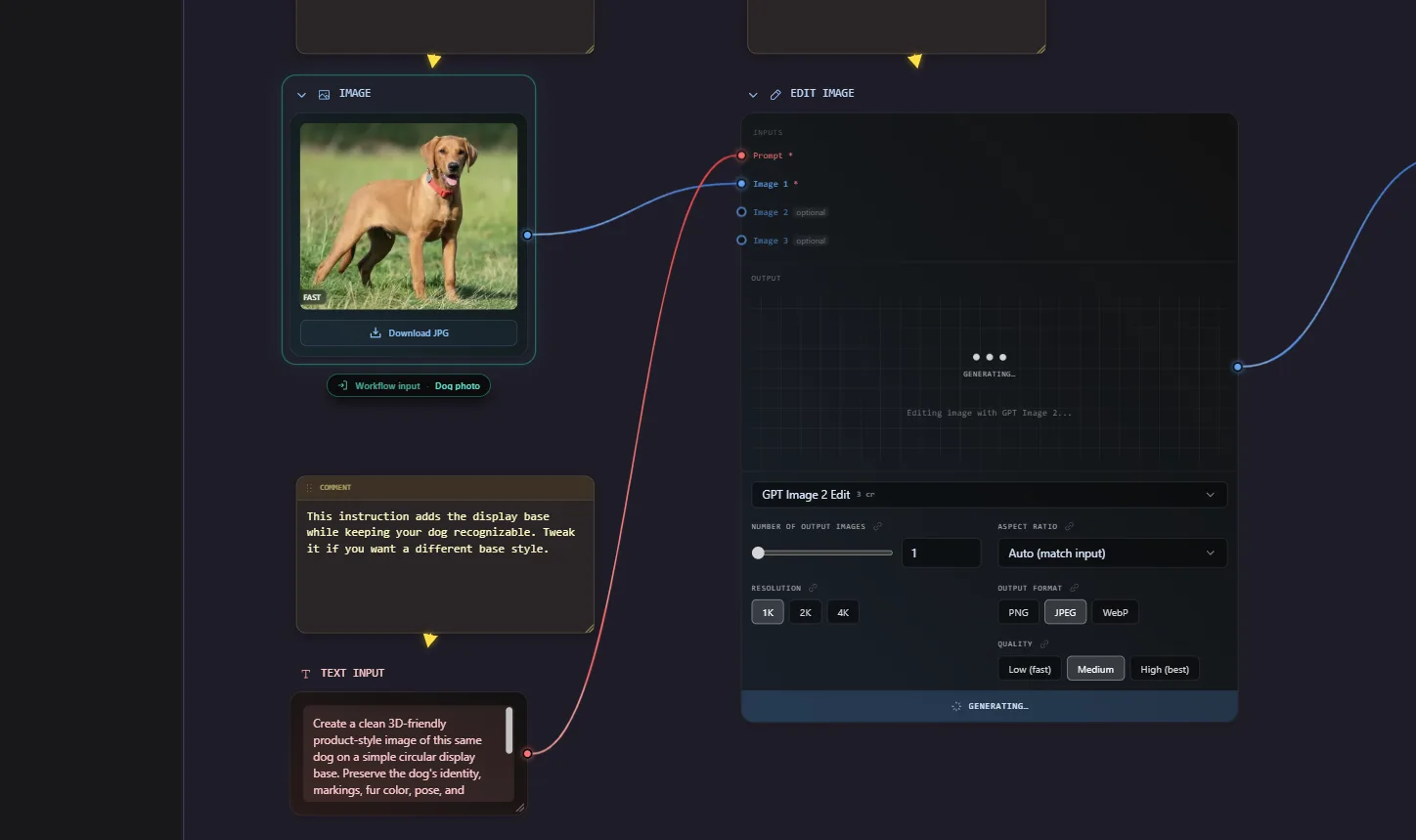
Arranging the canvas costs no credits. Model generation and assistant messages are charged separately. Before launching a complete asset pipeline, check its execution plan and estimated credits in the run panel.
Sources (5)
Based on the official changelog and documentation. No sponsorship, affiliate links or vendor-provided access was involved.