PRODUCT UPDATE / 2D art and animation
Riggy adds free motion templates and video export for Spine animation
Side-view characters gain walk, run, jump and punch templates. MP4 and GIF exports make clips easier to share; AI chat and image cutting remain paid operations.
For developers preparing reusable 2D character animations and preview clips.
Riggy's October 14 update brings two additions to its AI-assisted Spine animation workflow: motion templates released on October 12, and video export on October 13. Developers can add common actions to an existing character rig and download clips for review or a store page.
Free motions for side-view characters
The template list offers Walk, Run, Jump and Punch, with speed and strength controls. These motions require a side-view character and the appropriate bones: knees for locomotion, an elbow for punching, plus hips and a torso. Front-facing characters use chat-driven animation instead.
Previewing and adding a template costs nothing. Walk and Run stay in place; moving the character through a level still belongs in game code. The character animation guide describes the supported rigs.
The cut image still needs a joint check

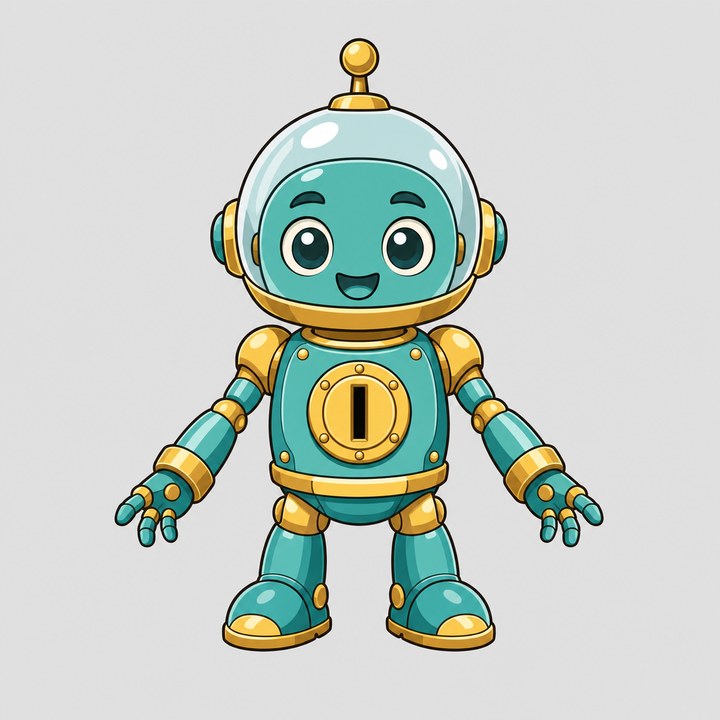
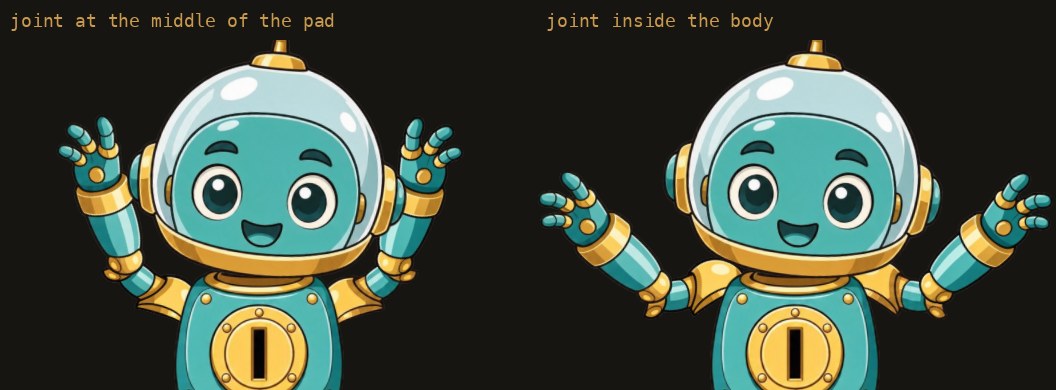
Riggy also accepts flat PNG or JPG artwork, splitting it into parts and filling hidden areas before animation. Its October 9 robot example illustrates that existing workflow, including corrections to the cut plan.
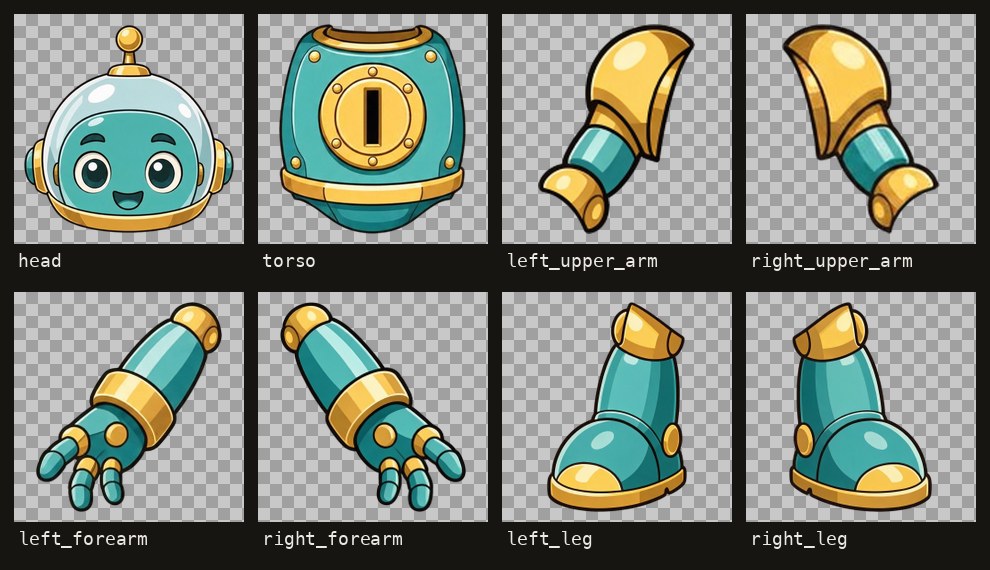
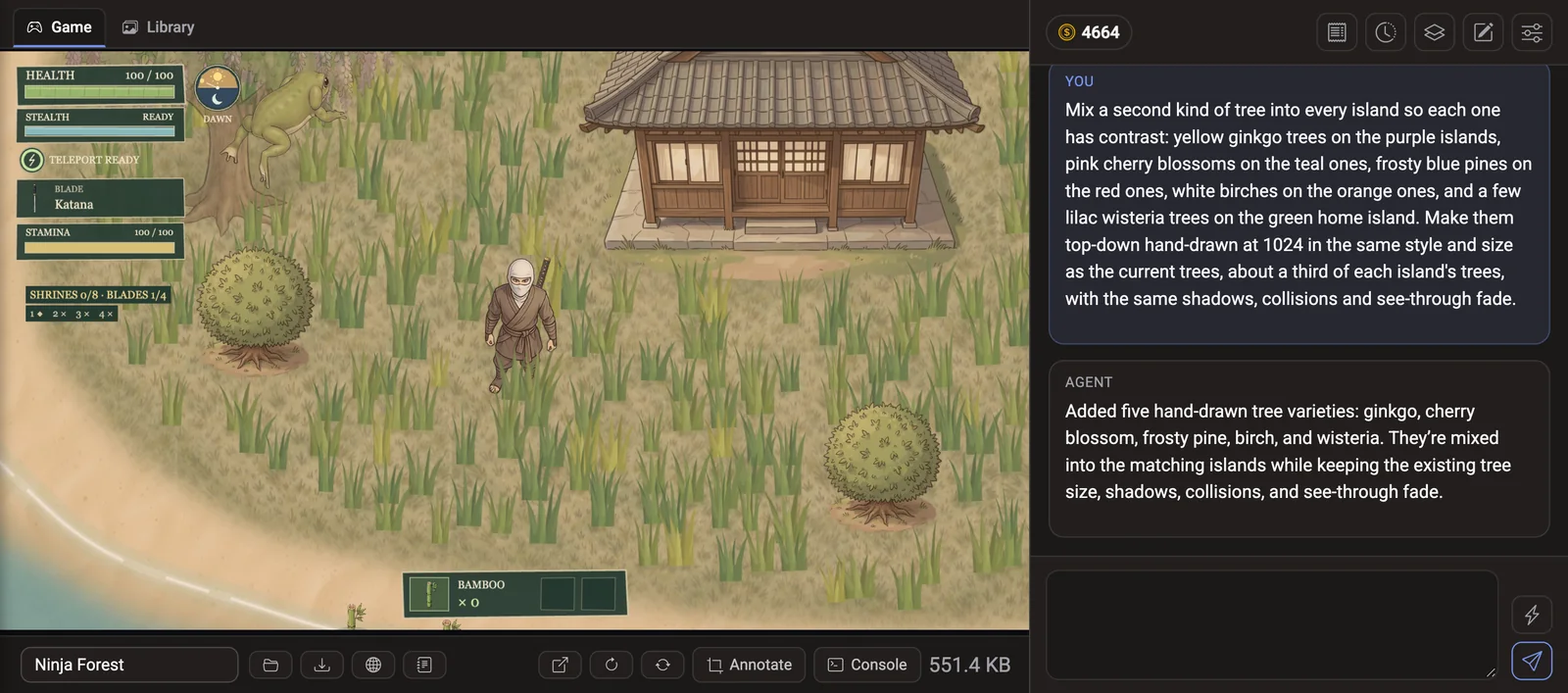
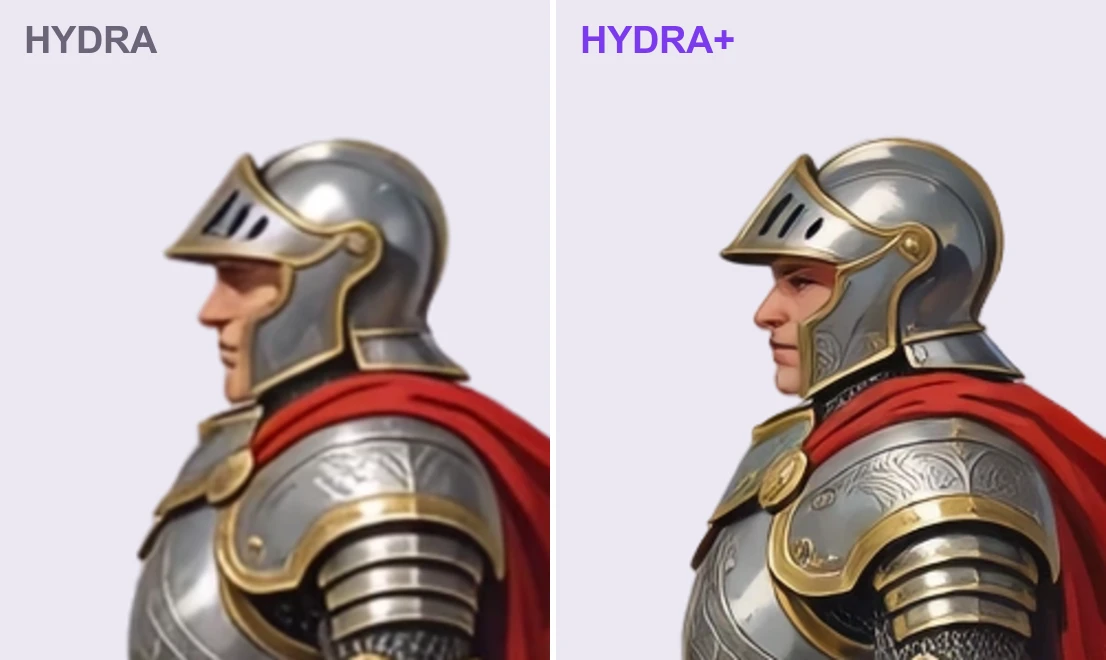
The example needed further adjustments to shoulder pivots to close gaps during raised-arm poses. Clean separation in the rest pose does not establish that every animated pose works; inspect joints while the character moves. The pictures here document that earlier example, rather than the new motion templates.
Export a clip or keep the editable Spine files
The download dialog now offers MP4 and GIF alongside Spine files. A clip can repeat an animation up to three times, capped at 30 seconds for video or 15 for GIF. MP4 depends on browser encoding support. The editable game asset remains Spine 4.2 data.
Under Riggy's current pricing, exports and manual edits are free. AI chat is billed by token use, and image cutting is charged separately. New accounts receive $1 in trial balance; top-ups currently accept USDT or USDC, with no card payments.
Riggy does not include a Spine Editor licence. Integration using the official Spine runtimes must meet Esoteric Software's licence requirements. Related tools for this production stage are in the 2D art and animation directory.
Sources (6)
No sponsorship or affiliate links in this article.