PRODUCT UPDATE / Image generation · 2D art and animation
ChatGPT Images 2.6 brings GIFs and new API image controls
OpenAI’s November 4 release brings GIF creation to ChatGPT and Codex, while the API gains markup-guided edits and SVG output. Game teams can explore short character loops and art revisions; API GIFs require preview access.
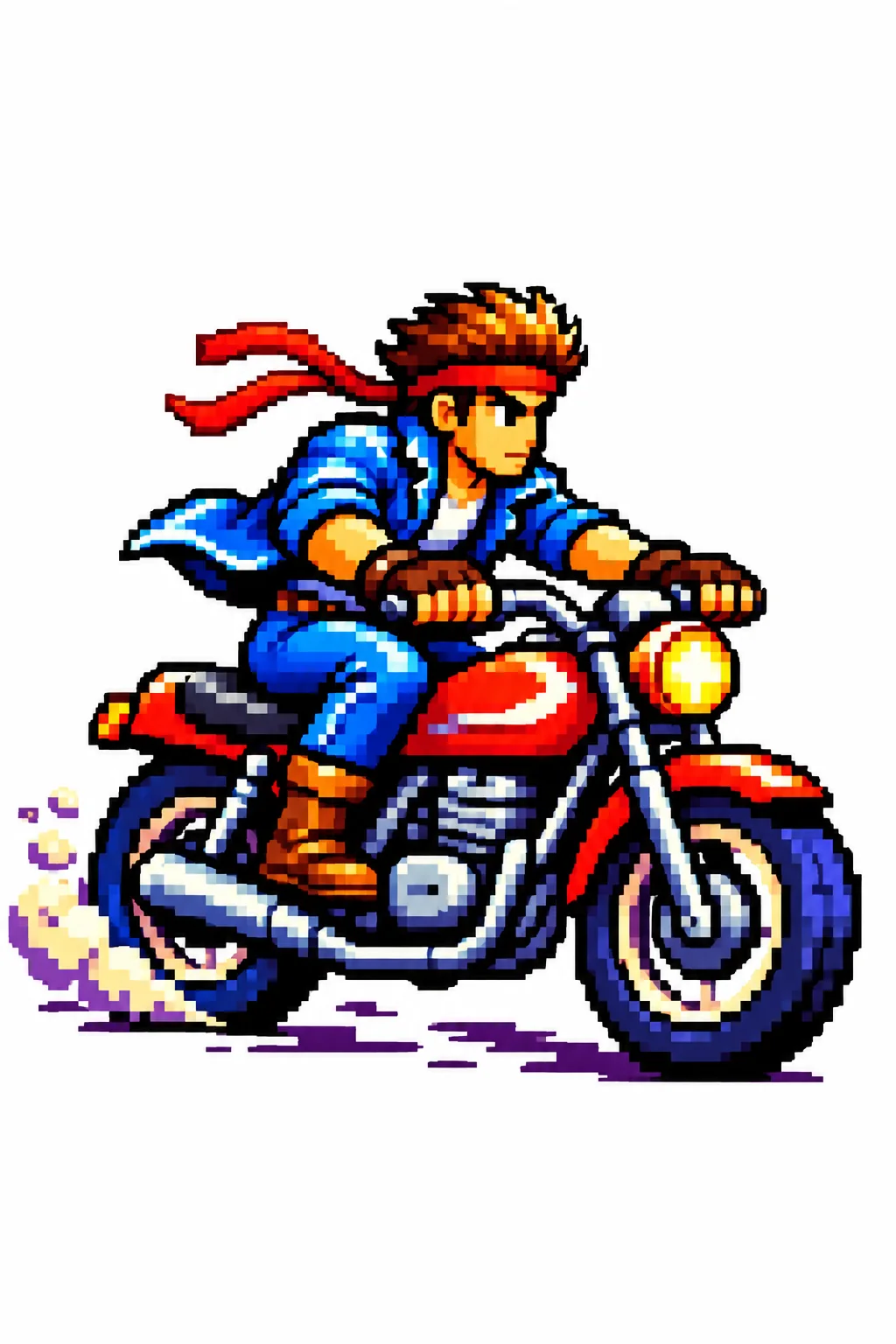
Game artists and developers preparing character motion sketches, local art revisions and scalable interface graphics.
On November 4, 2026, OpenAI introduced Images 2.6 in ChatGPT, Codex and the API. The release adds GIF creation and API controls for markup-guided edits and SVG output. Markup was already available in ChatGPT. For game teams, these offer ways to explore a short character reaction, revise an art concept or prepare a scalable graphic before integrating it into a project.
Short loops need a clear starting pose
The API reference lists GIF output for image generation and requires access to the selected model’s GIF preview. It is worth checking that permission before building an automated asset workflow. GIF export is not supported by the image-edit endpoint.

For a loop, OpenAI’s prompting guidance recommends specifying a pose to return to and whether the camera moves. A small team could use that pattern to explore an idle gesture or a reaction for a dialogue interface. Review the transition back to the first pose and the character’s shape before treating the result as production material.
Mark the object to change, then inspect the surrounding art
The 2.6 prompting guide separates image detail from planning: quality controls rendering detail, while complexity controls planning effort. Flare is positioned for speed and Sunburst for detailed work. For a targeted edit, the guide suggests starting with low complexity and checking the result.
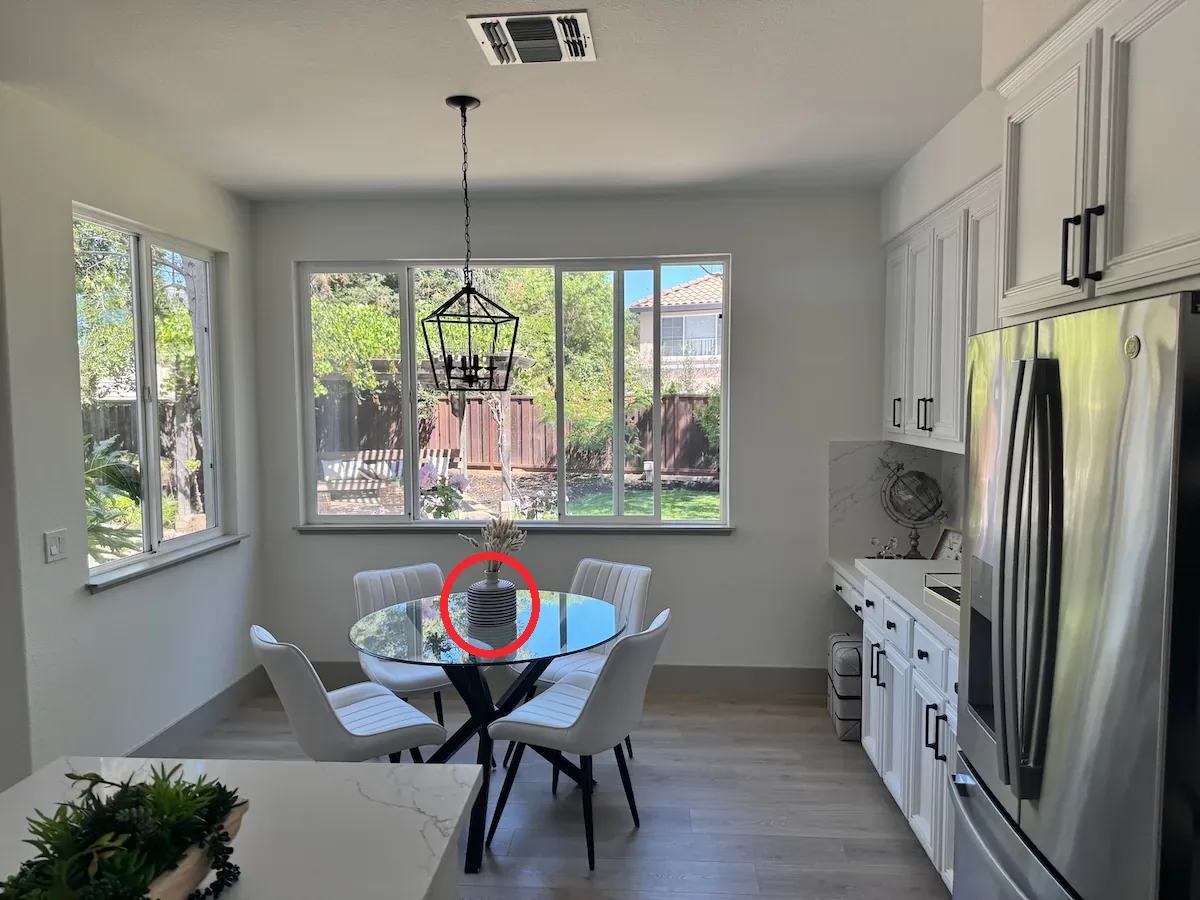
Markup supplies a separate transparent PNG annotation layer with the same dimensions as the first input image. The accompanying prompt describes the requested change. This could help identify a prop to recolor in a scene concept; the surrounding composition still needs inspection after the edit.
SVG output and billing have their own boundaries
The image generation guide describes SVG output as static vector content created from a generated reference image. It can provide editable paths for an icon or illustration, but the image-edit endpoint does not export SVG. The returned vector document excludes scripts, external resources and embedded raster images.
API costs depend on token usage. SVG work includes both the reference-image generation and the model that authors the vector file, so a single flat price per finished asset would be misleading. Teams comparing models can keep a small set of art requirements fixed and record the cost of results they actually accept.
Sources (4)
Based on OpenAI’s official announcement and API documentation. No sponsorship or affiliate links.