PRODUCT UPDATE / AI agents · Procedural 3D
Construct 1.0 adds glTF export and a Blender add-on for scenes built by AI agents
The October 27 release exports named parts, mechanical joints and animation as GLB, with OBJ for static models. A Blender extension adds assembly controls for props, blockouts and further modelling.
Developers prototyping mechanical props or holographic objects who need editable parts and simple joint animation.
Artyom Andreyev released Construct 1.0.0 on October 27, adding 3D export to scenes written by an AI agent. The release turns a description built from named shapes into GLB or OBJ files, with a new Blender extension for further work. Its intended outputs are props, blockouts and modelling starting points.
Export parts and mechanical motion together
The export guide describes glTF 2.0 files with named parts arranged under assembly stages, in metres. Hinges and slides become opening animations; periodic movement becomes an idle animation. OBJ exports a single pose without animation.
For a game prop, the merge option combines stationary parts by material while keeping moving nodes and their animation. A separate material map assigns finishes such as paint, metal or glass to part IDs.
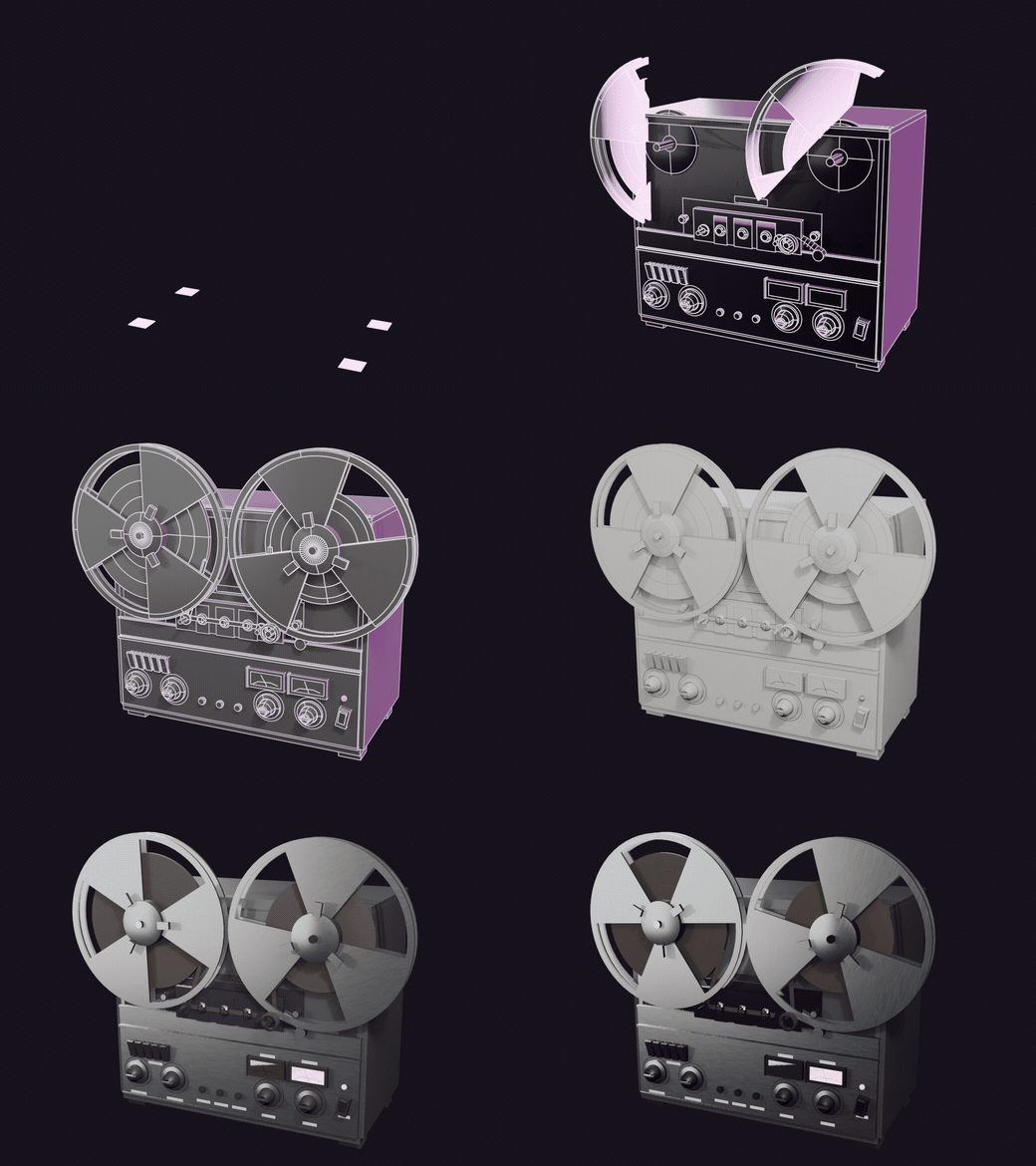
Control assembly inside Blender
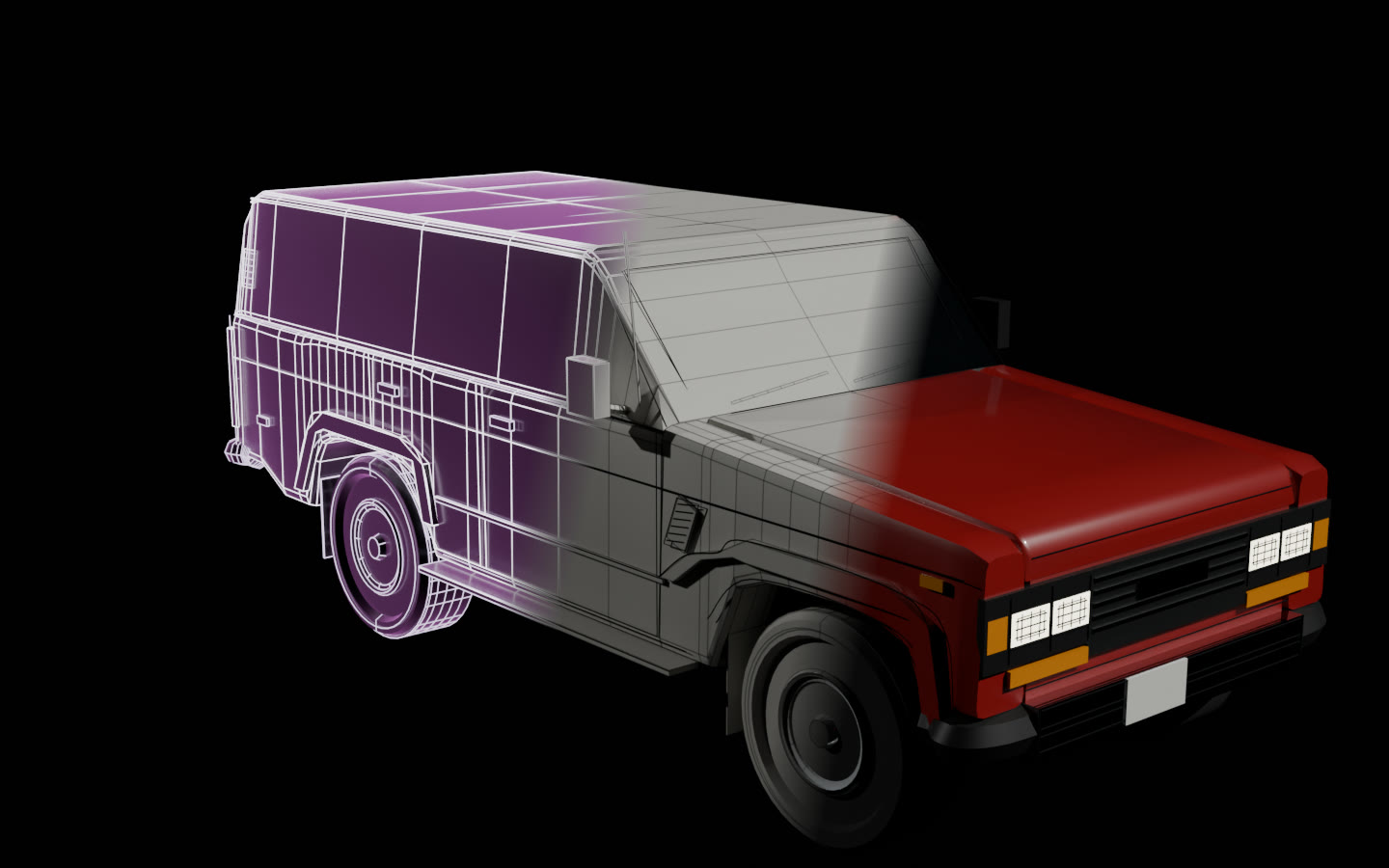
The Blender extension imports a Construct scene or exported GLB. Its Build and Open controls drive assembly and joints; Light to Metal and Plain to Finished control the transition from holographic lines to a solid, finished model.
These controls use ordinary custom properties and drivers, so a saved blend file keeps them without the extension installed. That could provide a starting point for a prop reveal or mechanical-object animation.
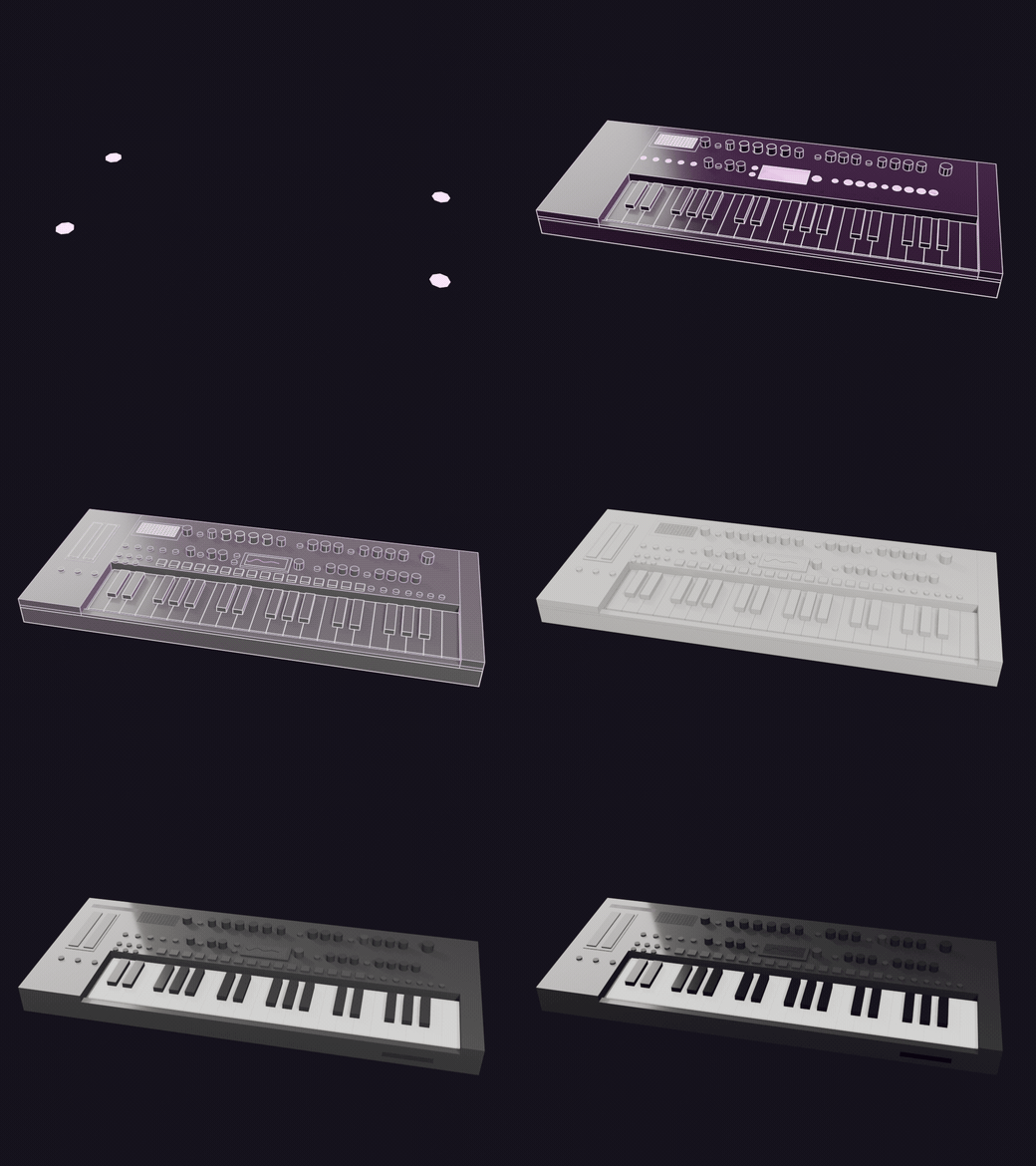
Requirements and engine limits
Construct builds from its own shape vocabulary. The release lists mechanical joints with no skinned character rig, simple box-projected UVs, and no imported meshes. The export guide also notes that it supplies no textures or levels of detail. These limits matter when planning further asset work.
The guide records checks in Godot 4.7.2; Unity and Unreal are listed as untested. In the documented Godot path, glass falls back to a translucent base colour because transmission and clear coat are not applied.
The project requirements specify Python 3.10 or later and Blender 4.2 or later for the extension. The compiler uses Python's standard library; an AI client and model are configured separately. Review-image capture on Linux and Windows is listed as untested. The main project uses Apache-2.0, with GPL-3.0-or-later for the Blender extension.
The official gallery links the original examples and exported models. Related production tools are in the 3D assets and animation category.
Sources (5)
No sponsorship or affiliate links in this article.