PRODUCT UPDATE / 3D animation · Character rigging
Meshy adds skeleton templates and finger bones to its Rigging API
Meshy’s November 10 update lets developers choose a humanoid skeleton for Mixamo, Unreal or Unity and request finger bones. Later animation tasks use the skeleton chosen for the rig.
Choose the skeleton when rigging, then check one imported clip before processing a character’s full moveset.
Meshy added skeleton templates and optional finger bones to its Rigging API on November 10. Developers who rig humanoid game characters with scripts can now choose the bone names and hierarchy their pipeline expects. Animation tasks made from that rig use the same skeleton. Creating a task requires a Meshy API key and a paid plan. November 10 changelog · API authentication
Choose the skeleton and check the export scale
Set skeleton_template when creating the rig. The options include mixamo, ue5_mannequin and unity_humanoid. Meshy’s changelog lists meshyrig as the default for Rigging v1 and mixamo for v2. Meshy documents the standard 24-bone meshyrig output in centimeters. Selecting a different skeleton or enabling finger bones produces files in meters. Check the character’s height after importing a sample, especially if an existing import script assumes centimeters. Rigging API
Finger bones depend on the model’s hands
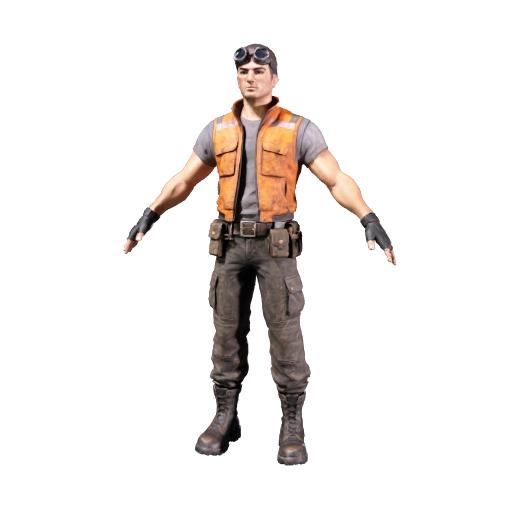
Set include_fingers: true for a biped. Meshy looks for separate fingers, so a glove modeled as one shape can end up with fewer hand bones. Adding fingers is incompatible with a custom texture_image_url or a quad-topology model supplied by input_task_id. Some characters only rig successfully on the standard Meshy skeleton without fingers. Rigging API constraints
Apply clips to the completed rig
Pass the successful rig_task_id to the Animation API. Its existing action_ids option accepts up to ten distinct presets in one request and puts each clip in the same GLB or FBX file. Automatic rigging costs 5 credits per request, including when you enable fingers. Generating preset animations separately through the Animation API costs 3 credits per action. Animation API · API pricing
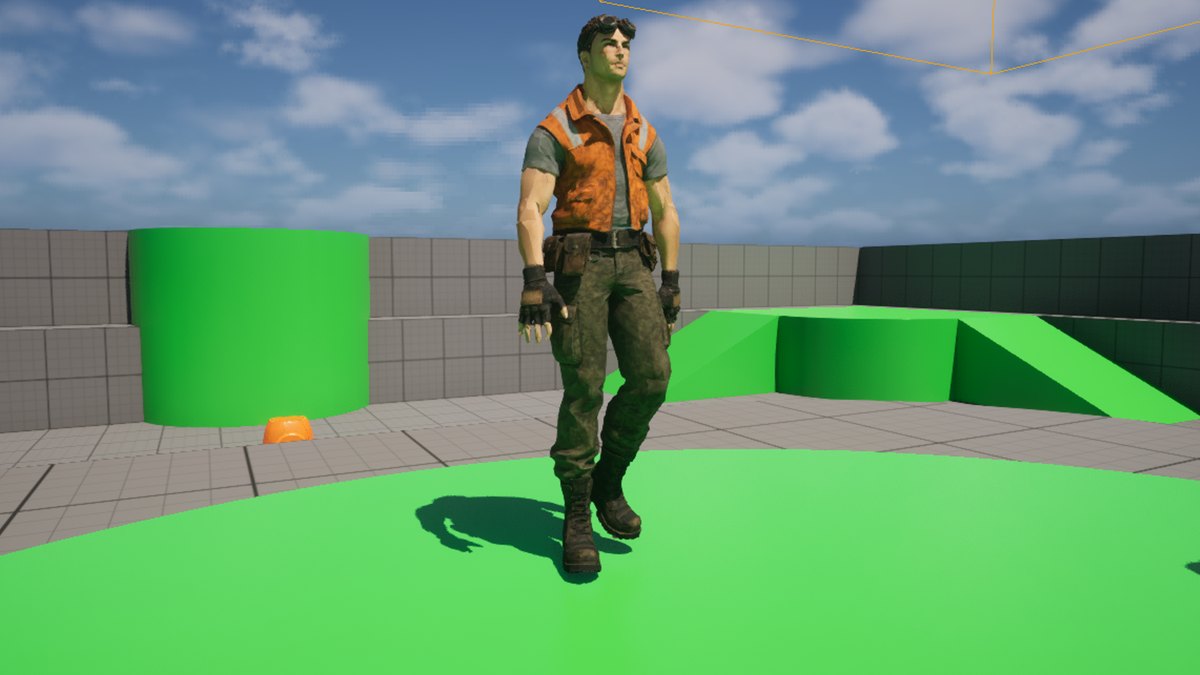
Meshy’s November 8 Unreal example used the 24-bone default rig. The company’s test got a 180 cm character from its FBX import and a 1.8 cm character with the default GLB import settings. The example predates the new options. When switching templates, import one clip alongside the mesh and check height and finger motion before generating the full set. The 3D assets and animation category and Meshy tool page cover the rest of the asset workflow. Meshy’s Unreal example
Sources (6)
Based on Meshy’s public release notes, API documentation and Cookbook example. No sponsorship or affiliate links.