PRODUCT UPDATE / 3D assets · Character animation
3D Gen Studio 4.1 adds prompt-based animation in Workspace
The November 8 release lets teams describe a motion for a rigged mesh, preview it and save the clip with the asset. Workspace also gains mesh refinement and ground alignment.
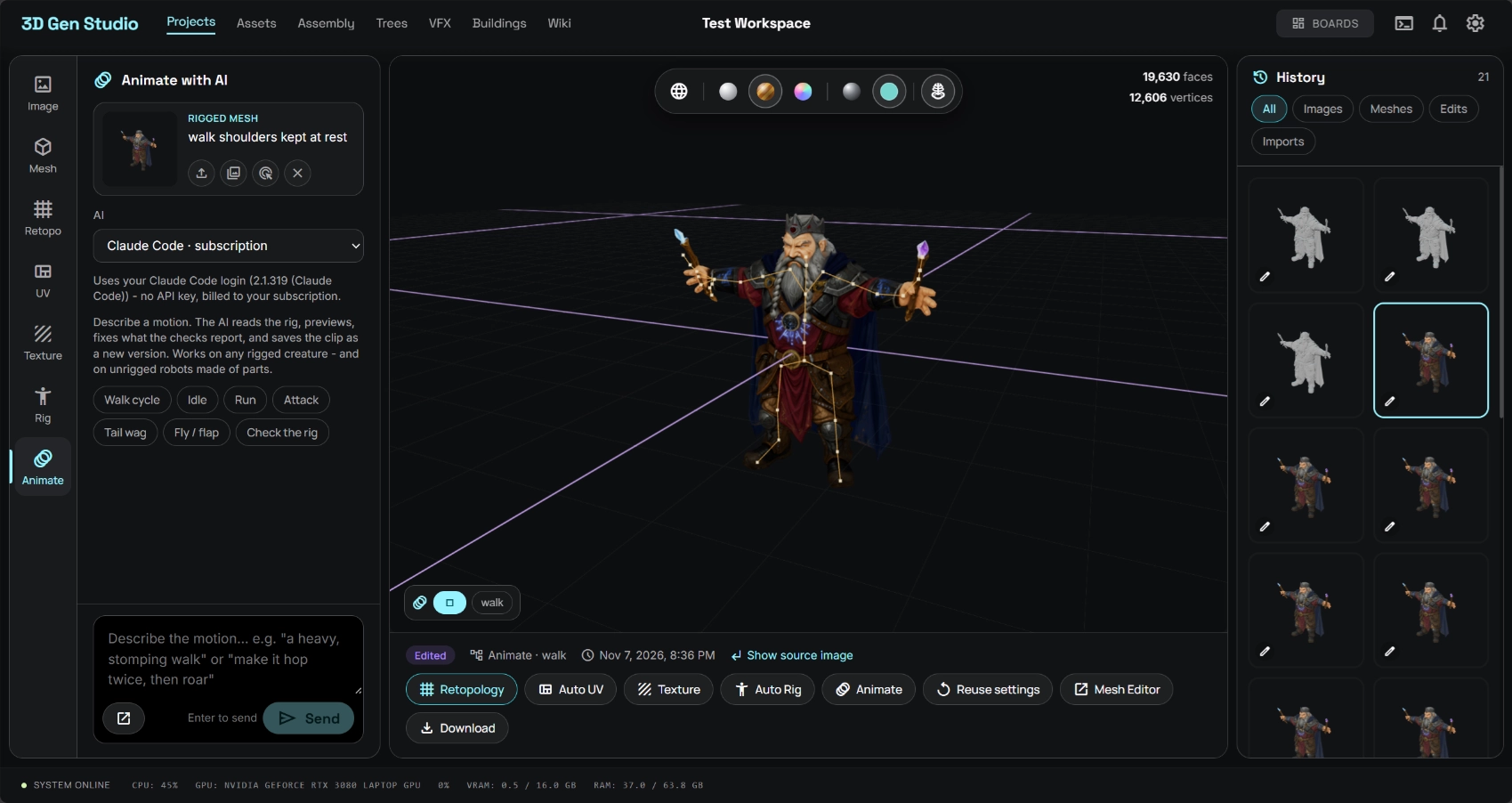
Try a walk cycle on your own rig and keep a version of the mesh with the clip embedded.
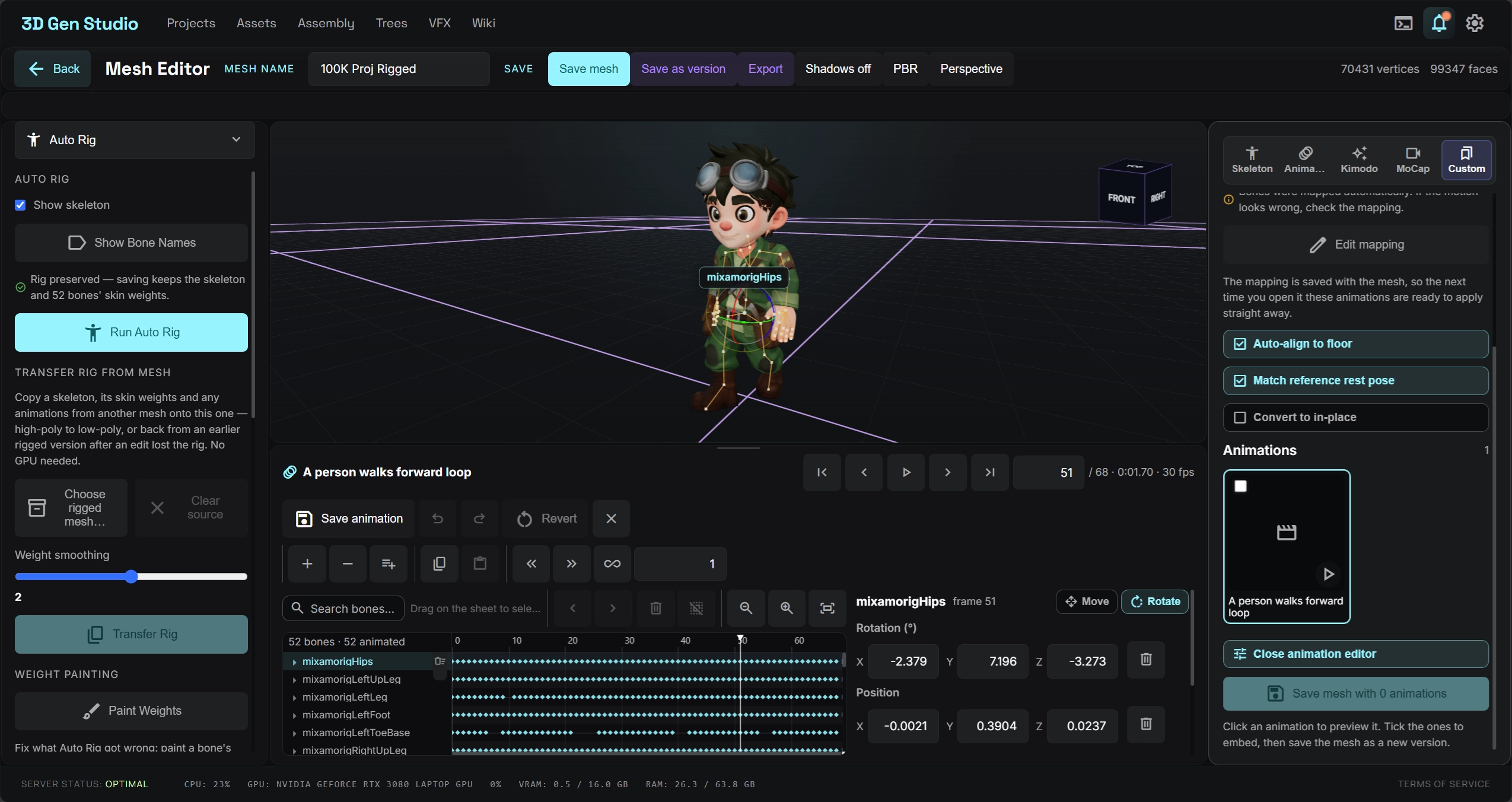
3D Gen Studio released 4.1.0 on November 8 with Animate with AI inside Workspace. Select a rigged mesh and describe an action in the chat panel. A game team can try a creature’s walk cycle on its own skeleton and save the motion with the mesh for a prototype. Release notes
Preview a motion on the rig
The developer documents Claude Code and Codex sign-in, Anthropic and OpenAI API keys, and a local model through an OpenAI-compatible endpoint. Hosted use draws on the selected subscription or API account. Provider options · Animation panel
The agent reads the rig and can preview sampled frames, check for foot sliding and inspect the loop seam. The saved GLB contains the clip and appears as a new asset version. The existing Animation Editor gives an animator a timeline for reviewing individual bones and keys. Motion preview and saving
Refine the mesh and set it on the ground
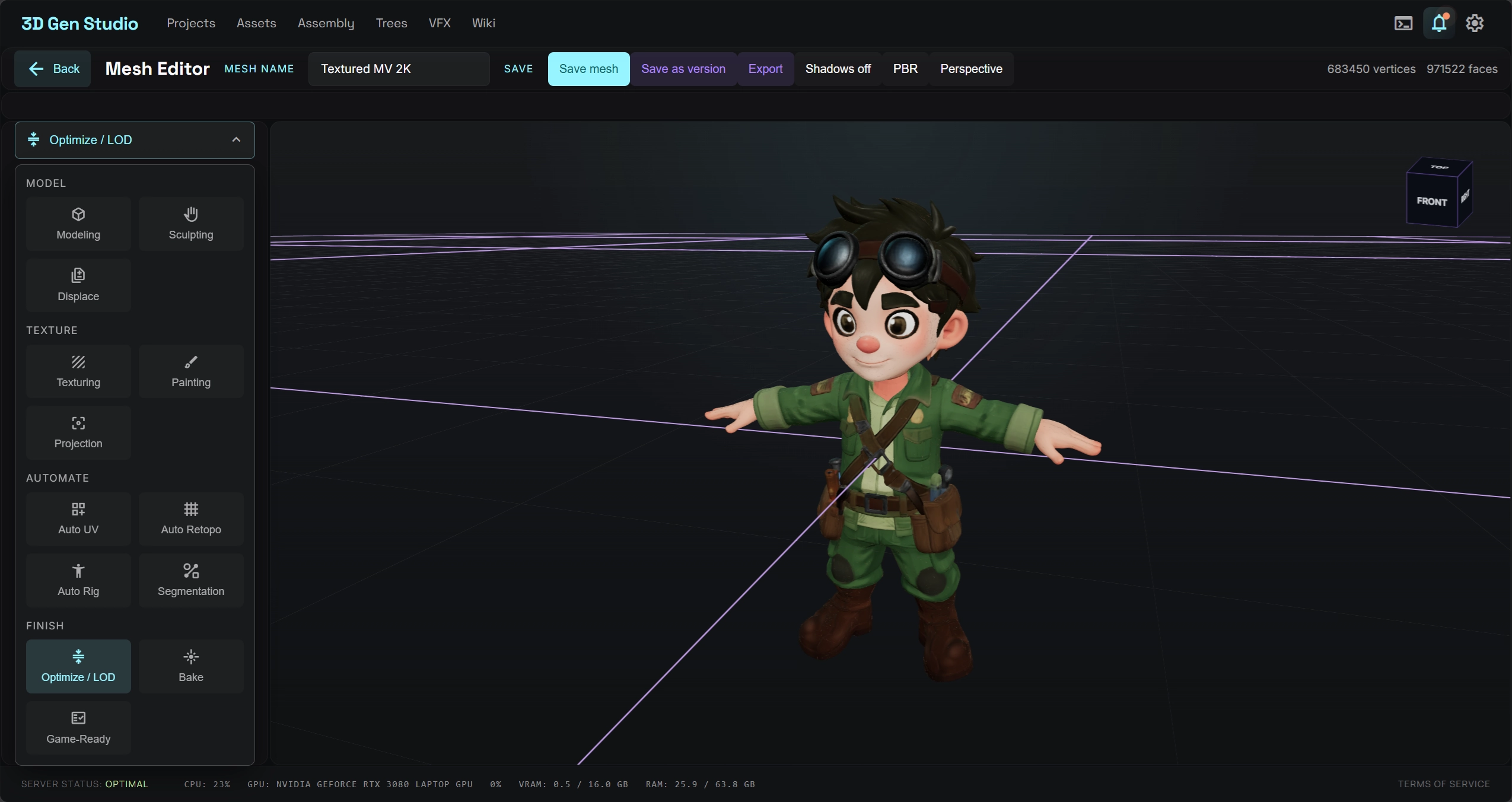
Refine in the Workspace Retopo panel takes a reference image and an installed ComfyUI workflow. The release lists Trellis2 and Hi3D for this step. In the Rig panel, Align to the Ground moves the model’s lowest point to the floor, and Show bone labels helps identify joints in the viewport. Refine panel · Rig panel
Sources (6)
Based on the public release, publisher screenshots and the source at v4.1.0. No sponsorship or affiliate links.