PRODUCT UPDATE / Editor agents · Asset import
Unity-MCP and Unreal-MCP can now import assets you own
AI Game Developer adds Unity Asset Store and Fab integration to its editor plugins. AI agents can find asset packs in your library and import them into a Unity or Unreal project.
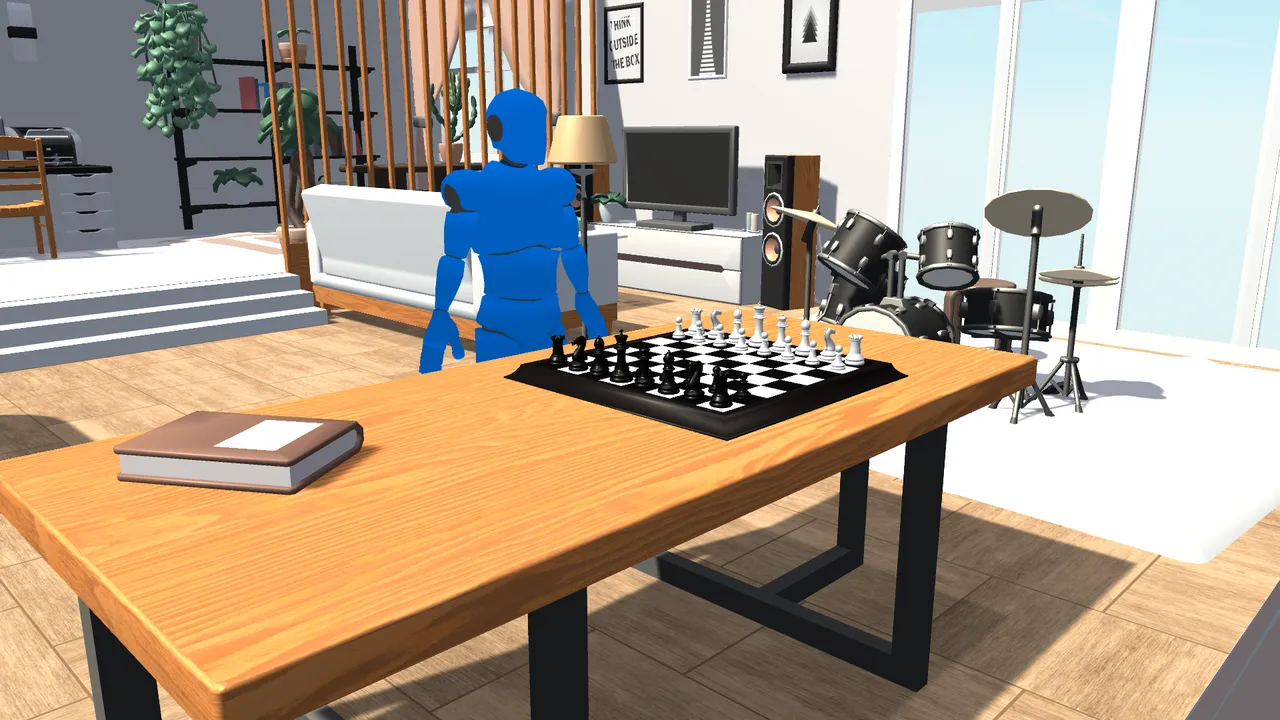
Give the agent a pack you own and have it report the imported assets before it starts placing them in a scene.
AI Game Developer’s editor plugins can now bring asset packs you own into a game project. Unity-MCP 1.11.0 connects to the Unity Asset Store library and Unreal-MCP 0.31.0 connects to Fab. Both plugin versions were published on November 12. In an editor connected to an MCP client, you can ask an AI agent to find a pack you already own and import it for a scene. Developer announcement · Unity release · Unreal release
Unity-MCP searches My Assets and reports what it imports
With a Unity account signed in to the editor, assetstore-library searches My Assets alongside the local Asset Store cache. It shows which packs are downloaded and which are already in the project. The agent can pass a product ID to assetstore-add and get back details such as prefab, material and model paths. The response can flag a render pipeline mismatch, useful when a pack was built for URP and the project uses the Built-in Render Pipeline. Unity integration
Unity 6.6 can pause the import at a signature prompt. The plugin reports that Unity is waiting for you to review it. In the developer’s chess demo, an agent imported a chess set and a character and arranged them in a new scene. Unity demo
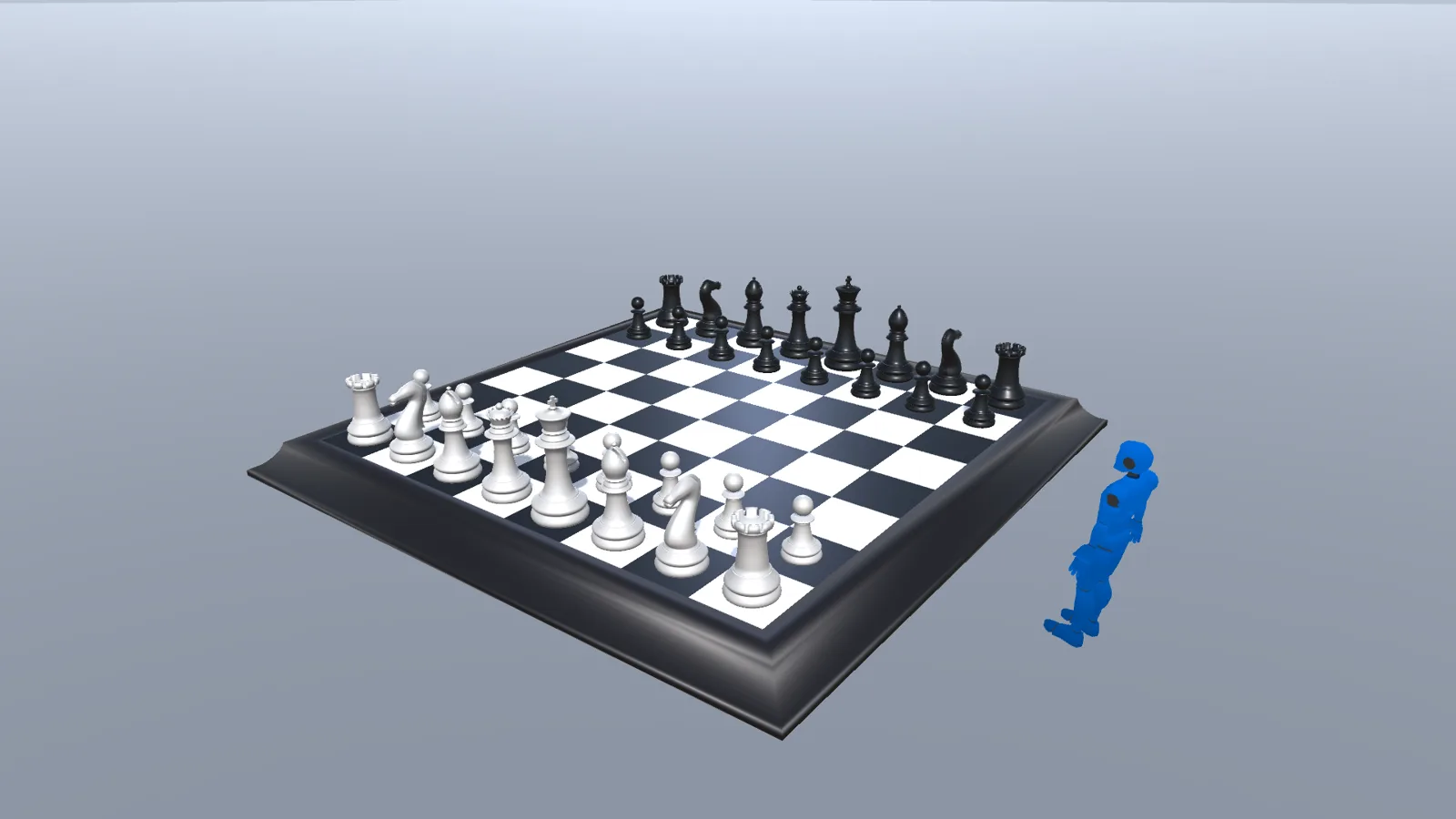
Unreal-MCP brings owned Fab packs into the project
fab-search searches the public catalog. To see what your Epic account owns, the agent uses fab-library, then calls fab-add to import an owned item through the editor’s Fab plugin. Sign in when Fab prompts you. Engine asset packs go into the project’s Content folder, and FBX or glTF models use the editor’s importers. Add new items to your library on Fab. Full projects and code plugins still go through the Epic Games Launcher. Fab integration · Unreal release

For a prototype room, ask the agent to find an interior pack from your library and tell you where its assets landed. In Unity, check the render pipeline before placing the prefabs. In Unreal, open the imported folder and check the meshes and materials you plan to use. 3D assets and animation
Sources (5)
Based on the developer’s release notes and demos. The screenshots come from those demos.