PRODUCT UPDATE / Character animation · Roblox
Roblox Studio beta adds prompt-based R15 animation and R6 conversion
Roblox’s November 5 Studio beta can turn a prompt into an R15 clip or rebuild an existing R6 animation for R15. Both tools are available in Assistant and through Studio MCP.
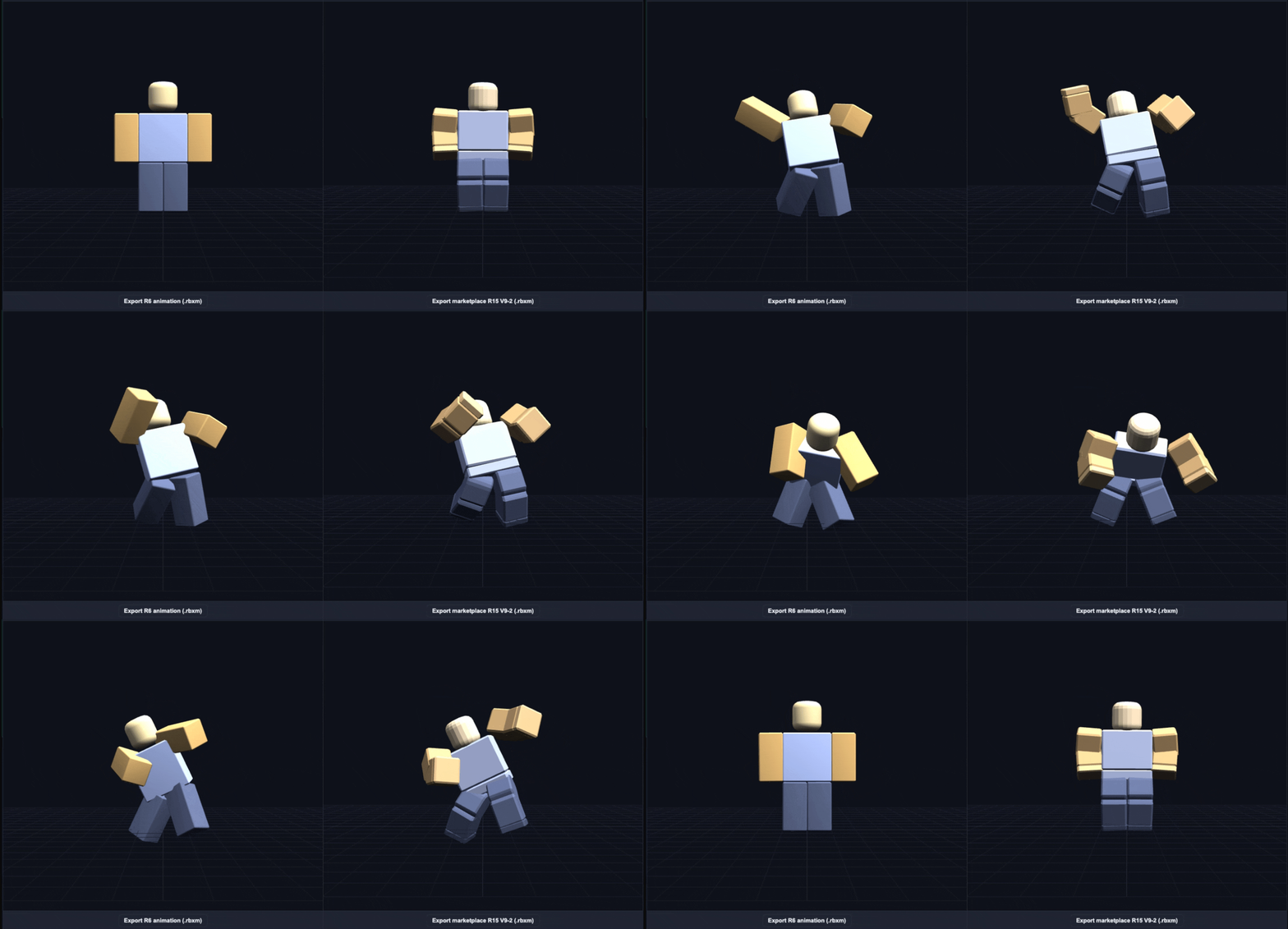
Prototype a humanoid motion in Studio or bring an existing R6 clip to an R15 character.
Roblox opened a Studio beta for Prompt to Animation and Motion Rebuilder on November 5 UTC. Creators can describe a new motion for an R15 character or turn an existing R6 clip into an R15 animation. Both tools are available through Studio Assistant and Studio MCP. A team can try a character’s walk or stop during prototyping, then carry existing motion into an R15 project. Roblox announcement
Generate a clip in Studio
Enable Animation Generation in Assistant under File > Beta Features, then enter /generate_animation in Assistant. Choose New Animation for a text prompt or Upscale Animation for an R6 clip. A connected Studio MCP client can call generate_animation with a target rig and a duration of up to ten seconds for a new clip, or with the R6 animation’s asset ID for a conversion. Studio beta announcement · Studio MCP setup
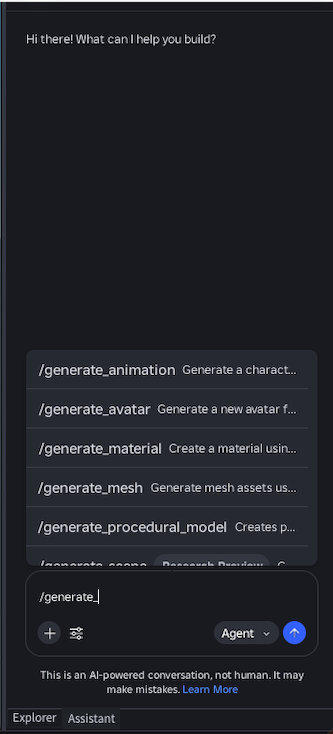
Roblox says the generator works best with everyday humanoid movement. For a walk that ends at a door, describe the walk and stop together and specify the end pose. Complex motions such as swimming and golf swings can still be difficult to generate. Roblox’s prompting notes
Adjust an R6 conversion before saving it
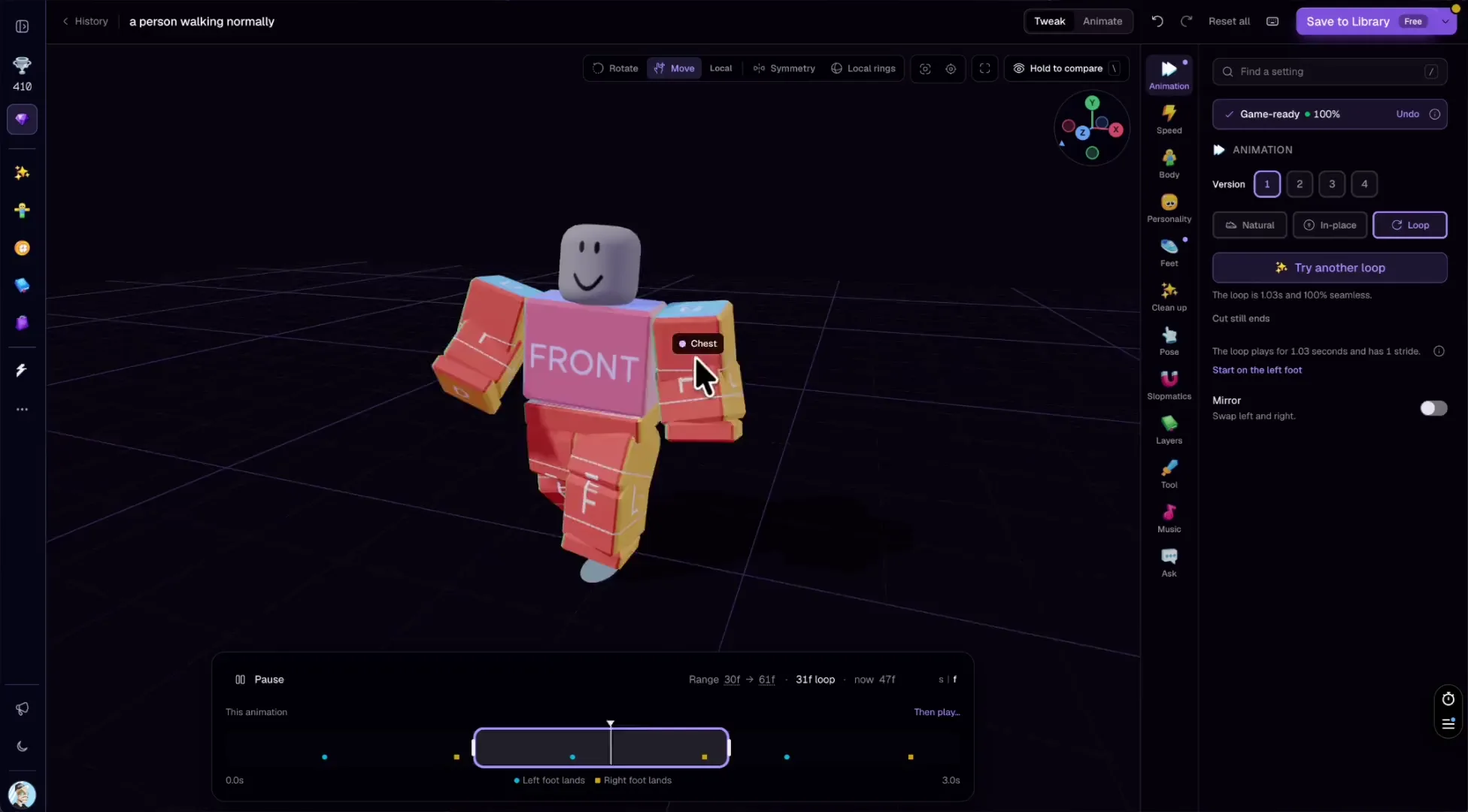
Motion Rebuilder infers movement at joints that R6 lacks, including elbows and knees, and creates a separate R15 clip. In Studio, the blend control changes how closely the new motion follows R6, and the bend settings adjust arm and leg flex. Add key poses with Edit in Assistant, or trim and adjust keyframes in Clip Editor. Save to Roblox uploads the result as an animation asset. Roblox’s conversion guide
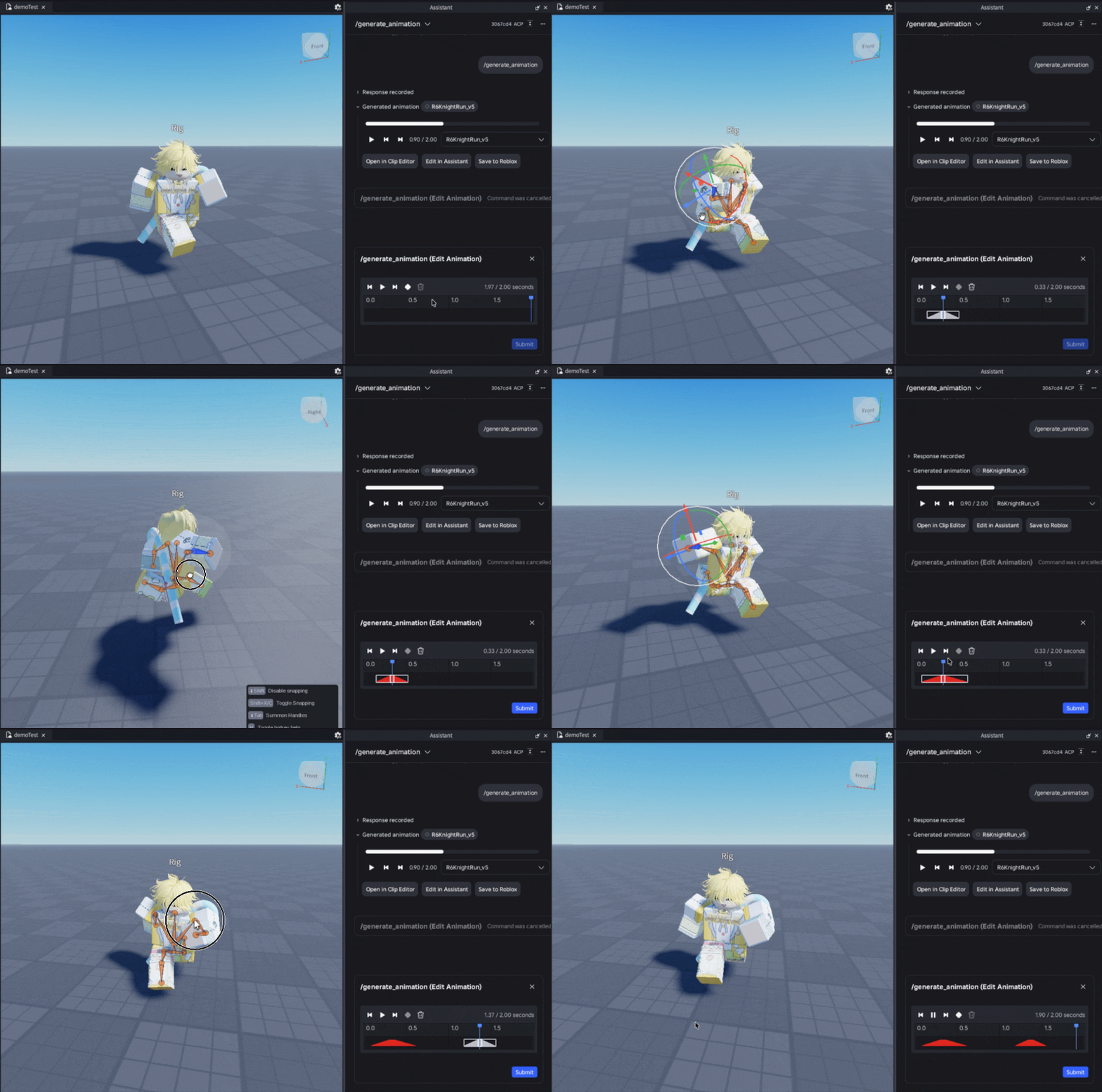
The beta outputs standard humanoid R15 animation. Roblox lists reversed joint bends and stretching on some skinned characters among the known issues. During the beta, Roblox charges nothing for generations and allows each account to start four per minute, with no daily cap. Roblox beta FAQ
For more character production workflows, see 3D assets and animation.
Sources (3)
Based on Roblox’s public announcement and documentation. No sponsorship or affiliate links.