PRODUCT UPDATE / Audio workflows
Scenario Blender 0.11 adds audio playback and original WAV downloads
The update adds Play and Stop controls for saved audio and blocks duplicate paid requests while a job is unconfirmed. The Blender extension remains experimental.
For developers preparing dialogue, music or sound effects alongside Blender cinematics and timeline work.
Scenario released Blender plugin 0.11.0 on October 14, adding playback controls for saved generated audio and preserving original WAV downloads when a model supplies them. Developers preparing dialogue, music or sound effects can audition a saved result in Blender before placing it on a timeline.
Audition audio before adding a strip
Saved audio now offers Play audio and Stop audio. The versioned handbook describes offline playback for files up to ten minutes long; starting another result stops the first. Playback runs from the beginning, without pause, seeking or a separate volume control.
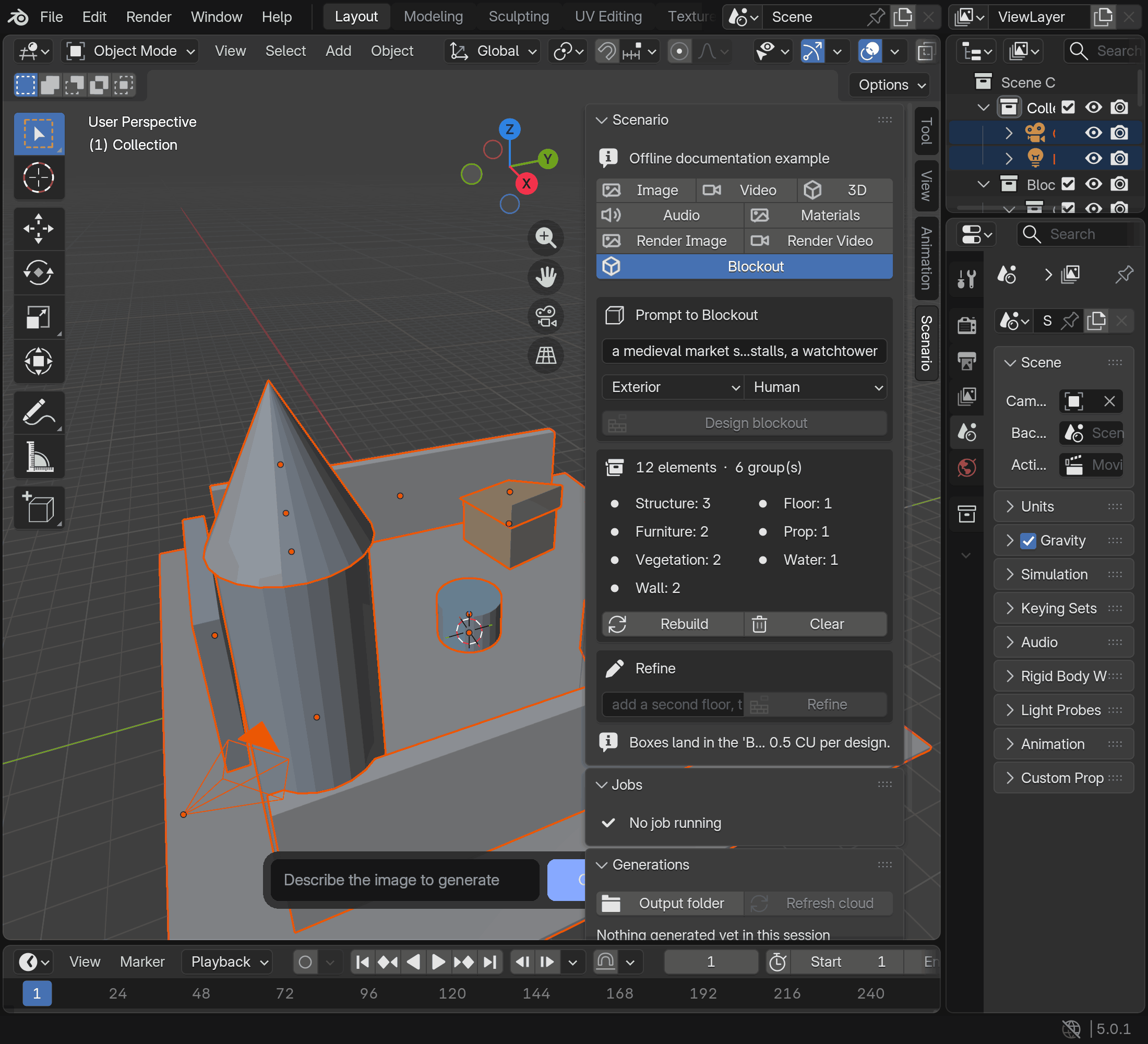
The Audio panel still handles model selection, prompts and parameters. The download fix preserves a provider's WAV original when available. The older MP3 option in the reference image is a model setting, not a promise that every output is now WAV.
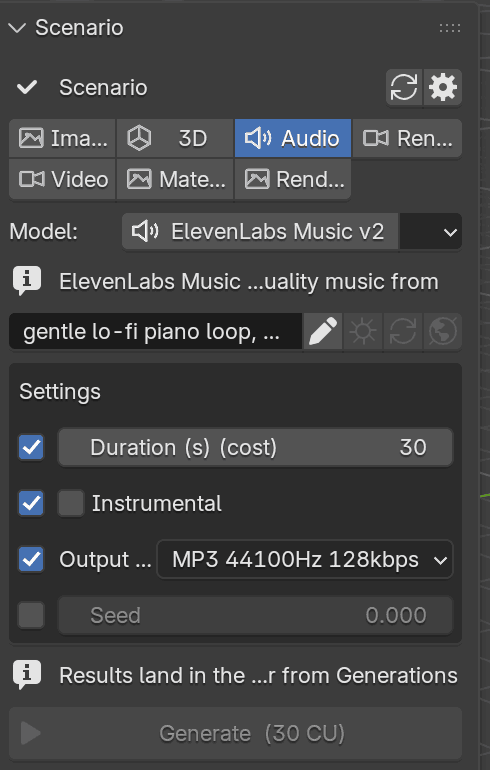
The existing Add audio strip action places a saved MP3, WAV or OGG on a free sequencer channel at the confirmed frame. It reuses the file without another generation. For game cinematics or timing checks in Blender, this keeps audio selection and timeline placement in one workspace.
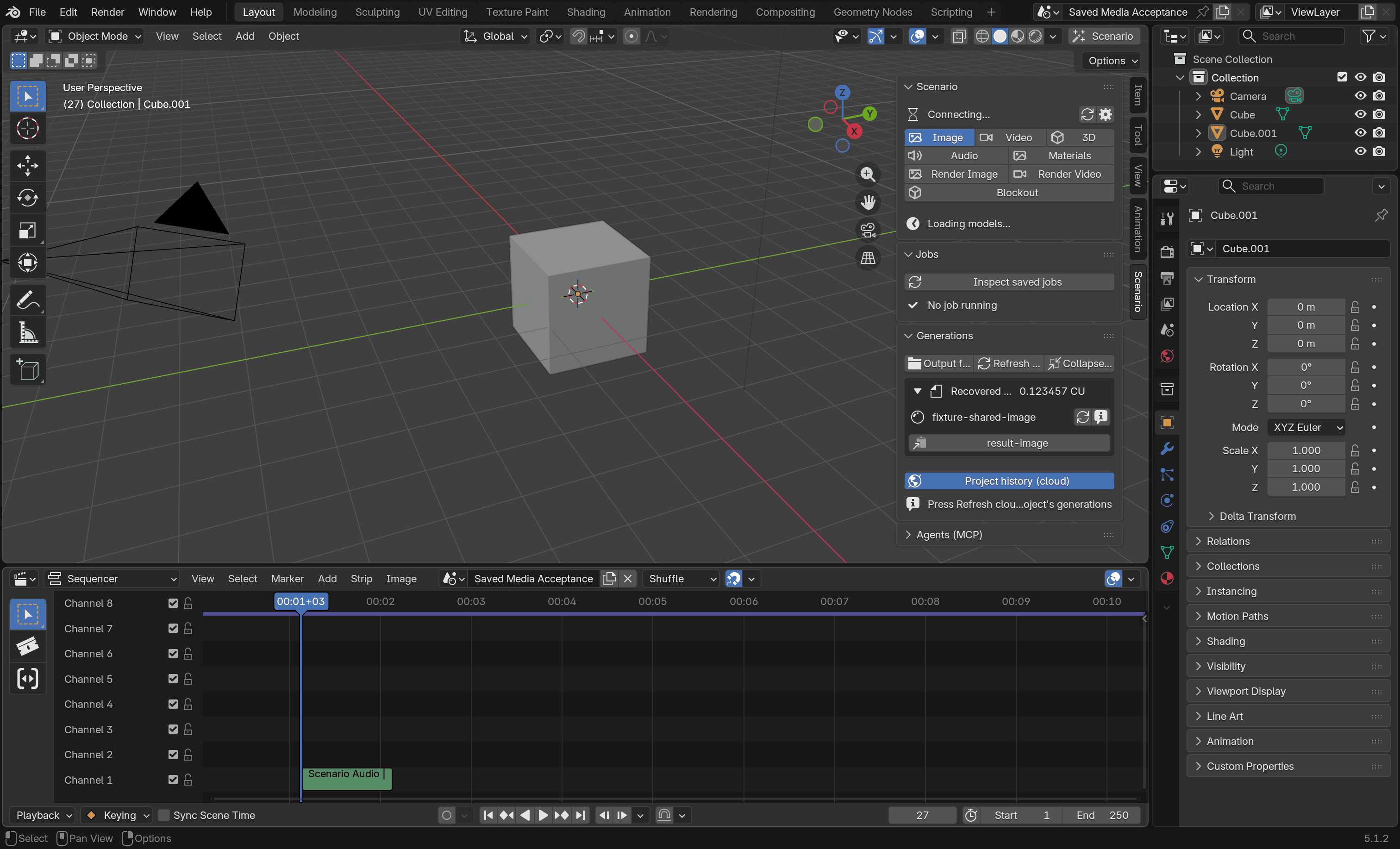
Unconfirmed jobs block duplicate paid requests
Version 0.11.0 also blocks an identical paid request while its earlier submission has an uncertain outcome. Users should check Scenario history, then use Mark reviewed on the job. The job documentation explains that this reviewed mark is session-only: after a restart, the same unresolved record blocks the request again.
After a job is confirmed, the same settings can generate again following a short delay. Each new generation still consumes Creative Units (CU), priced by model, parameters and reference inputs.
The release package is available for Blender 5.0 or later, with a Scenario account that has API access and an internet connection. The extension remains experimental. Its known limitations still list desktop listening checks for the new controls and Windows/Linux audio output verification as unfinished.
Our Blender 0.10 coverage describes mesh editing, blockouts and agent connections. The Scenario tool profile covers its other asset creation entry points.
Sources (5)
No sponsorship or affiliate links in this article.