PRODUCT UPDATE / 3D asset workflows
Scenario brings AI asset creation into Blender with plugin 0.10
Version 0.10.0 combines mesh editing, greybox layouts and local MCP access. The experimental extension requires Blender 5.0 or later and a Scenario API account.
For Blender users iterating on game assets and early level layouts; generation uses a separately metered cloud service.
Scenario released its Blender plugin 0.10.0 on October 13, bringing AI asset generation, mesh editing and scene blockouts into Blender. Game developers can use a selected mesh, viewport capture or camera view as input and bring results back into the scene for further work.
The release package is available. The handbook still labels the extension experimental. It requires Blender 5.0 or later, a Scenario account with API access and an internet connection.
Editing assets already in the scene
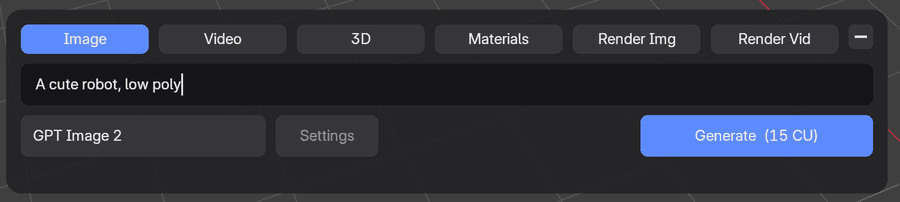
The plugin offers image, video, 3D, PBR material and audio generation, alongside models that process viewport or camera captures. A floating composer holds the prompt and common controls, with fuller settings in the sidebar.
Mesh editing starts with a selected object and includes remeshing, retexturing, UV unwrapping, rigging and animation. Returned models can sit beside the original; material results are saved before the user chooses a material slot to apply them to. This gives developers a way to try variations while keeping the existing asset for comparison.
Saved jobs survive Blender restarts, allowing users to check status, resume downloads or apply completed results later. Images can import automatically; other result types generally await a destination or application choice.
Blockouts and a local MCP server
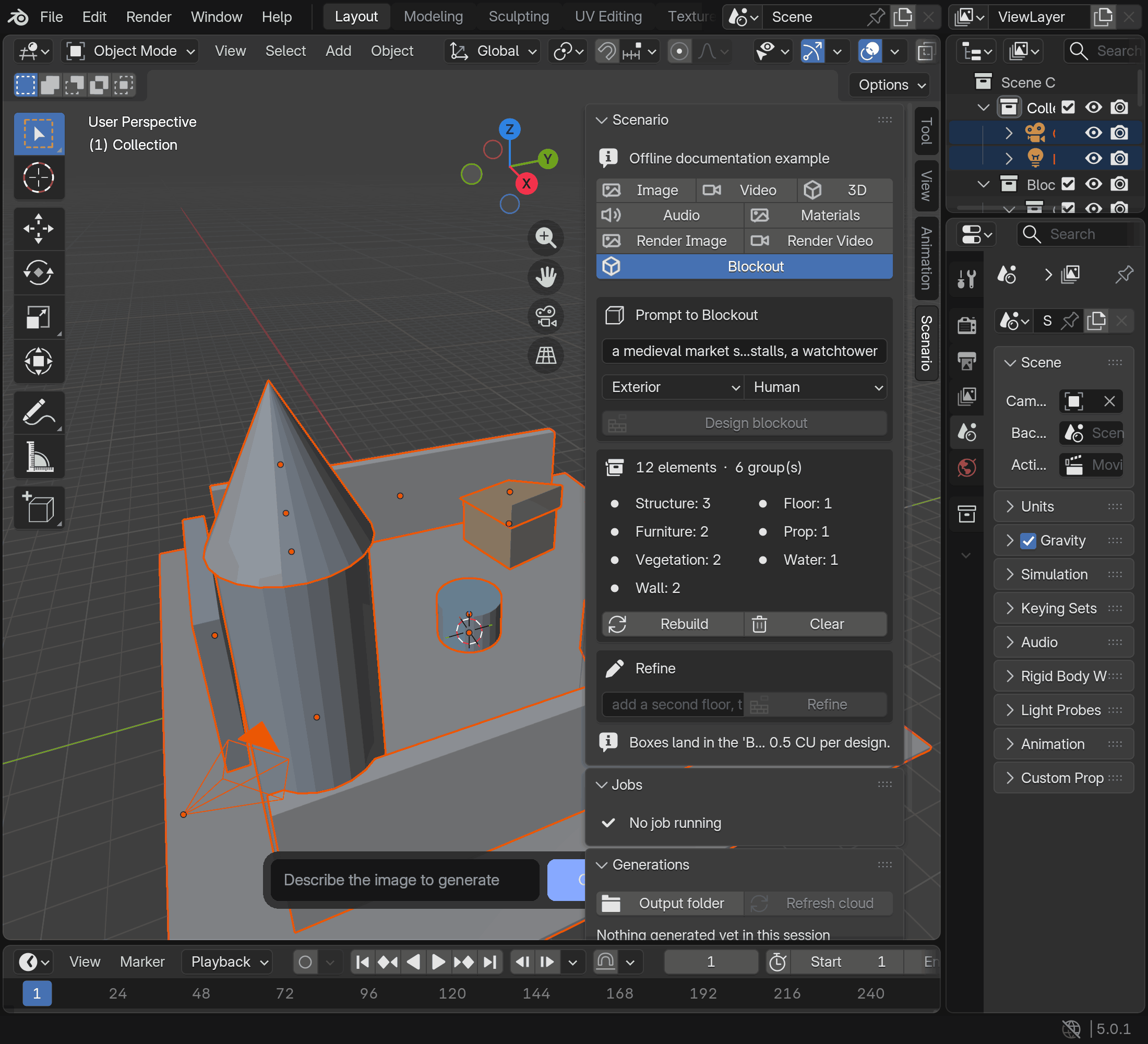
Blockout proposes a layout from a text description, then creates a greybox scene after review. It also offers rebuild, refinement and clearing controls. For early level work, this provides a way to arrange buildings and props as simple geometry before replacing them with detailed assets.
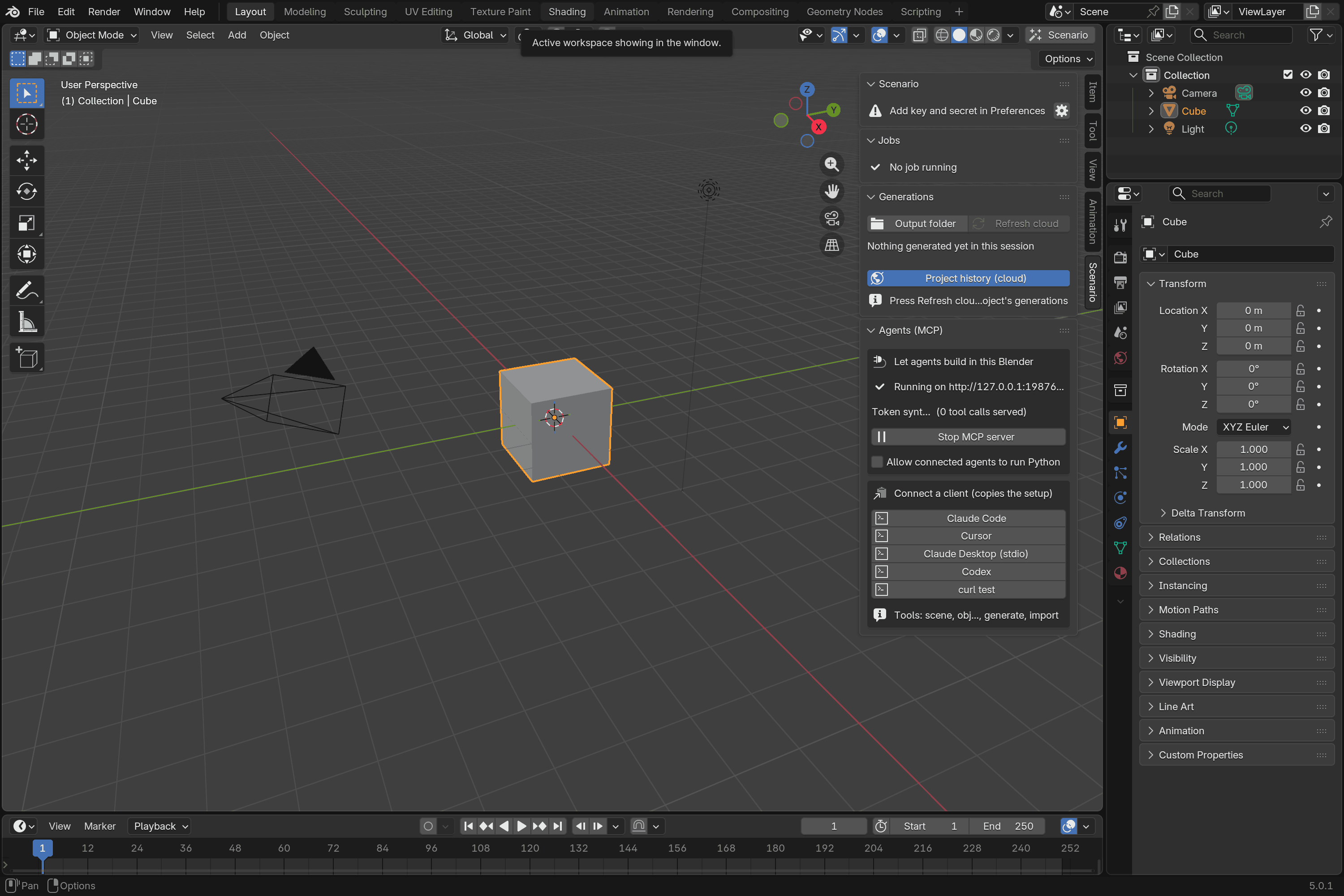
A local MCP server lets agents such as Claude Code, Codex and Cursor inspect the scene, run Blender tools, plan camera moves and request Scenario generation. The server uses authentication, with Python execution disabled by default. Generation follows the same quote and approval steps as the interface.
Setup and generation costs
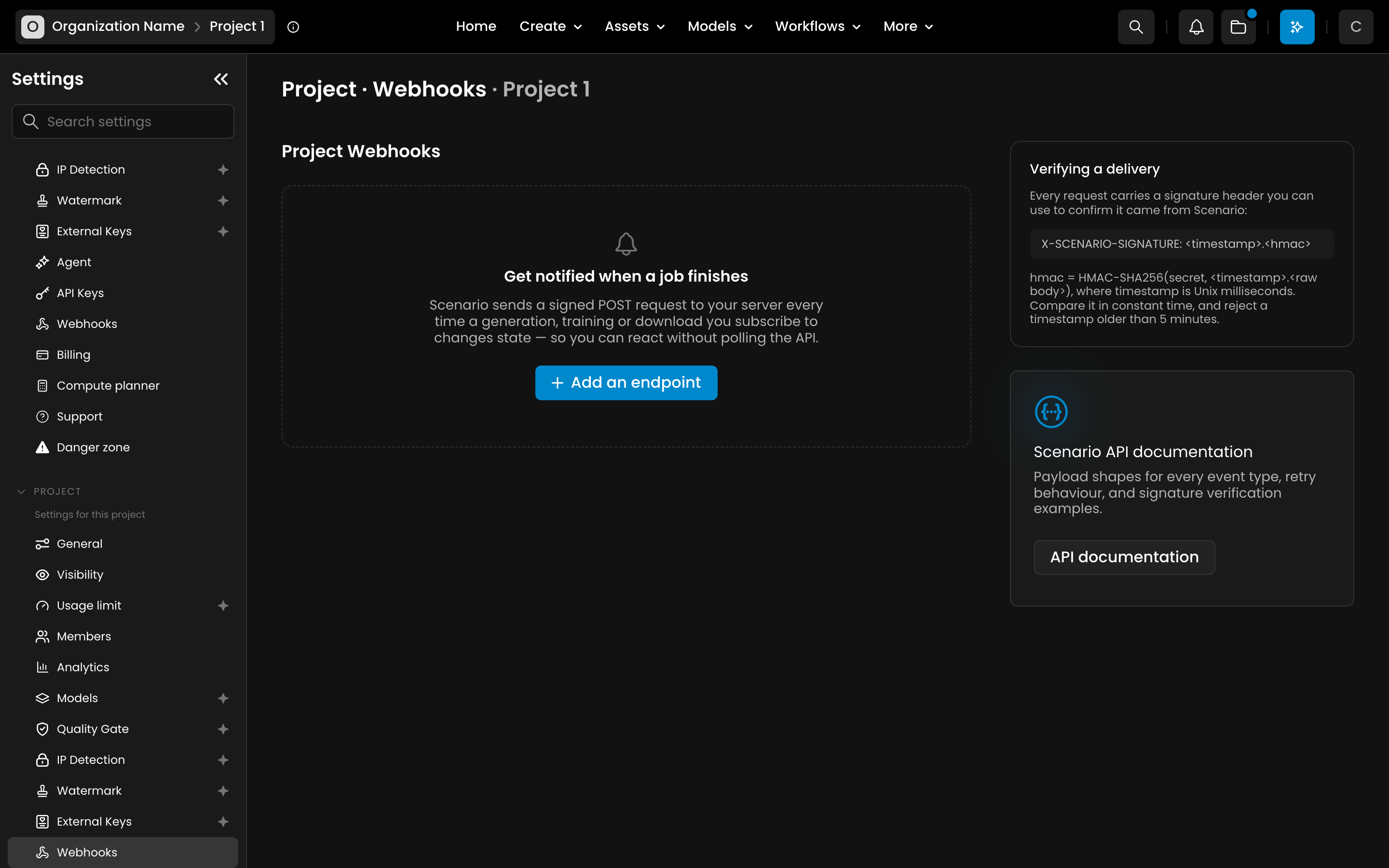
The Scenario for Blender handbook covers installation. Setup requires an API key and secret, plus Blender's Allow Online Access setting. Generation runs through Scenario's cloud service and consumes Creative Units (CU), with quotes depending on the model, parameters and reference inputs.
Prompt assistance and Blockout planning can incur separate charges. Workflows with loops or later steps can cost more than their initial quote. Prices visible in documentation screenshots are examples; use the current quote when submitting work.
Our Scenario tool profile covers its other asset creation entry points. Generated meshes still need topology, material and animation checks in the target game engine.
Sources (4)
No sponsorship or affiliate links in this article.