PRODUCT UPDATE / AI game art
Scenario adds a side-scroller art skill for sprites and level layers
Agent Skills 0.50.0 adds a workflow for side-view character cycles, sprite cleanup and layered environments. It combines Scenario generation with local processing; gameplay and audio remain separate tasks.
For developers preparing characters and layered environments for a 2D side-scroller prototype.
Scenario's Agent Skills 0.50.0 release, dated October 3, adds a workflow for side-scroller art. The new scenario-side-view-game-kit skill gives coding agents instructions and scripts for preparing character animations and layered environments for 2D platformers and action prototypes.
Character cycles become sprite files
The workflow establishes a character's rest and action poses in one image, then generates short clips for running, idling, attacking and other movements. Local scripts remove the background, select animation windows and fit every cycle to a shared canvas, feet anchor and palette. The deliverables include sprite strips and JSON metadata for cell dimensions, anchors and playback speed. Only one facing is generated; the game mirrors it for the opposite direction.

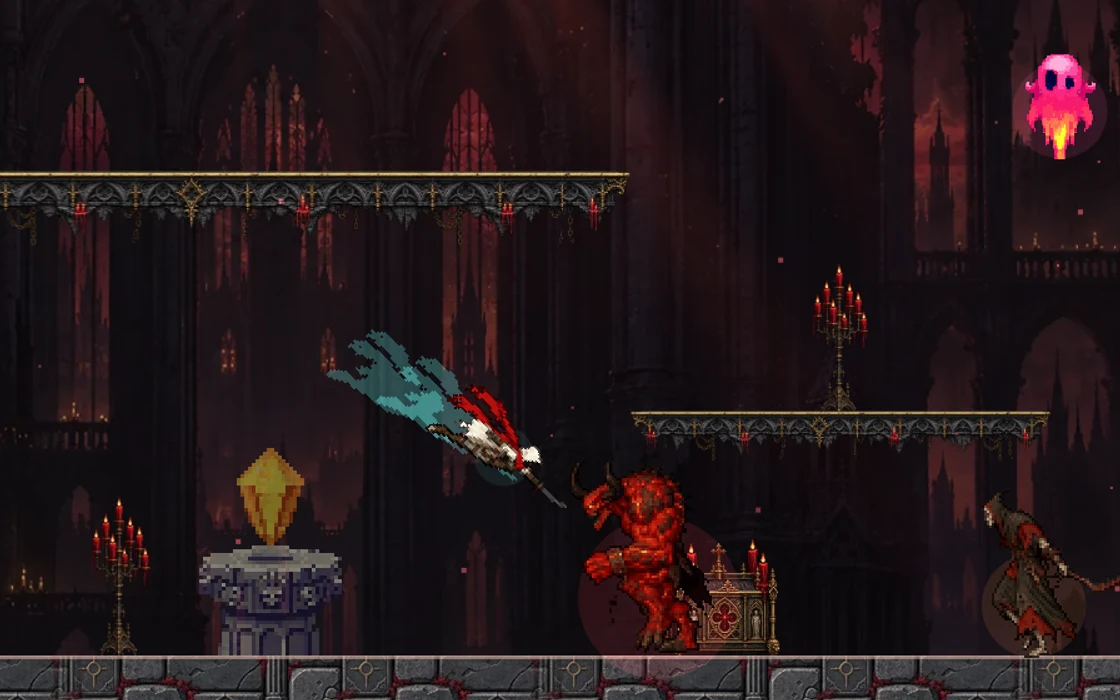
The skill grew out of Scenario's Crimson Tower browser demo. Its maintainer notes describe problems encountered during production: a slash trail surviving background removal as a solid block, weapon movement breaking a walk loop, and poses that could not be separated by equal-width columns. The included scripts and guidance address these cases, with visual checks still needed for motion and silhouettes.
Separate layers for each level
Environment work produces a background, midground, wall texture, platform strip and prop sheet. Local processing handles transparency, texture seams and export. Background and midground layers can support parallax scrolling; platforms keep their end caps while repeating the middle section to fit different lengths.
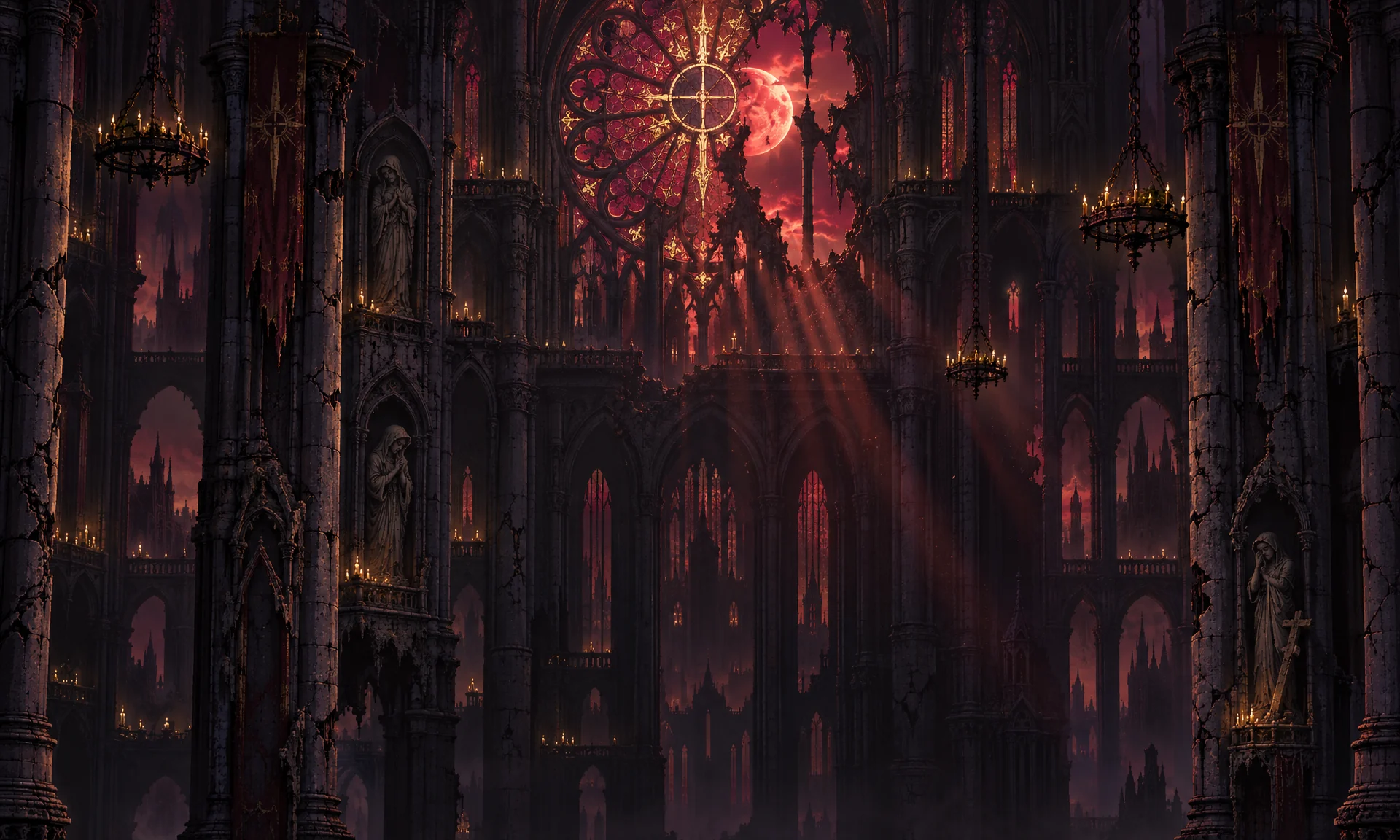
The skill documentation recommends checking the first level with its character before expanding the environment set. That gives prototype developers concrete files and placement rules to work toward. Gameplay, combat code, music and sound effects remain separate tasks.
Scenario access and local processing are required
The workflow needs an agent that can run scripts, a Scenario MCP connection, Python 3, Pillow, NumPy and ffmpeg. It selects models from the capabilities currently available. Generation uses Scenario credits, with costs varying by model and output settings; the skill calls for estimating each task before spending. Model access and commercial-use conditions also depend on the chosen plan. Installing the skill does not supply generation credits.
Existing users can run npx skills update in their original installation directory. New users can follow the repository's installation guide to select the game-art skills and connect MCP. The same release also updates instructions for terrain transitions and staged 3D mesh, UV, retexturing and rigging workflows.
Sources (6)
No sponsorship or affiliate links in this article.