PRODUCT UPDATE / 3D environments · Level blockouts
World Labs opens Atlas for building and exporting 3D scenes
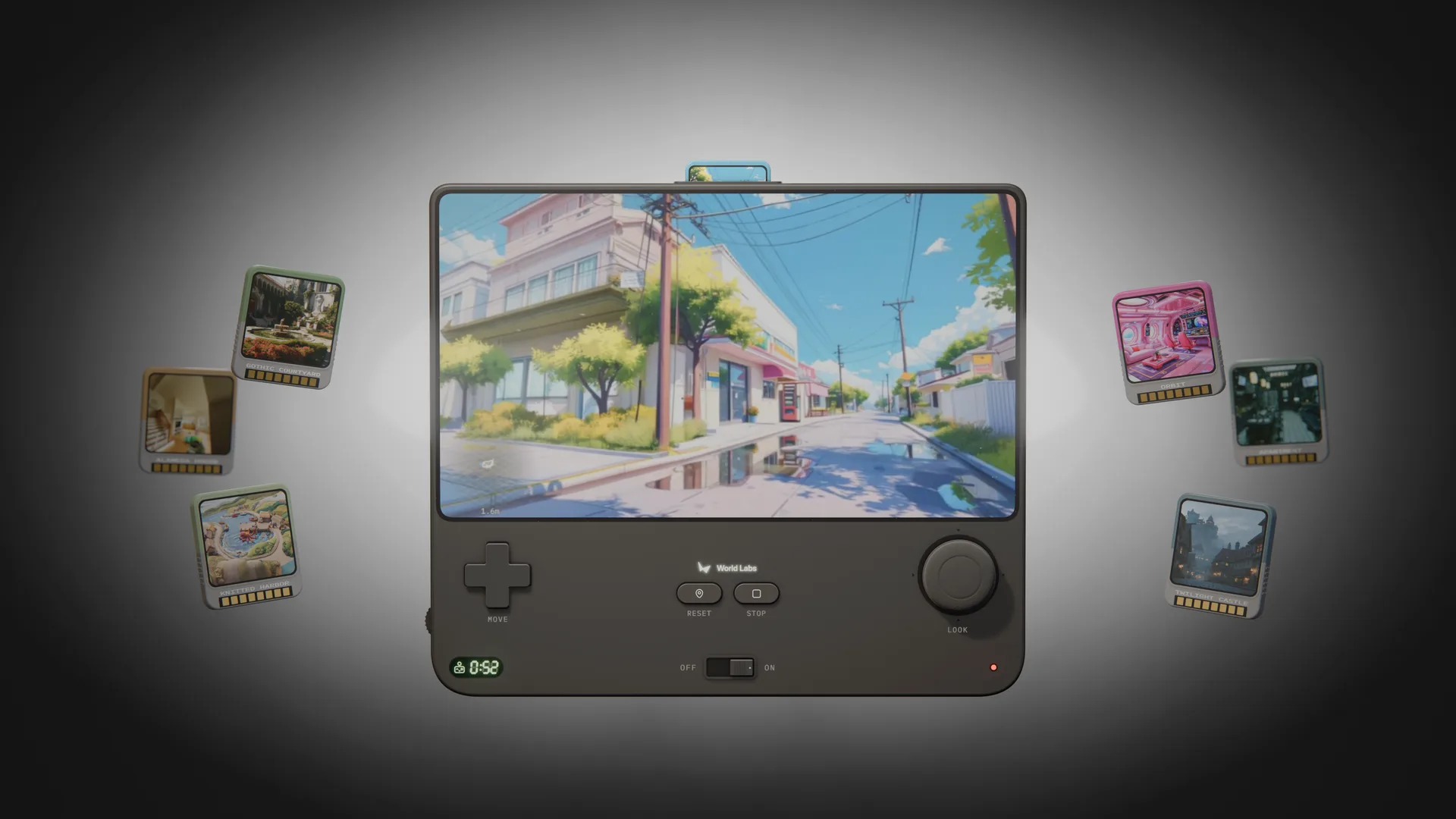
The November 12 release opens Viewfinder, Chisel and the Atlas API. Level designers can explore camera angles from photos, give a graybox a visual treatment and export a scene as a GLB mesh.
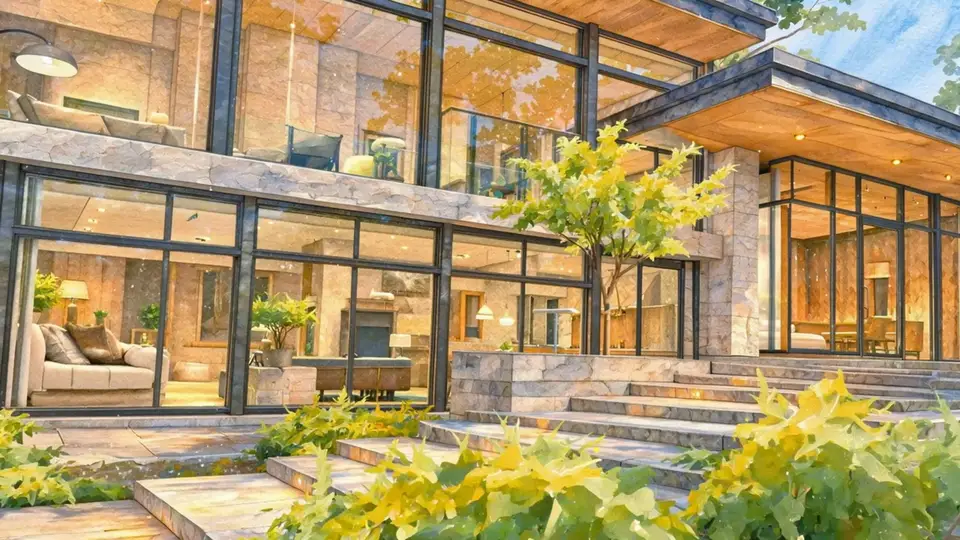
Use a camera view or a graybox to explore a level before bringing a mesh into your engine.
World Labs opened Atlas to the public on November 12 through its web tools and developer API. Viewfinder builds a scene from images and lets you explore it with a camera. Chisel uses a rough 3D layout to guide what the scene looks like. Level designers can use the tools to try a camera move or see how an existing blockout might look with materials and lighting. The web app requires a sign-in. Atlas release · November 12 announcement
New camera angles from a reference image
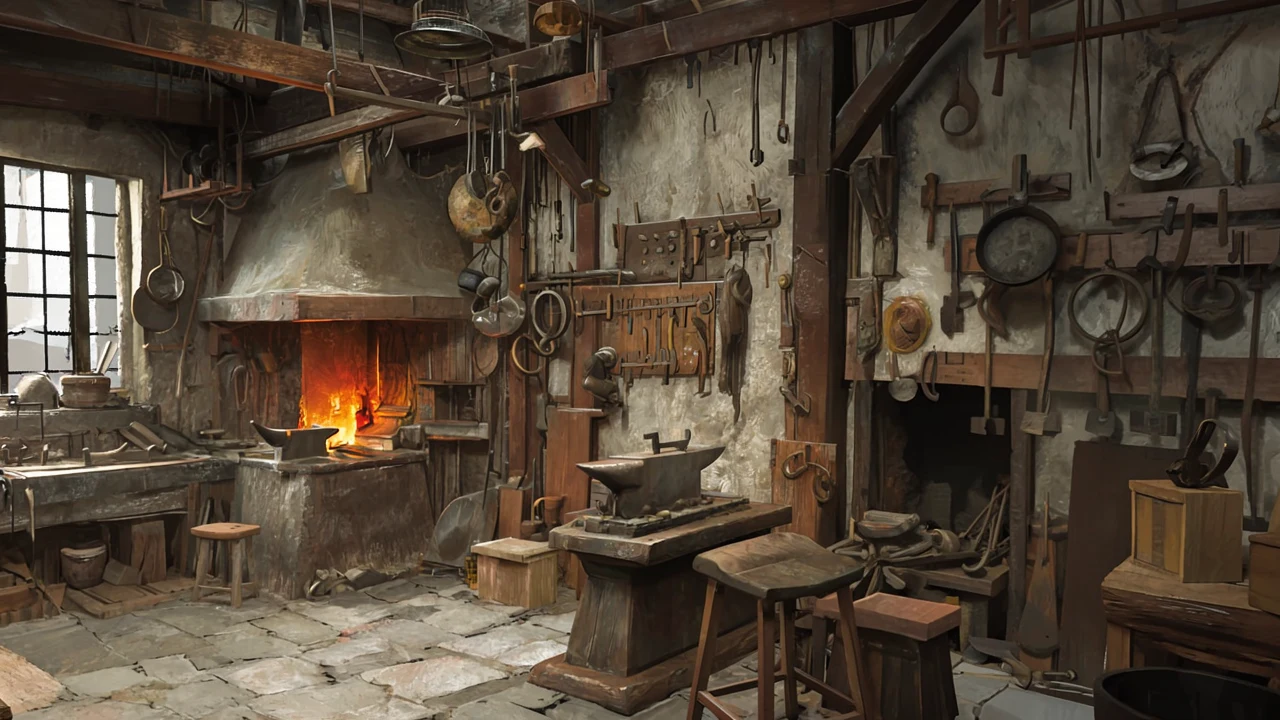
In Viewfinder, start with photos or generated images, then place a camera or render a camera path. The API exposes the steps separately. images2PosedRGBD estimates camera pose and depth from one image or from overlapping photos of the same place. atlasGenerate uses those views to render from a camera you specify. In the workshop example, World Labs turns the camera 20 degrees to the right and shifts its position for a new view of the forge. Atlas fills in areas outside the input images, so check newly revealed surfaces before using the scene as a visual reference. Camera and depth workflow
Give a level blockout a visual treatment
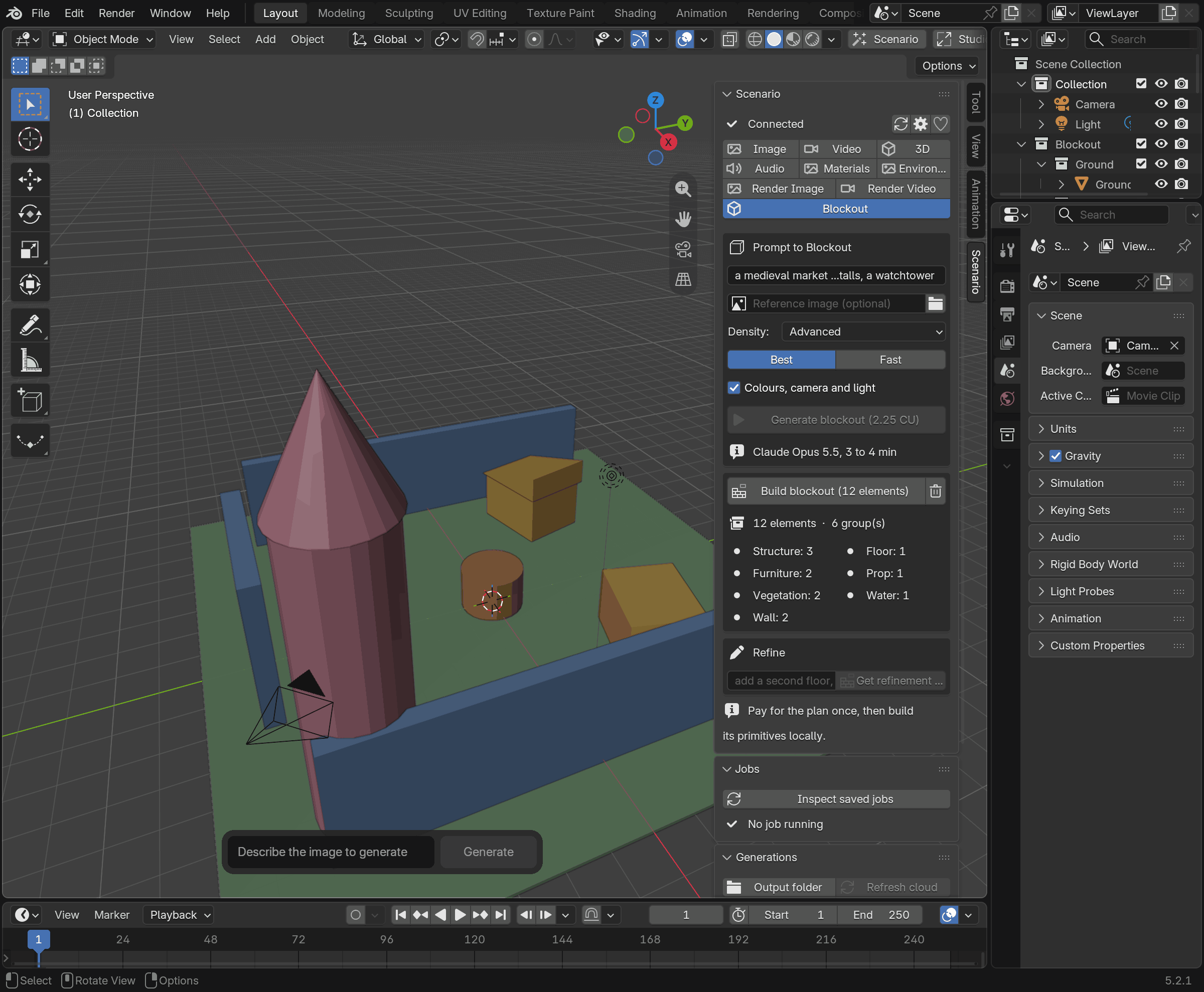
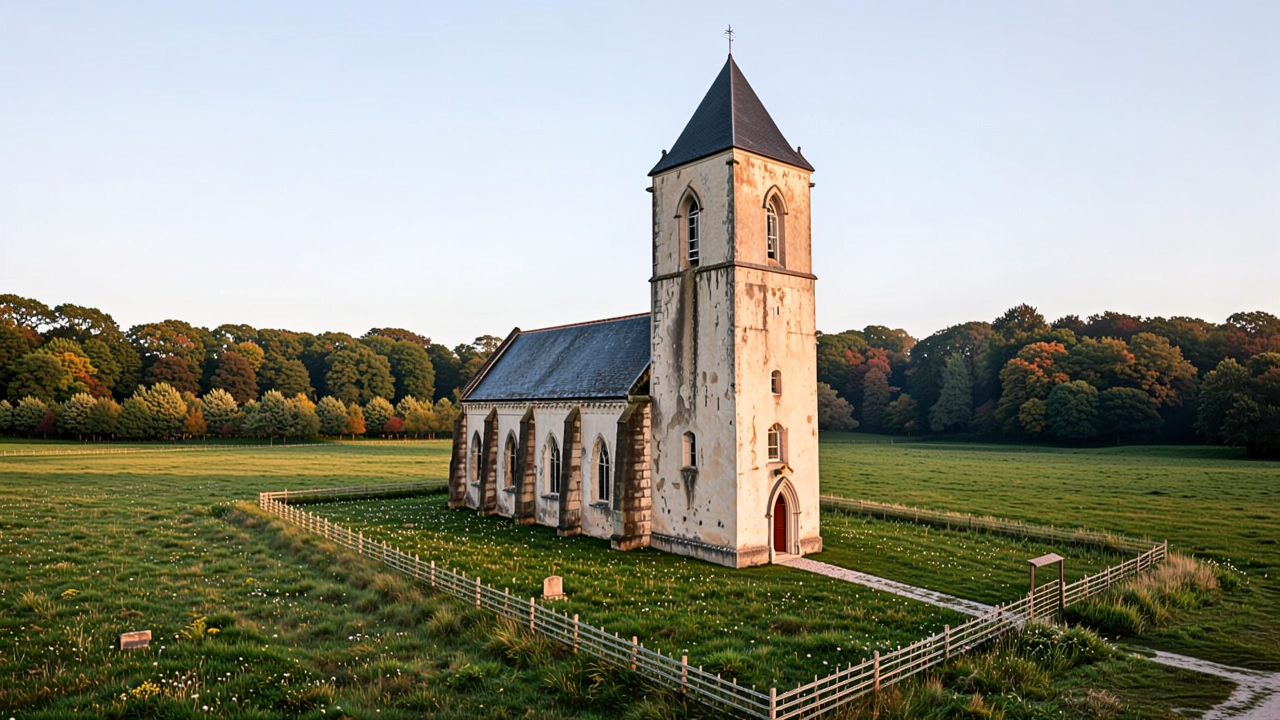
Chisel can use a depth render and its camera to carry the layout into a generated view. The prompt supplies details such as materials, vegetation and lighting. World Labs’ chapel tutorial shows the trade-off in one shot. The tower and roofline are recognizable, while the low solid wall in the blockout comes back as a fence. If that boundary determines where players can go, keep the original graybox as the reference for the playable space. Chisel blockout tutorial
From Gaussian splats to a GLB mesh
With an Atlas project API key, posedImages2Splats can build an SPZ Gaussian splat from images with camera poses and depth maps. World Labs charges $0.50 (500 credits) for a successful draft reconstruction with 2–32 frames and $5 (5,000 credits) for a successful refined run with 2–512. Those prices cover the reconstruction job. splats2Mesh is a separate step that returns a GLB mesh with options for a texture, vertex colors and collider boxes. API authentication · Reconstruction costs and inputs · Mesh export
Start with a small space such as a room or courtyard. After importing the mesh, check the scale and the openings against the blockout, then test collision along the intended player route. The world and level building category and the World Labs Marble tool page cover related ways to bring a scene into production.
Sources (8)
- World Labs · Atlas release and tools
- World Labs · November 12 public access announcement
- World Labs · Atlas model overview and November 12 release card
- World Labs · Generate new camera views
- World Labs · Build from a blockout with AtlasChisel
- World Labs · Atlas task overview and mesh export
- World Labs · Gaussian splat inputs and API pricing
- World Labs · Atlas API authentication
Based on World Labs’ public release, documentation and examples. No sponsorship or affiliate links.