PRODUCT UPDATE / 3D assets · UV unwrapping
Tripo introduces Smart UV for automatic unwrapping and linked inspection
Announced September 21, Smart UV helps asset creators unwrap models and inspect the layout in Tripo Studio. Two models are free to try; retry charges vary by plan.
For developers preparing generated or uploaded models for texturing.
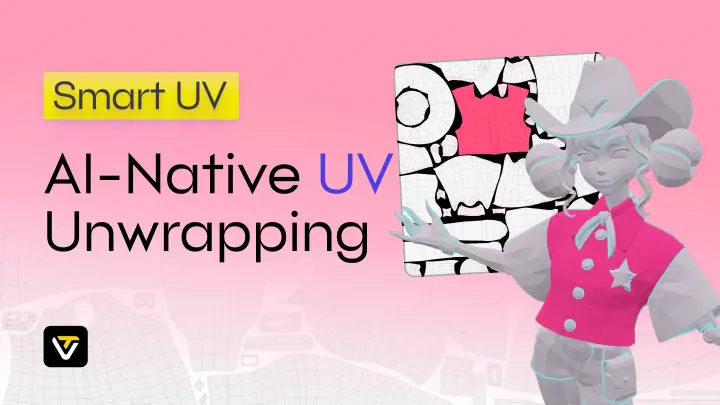
Tripo's September 21 announcement introduces Smart UV in Studio: automatic unwrapping for generated or uploaded models, with two free models to try before preparing game-asset textures.
Match the layout to the model
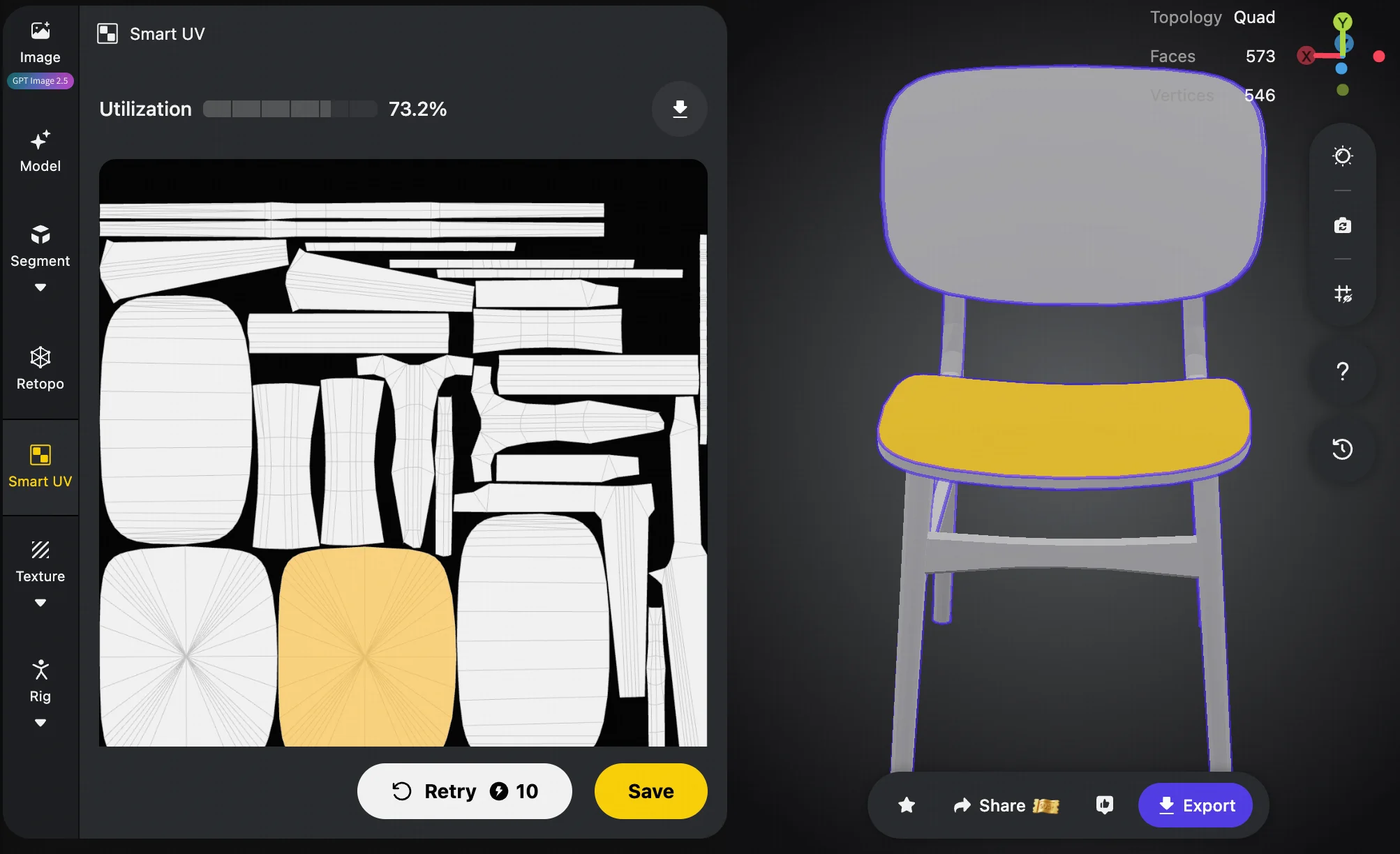
The workspace offers linked 2D/3D selection, utilization feedback and a Retry option for alternative layouts.
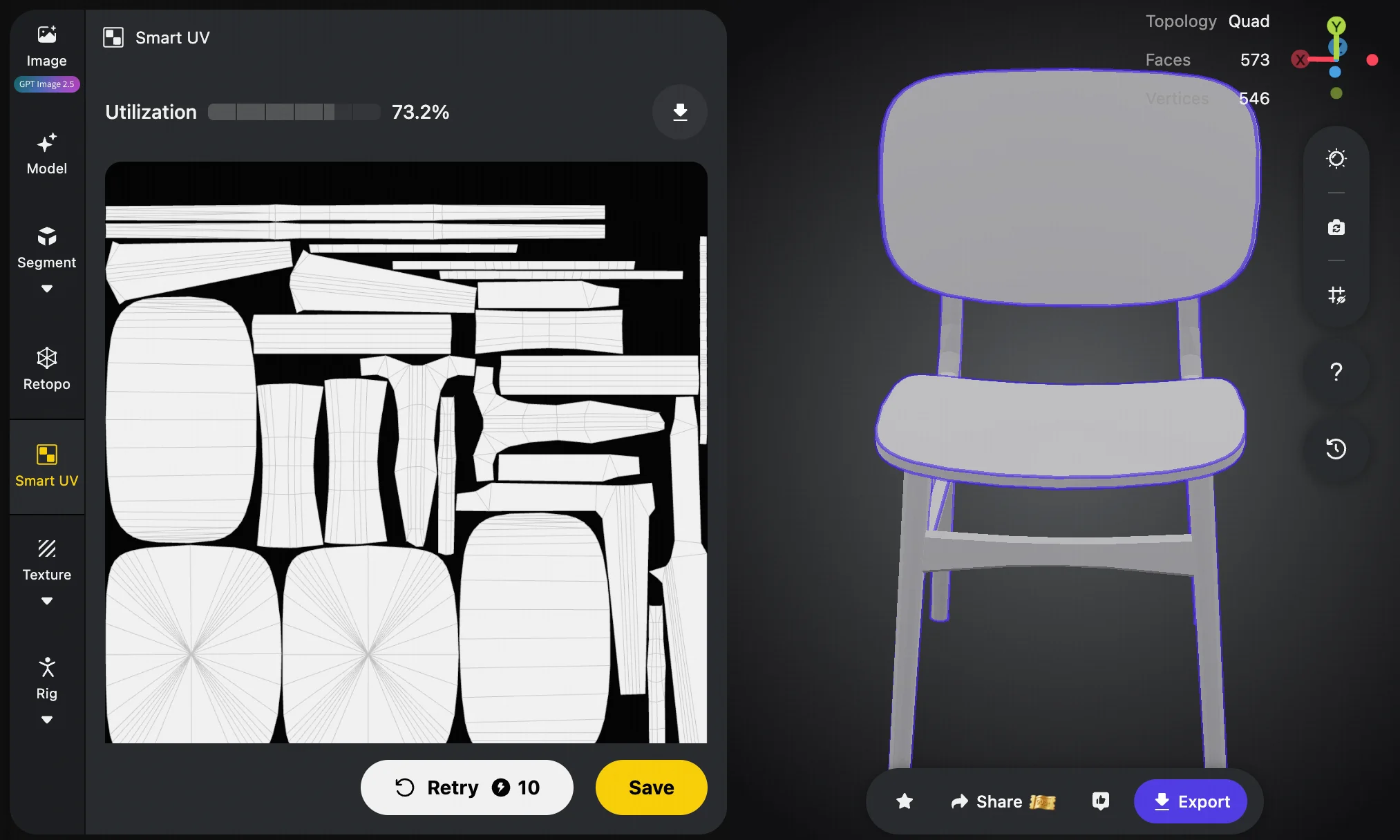
The screenshot shows 73.2% utilization for this example. For production, also consider whether visible parts such as the seat and backrest are easy to locate and paint separately.
Trial and retry costs differ
The limit is 80,000 triangles or 40,000 quads. Free/Starter generation is limited to two trial models; retries cost 10 credits. Pro/Max/Team pay 20 credits per generation after the trial, with three free retries per model, then 10 credits each.
Inspect with the intended texture
Start with a checker texture, then try the project's actual material. Inspect corners, seams and prominent surfaces. Before regenerating, identify what needs changing: distortion, seam placement or the space assigned to an important part.
For closer inspection, Blender's UV Stretch overlay compares UVs with the original mesh by angle or area. Those checks address different concerns from packing utilization and can inform the choice of layout.
Teams evaluating Tripo could take a familiar asset through unwrapping, texturing and placement in a scene. That provides a more useful basis for judging workflow fit than how completely the UV square is filled.
Sources (3)
No sponsorship or affiliate links in this article.