PRODUCT UPDATE / Sprite animation · Asset editing
Voidless 6.3 adds a sprite clip editor and start–end animation controls
The project clip editor adjusts individual frames, the ground line and canvas size. Start and End slots guide new animations, while generation continues to use credits.
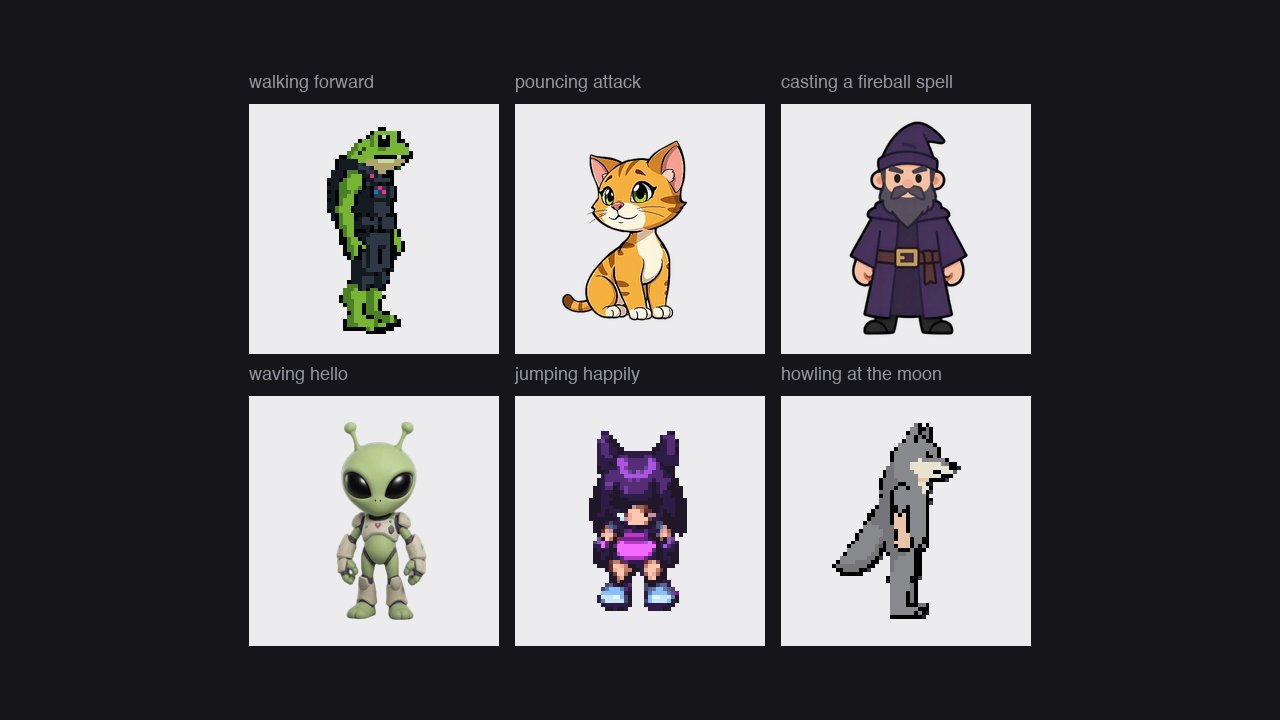
For developers preparing AI-generated character clips that need consistent placement and readable transitions before engine import.
Voidless released version 6.3.0 on October 25, adding a clip editor inside projects and controls for choosing the images an animation starts and ends on. For developers assembling AI-generated character actions, the update addresses frame placement, canvas size and transitions between clips.
Move frames and align the ground line
Open an animation in a project to edit it. Drag the whole clip or an individual frame, or move it with the arrow keys; holding Shift moves four pixels. Snap to ground aligns the feet across frames. Canvas choices include the sprite size, animation size, fitting the motion and a custom size. Save as new version keeps the original clip.
The existing action-set workflow groups a character's run, jump and attack clips. The new editor adds placement controls for an individual clip.
Choose the start and end images

Drag an image or a frame into the Start and End slots, then request the animation from the project chat. A faded end-frame guide shows where the clip should finish. Clips also display their ending image, helping developers plan sequences such as falling, lying down and getting up.
The release notes also report fixes for undersized single pixel-art animations and clips that finished slightly too large. Matching canvas sizes already appeared in version 6.0; this update adds the editor and further addresses size and foot-position consistency across a set.

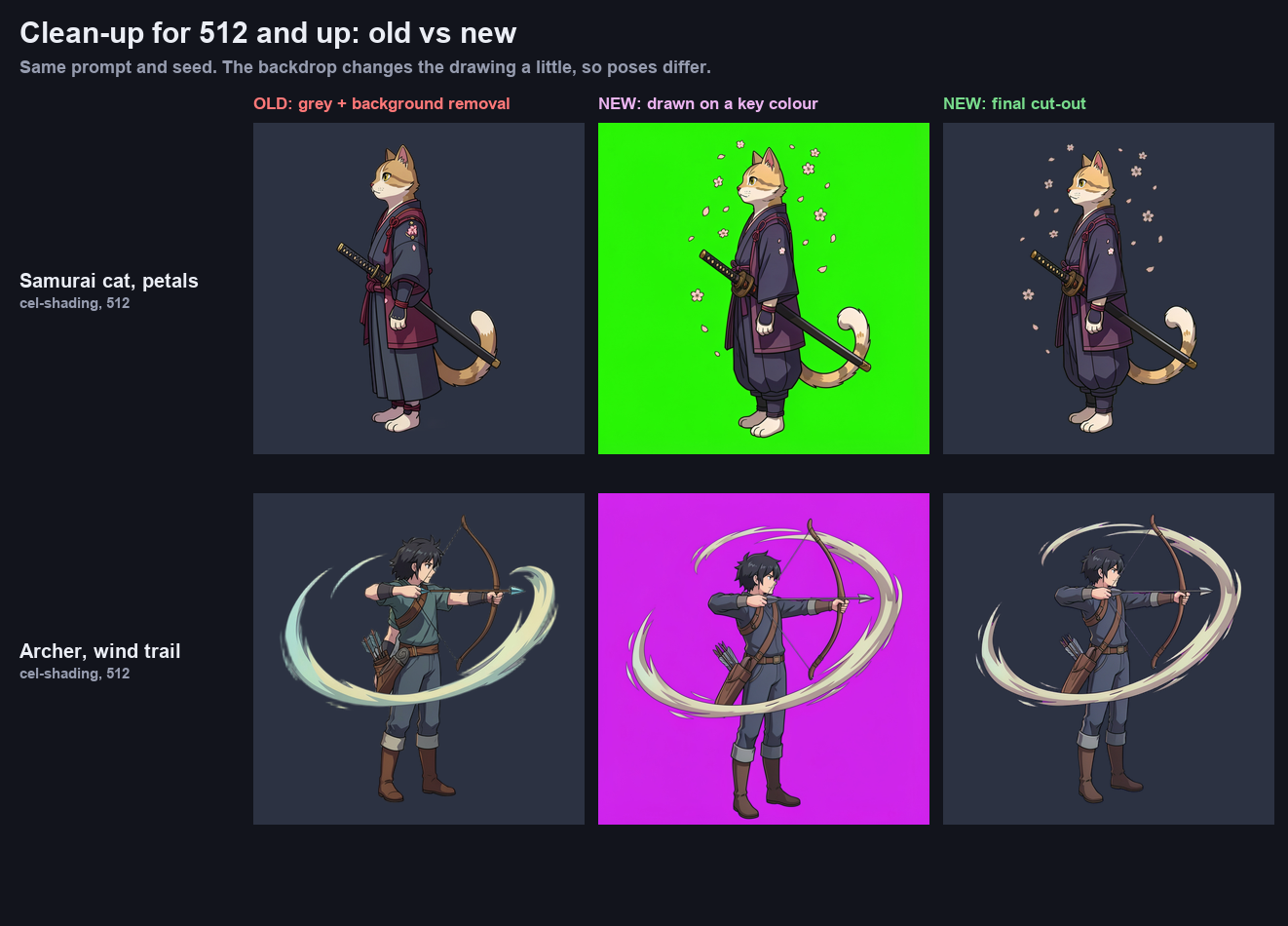
Existing exports include frames, GIFs and sprite sheets. The action-set guide describes downloading frames as a ZIP or adding a clip to a sprite sheet. Check placement and transitions in the target engine after import. For removing background leftovers from existing assets, the separate Sprite Clean-Up tool introduced in 6.2 remains another preparation step.
Generation still spends credits
The animation page lists 16-frame sprite generation at 15 credits. Current pricing gives Lite accounts 125 trial credits, with generations public in the community gallery. Voidless+ costs CAD 39 once, includes 4,000 credits and permits private generations. Additional generation continues to use the account's credits.
Sources (5)
Based on public release notes and official documentation. No sponsorship or affiliate links.