PRODUCT UPDATE / AI-assisted 3D workflows
Cinema 4D 2026.4 adds built-in MCP for scene and material work
Maxon’s built-in server lets AI assistants operate on editable Cinema 4D scenes. It covers repetitive asset work, with tool permissions and undo history; the full desktop application is required.
For developers already using Cinema 4D to prepare 3D assets and scenes.
Maxon announced on September 30 that Cinema 4D 2026.4 and later include an MCP server on Windows and macOS. AI assistants can call C4D’s tools through natural-language requests and work on the open scene. For game developers already preparing assets in C4D, this covers repetitive object, material and scene work.
Organizing objects and making material variants
Maxon lists tasks such as reorganizing imported objects, batch renaming, creating object and material variants, and preparing multipass renders. Its feature page shows a before-and-after example of sorting a scene’s objects, materials, lights and layers.
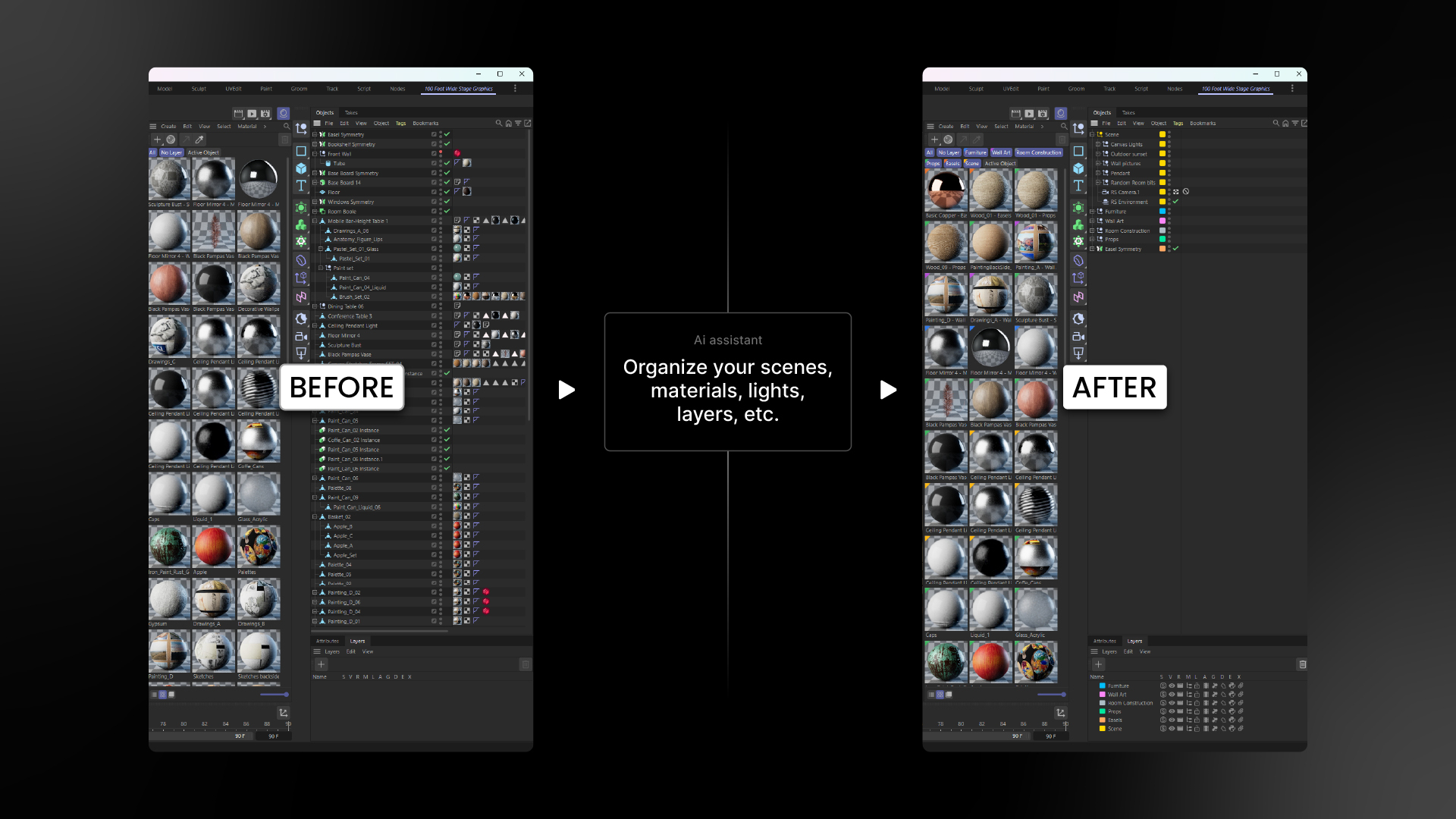
A developer with an existing prop collection could try grouping it by purpose, then preparing alternate material colors. Explicit rules make those changes easier to inspect. The output remains native C4D scene data: objects and materials can be adjusted manually, and MCP changes appear in the undo history as batches.
Editable scenes still need inspection
The official examples include character rigs, simulations and asset variants. A street-scene demonstration in the manual combines primitives, generators, splines, existing assets and Redshift materials.
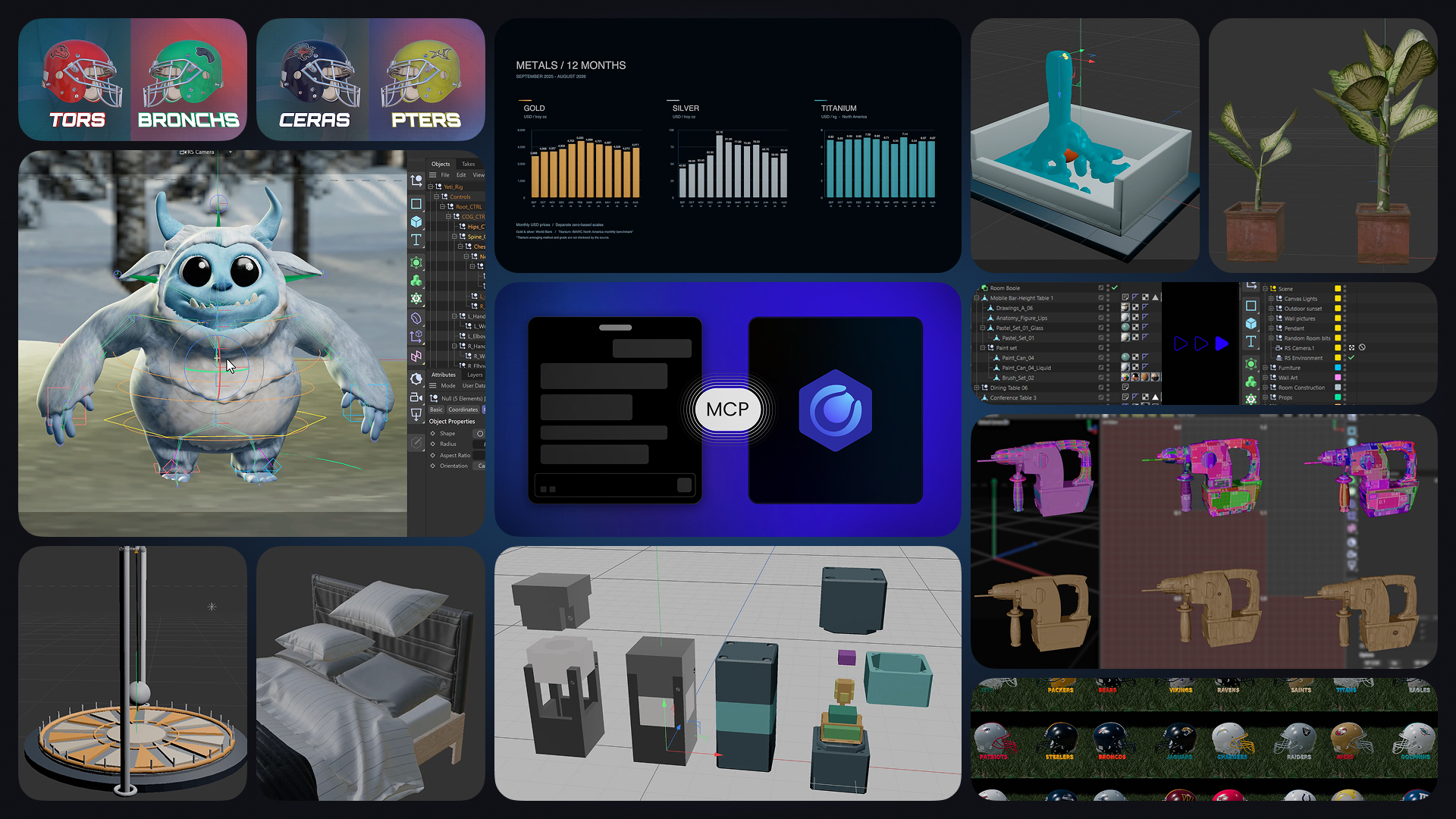
Maxon’s FAQ notes that demonstrations often omit the attempts behind a result, and an assistant can report unfinished work as complete. The Object Manager and viewport still need checking. Editability also varies: dense animation keys or rigs driven by generated Python can make revision and handoff harder.
Full desktop C4D required; model fees are separate
The MCP server has no extra charge or separate installation. Users still need the full Cinema 4D application and an AI client. It requires C4D’s interface and does not run in Commandline, Team Render, c4dpy, Cineware or Lite. Cloud-model fees come from the chosen provider.
The integration manual names MCP clients including Claude Desktop and OpenAI Codex. Direct setup and validated clients depend on the list in the installed C4D version; other clients may require manual configuration.
The server ships disabled. Once enabled, users can select tool groups and control Python permissions separately. MCP accepts local connections by default, but a cloud-model client still sends its conversation, including tool responses, to the model provider.
Sources (4)
No sponsorship or affiliate links in this article.