PRODUCT UPDATE / AI game development · Model providers
Genex 0.1.24 adds Grok Build and Cursor Beta for AI game development
The desktop game-development app adds two model providers for chat, builds and Loop. Connect from first launch or Settings; Cursor remains in beta, and model usage follows your provider account.
For creators who want to use an existing Grok or Cursor account in a local game-development workspace.
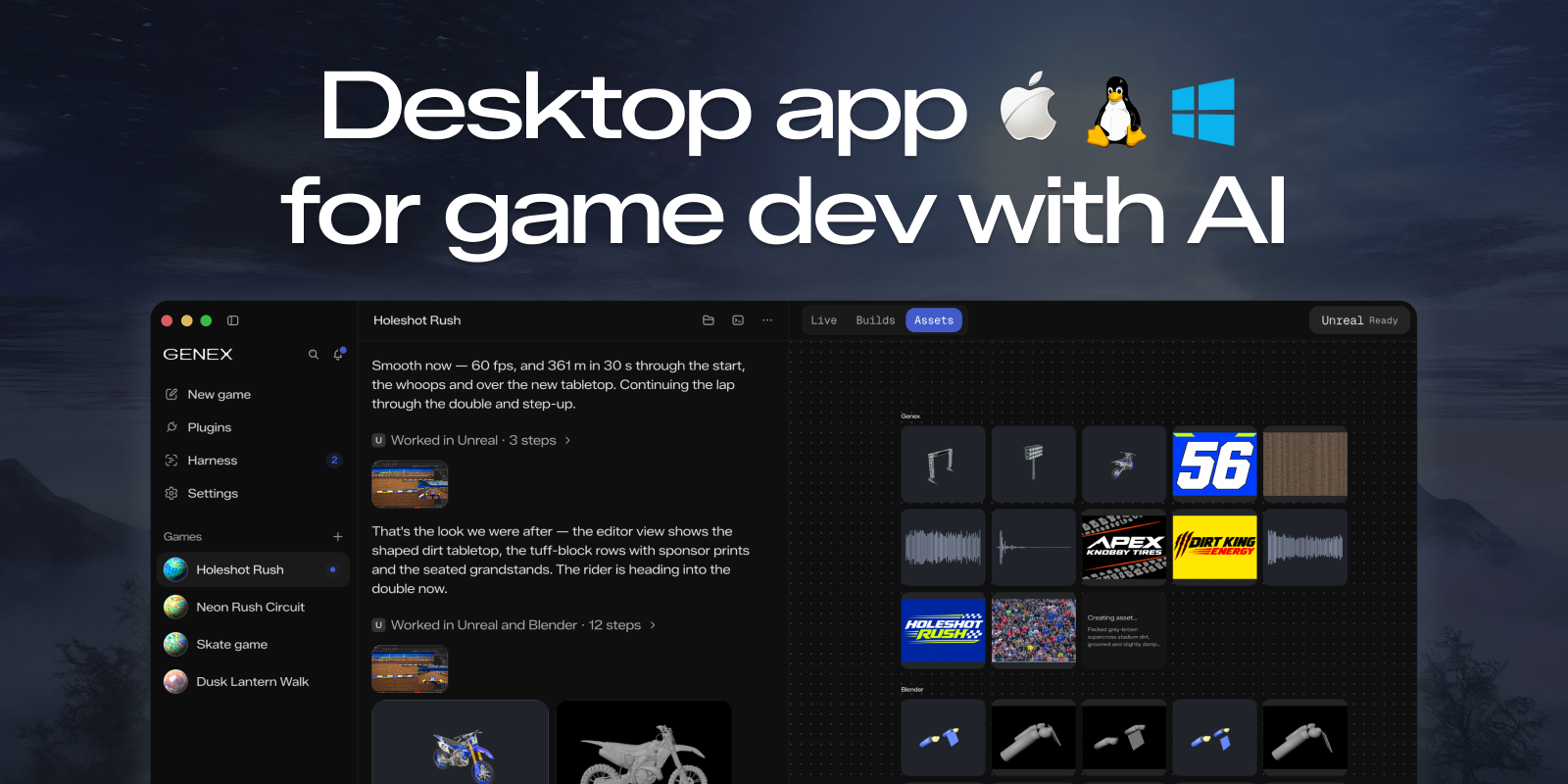
Genex 0.1.24, released at 07:02 Beijing time on October 27, adds Grok Build and Cursor as model providers in its desktop game-development workspace. Creators with an existing account can select their models for chat, game builds and Loop. Cursor's integration carries a Beta label, and model usage remains subject to the provider account's billing and limits.
Connect from first launch or Settings
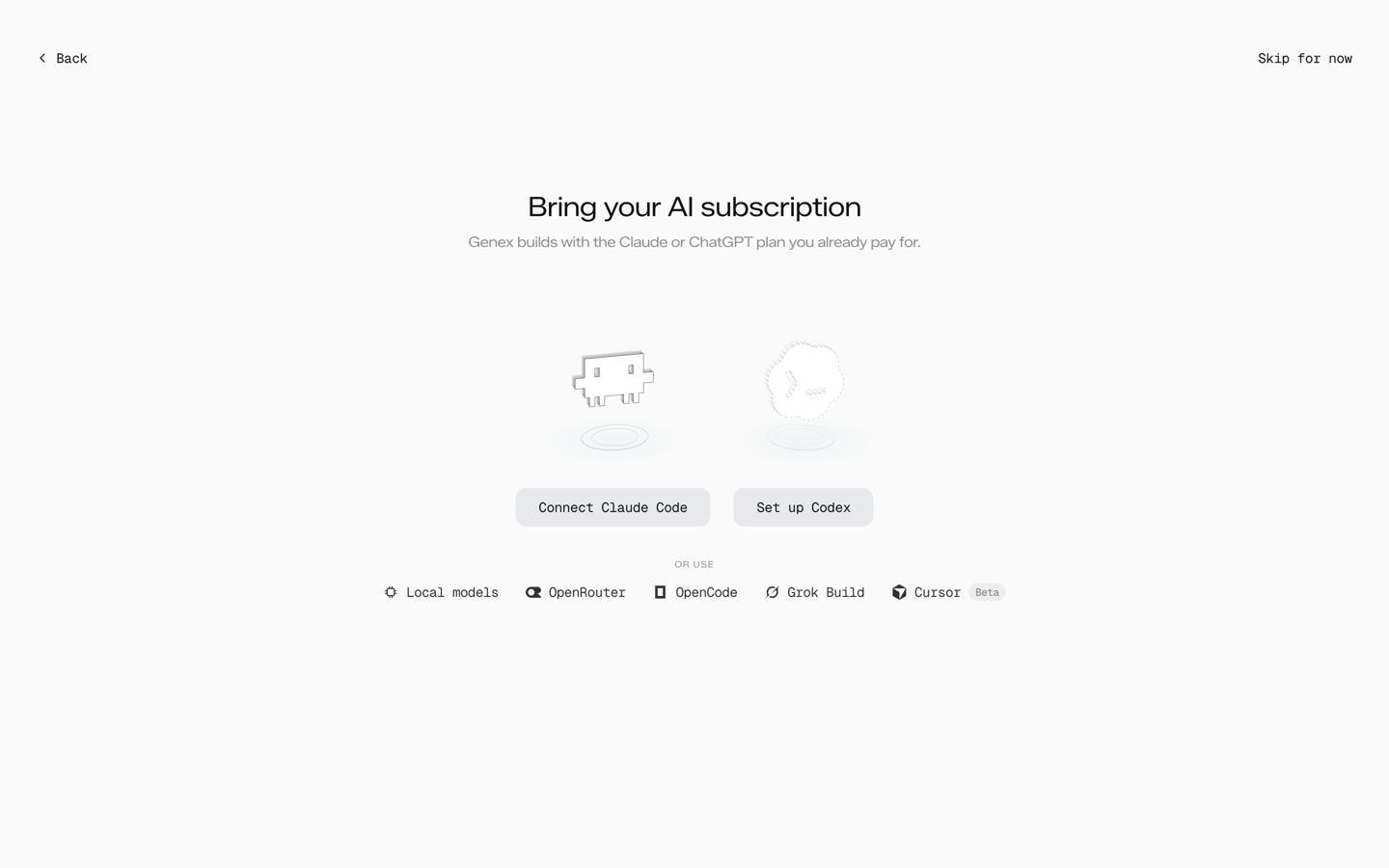
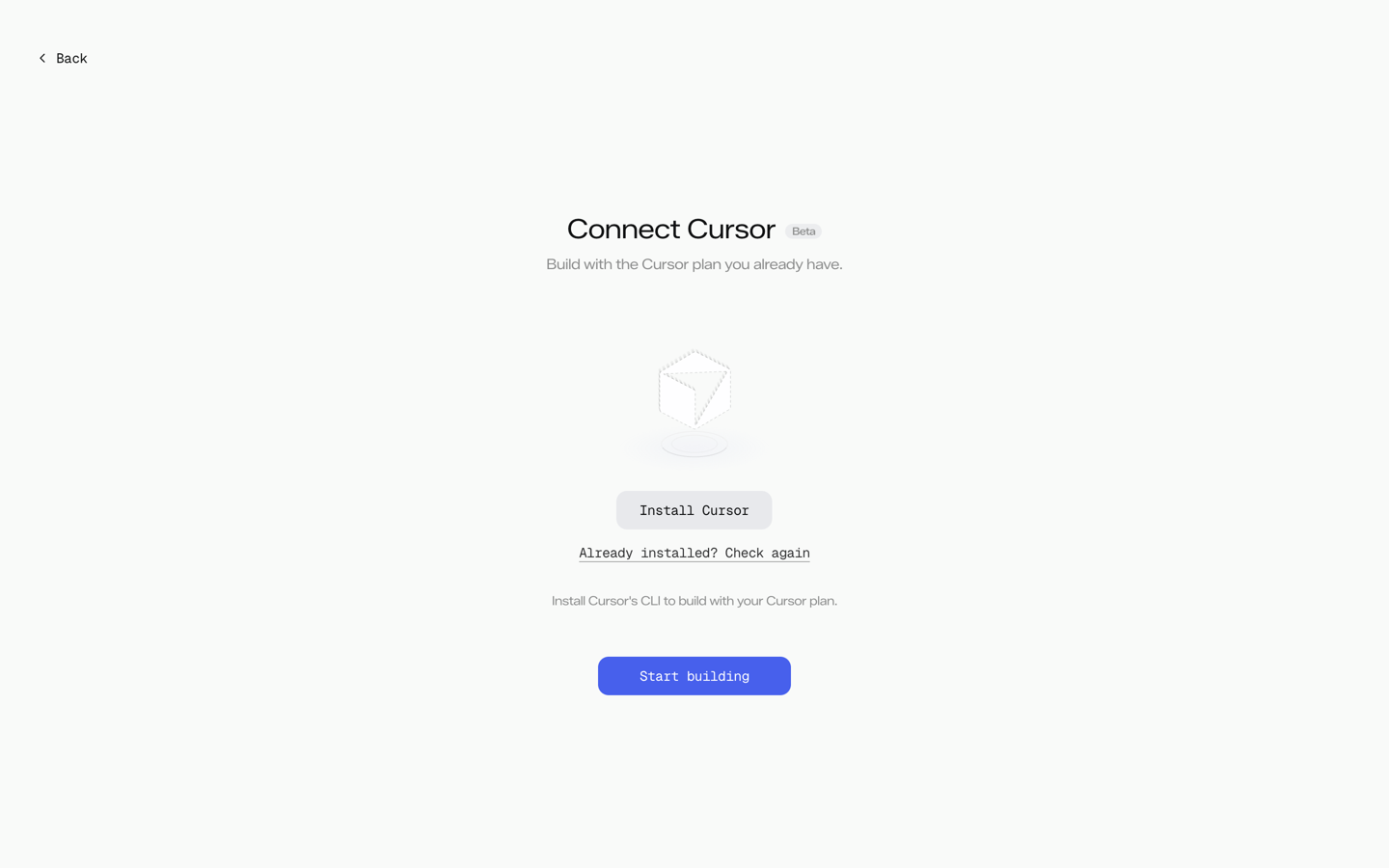
The release notes list two entry points: Settings → Model Providers and the “or use” row on first launch. The first-launch change adds dedicated Grok Build and Cursor screens with installation, sign-in and connection checks.
For Grok Build, the provider implementation uses xAI's coding CLI and the user's Grok account. Its model choices appear for the main agent, workers and reviewers. This gives developers another account they can use inside Genex's game workspace; the connection itself does not establish how well a model will build a particular game.
Cursor arrives with a Beta label
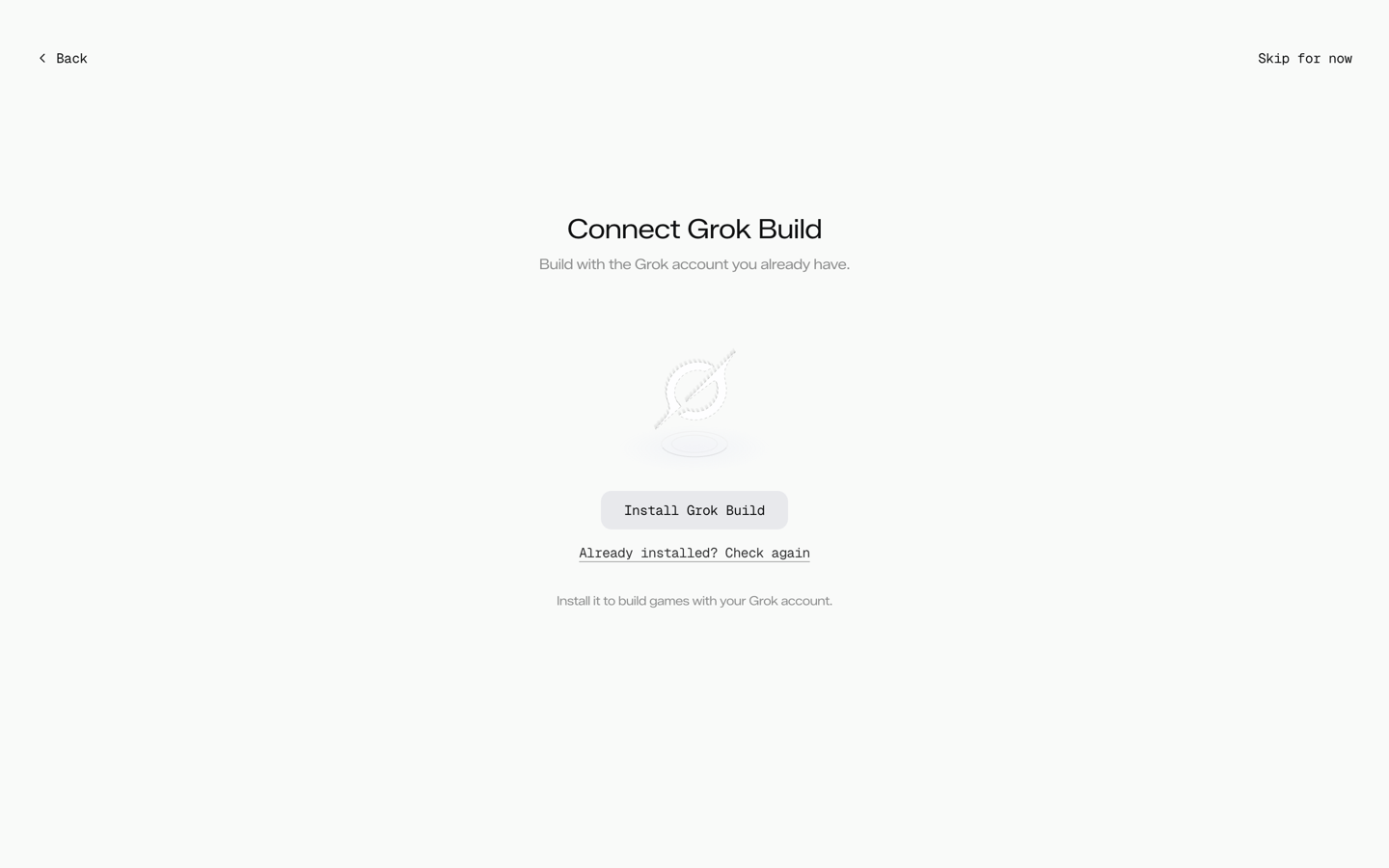
The Cursor path uses Cursor's agent CLI. Genex displays Beta beside its name in Settings and the model picker, as well as on the first-launch screen.
The integration record explicitly leaves a signed-in account's full build, streaming response and session resumption awaiting live validation. Its fixture screenshots show the interface, including the installation state; they do not demonstrate a completed game build. For an existing Cursor user, a small prototype provides a more manageable starting point than moving a large project straight into this beta integration.
Model usage and Genex credits stay separate
Genex says game building runs on the user's own model plan and does not consume Genex credits. Its desktop product page separately identifies optional asset generation through the Genex plugin as a paid service.
Cursor's current pricing documentation also distinguishes included usage, third-party models and additional usage; existing legacy plans retain their own billing arrangement. The selected model and account plan determine the charge. Connecting an account does not turn every model call into included usage.
The same release addresses Loop cancellation: Stop should also end the initial game inspection, and chat can stop or restart a Loop as it starts. That matters when iterating on a prototype and changing the brief before another build proceeds.
Sources (6)
- Genex · 0.1.24 release notes and downloads
- Genex · First-launch Grok Build and Cursor entry points, PR 494
- Genex · Grok Build model provider, PR 472
- Genex · Cursor provider and beta limitations, PR 468
- Cursor · Models and pricing, including legacy plans
- Genex · Desktop application and separate asset-generation costs
No sponsorship or affiliate links in this article.