PRODUCT UPDATE / 3D assets · Reference workflows
GPT-Image 2.5 enters AI 3D workflows through Tripo Studio and Meshy's API
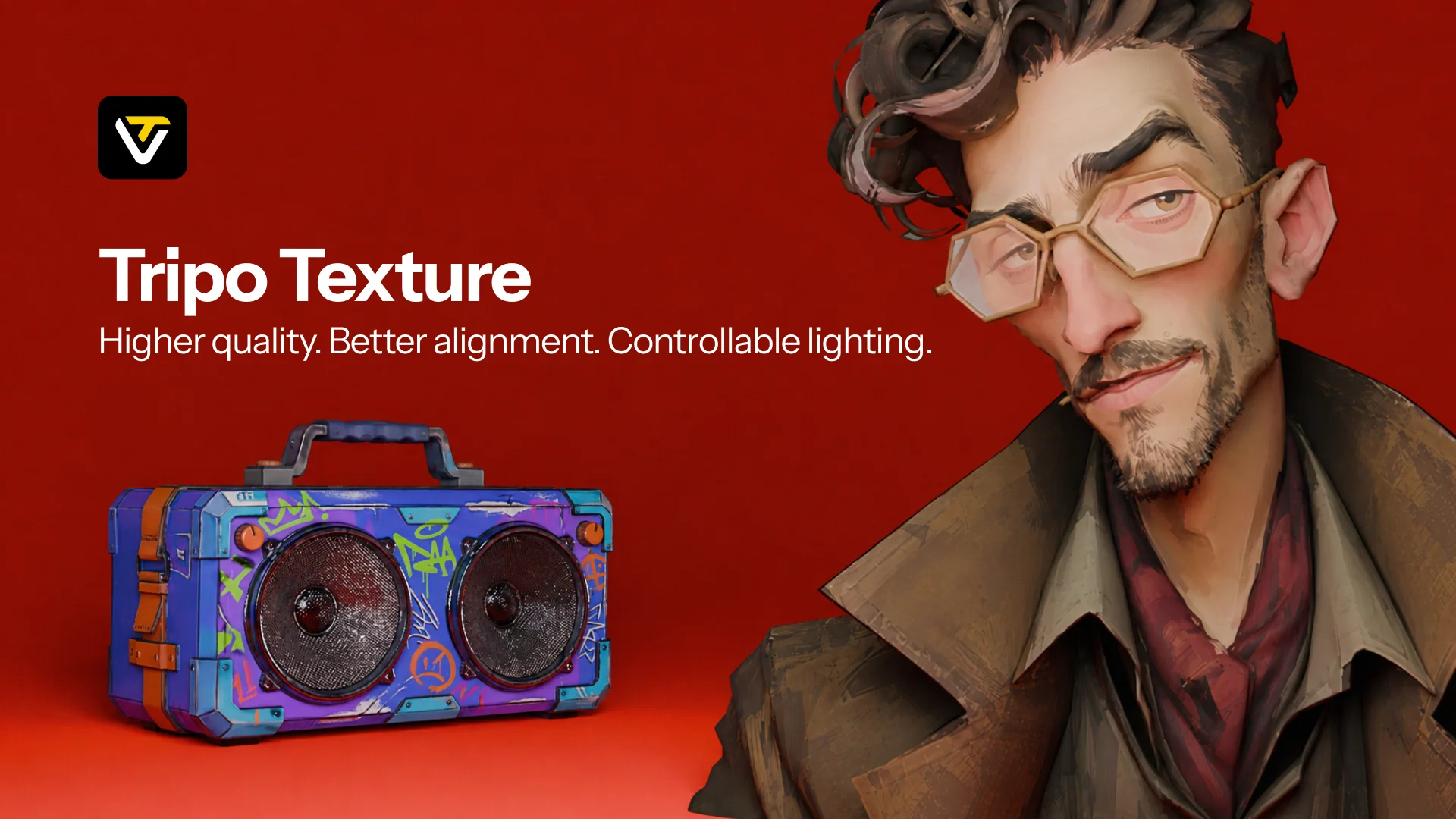
Tripo has added GPT-Image-2.5 Sunburst to a guided reference-image workflow, while Meshy now exposes Flare and Sunburst through its image APIs. The useful change for game artists happens before 3D generation: preparing clearer poses, multiple views and separated assets without breaking the production chain.
For character and environment artists who use generated images as 3D inputs, and for technical teams automating reference preparation before modeling, rigging or scene assembly.
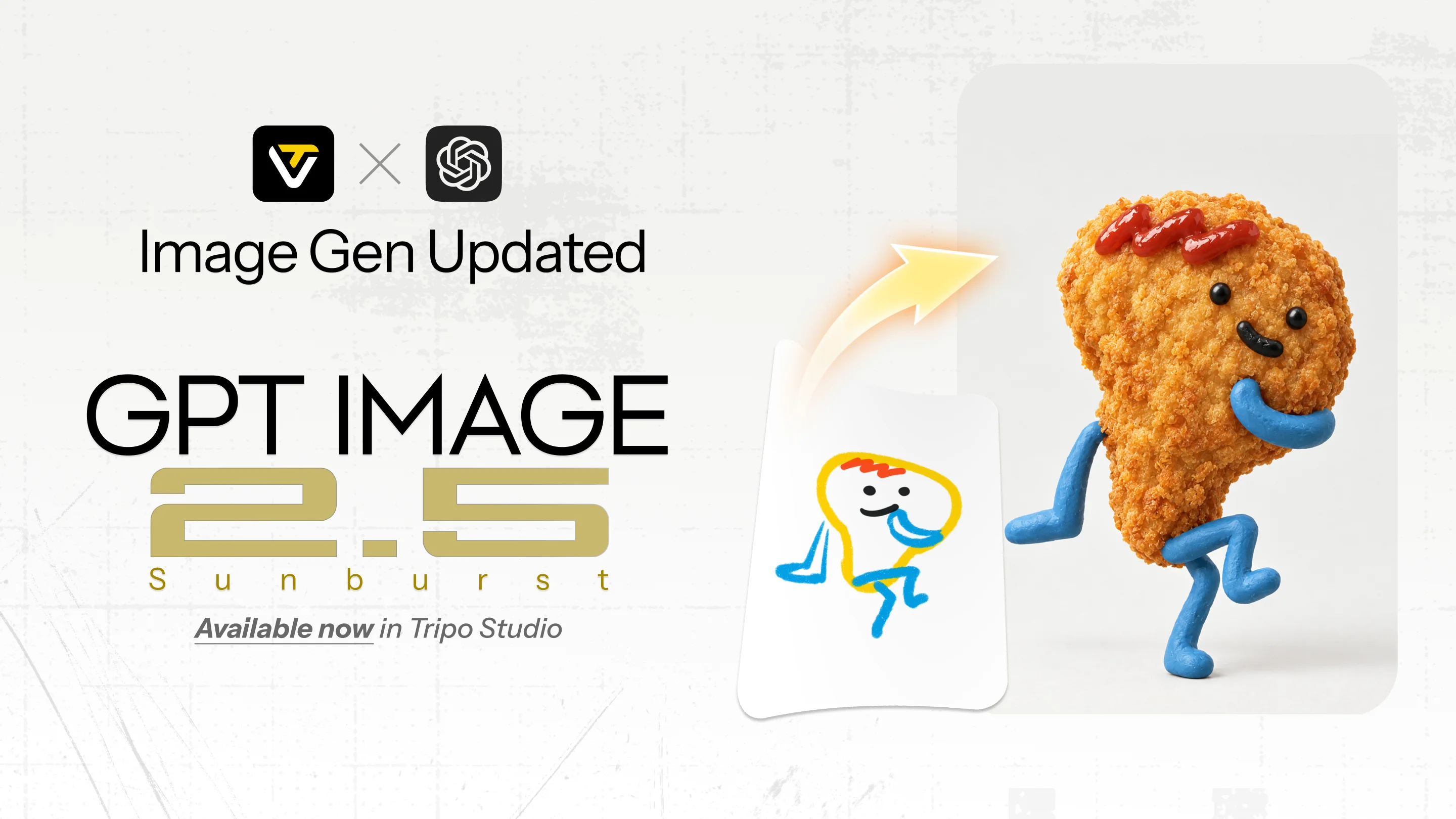
On September 15, 2026, Tripo added GPT-Image-2.5 Sunburst to Tripo Studio, while Meshy added both GPT-Image-2.5 Flare and Sunburst to its image APIs. The useful change for game production happens before a model is generated: concept images can be reshaped into clearer poses, multiple views and separated parts without leaving the path toward 3D.
OpenAI introduced Images 2.5 on September 8, describing better reference preservation, more precise editing and more consistent multi-turn changes. Flare is positioned as the faster general API model, while Sunburst trades more generation time for tighter control. Tripo and Meshy are now applying those image capabilities to the input stage of 3D asset work rather than presenting them as new 3D generators.
Tripo turns image preparation into a guided 3D preflight
Tripo's current Image Gen workflow includes templates for Character Extraction, Head Extraction, T Pose, Character Completion, Asset Extraction, Variants, 3D Enhance and print-oriented tasks. A creator can start from text, an uploaded image or both, then use the template to make the reference fit the next production step.
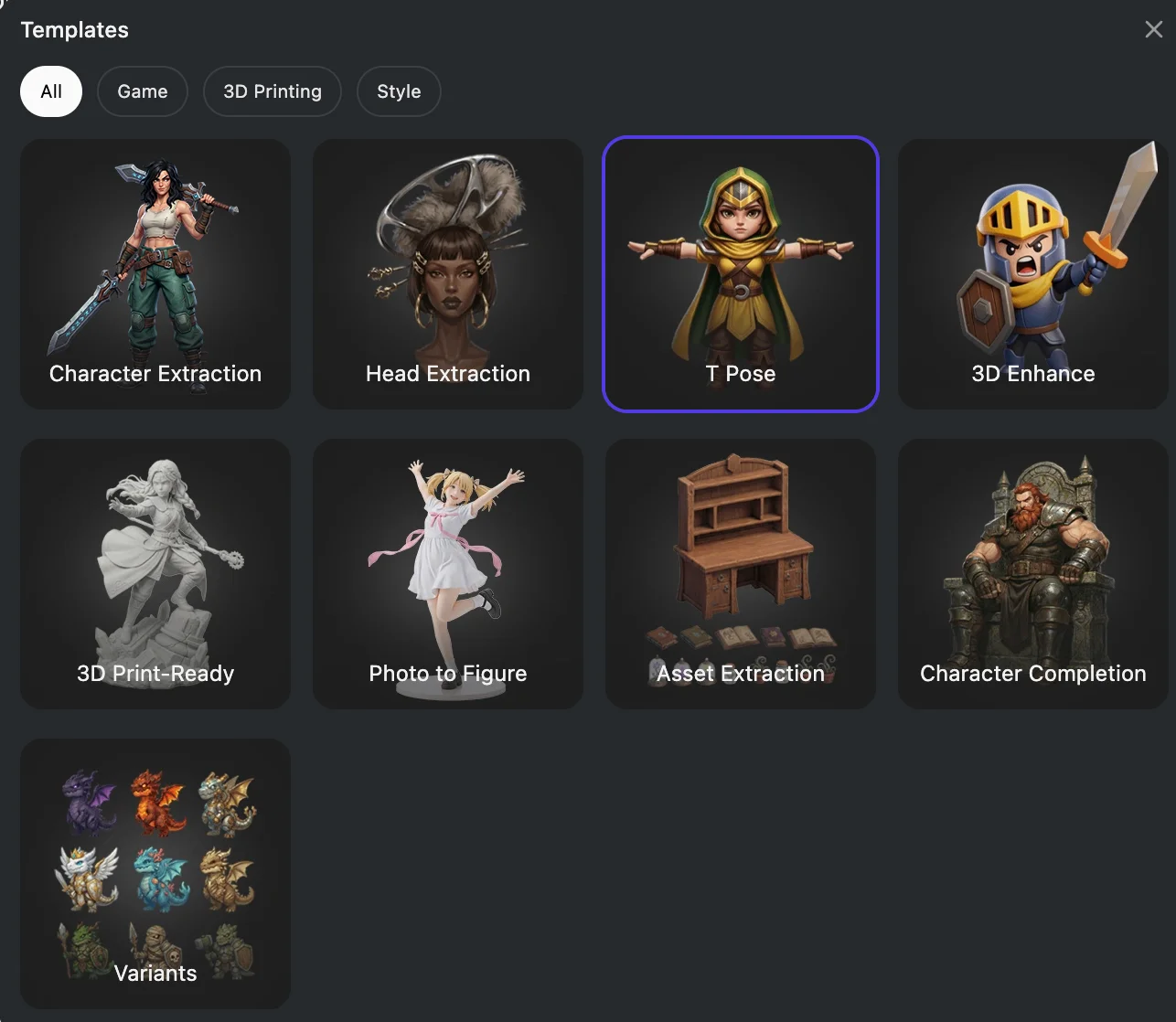
This addresses a common input problem. An attractive concept image may hide a character's back, merge a prop into the background or place a humanoid in a pose that is awkward for rigging. A T-pose or extraction pass does not make the final mesh by itself; it makes the intended structure more explicit before 3D generation begins.
Tripo can also expand a selected reference into front, left, right and back views. Those images stay inside the same workspace for review, editing and later model generation.
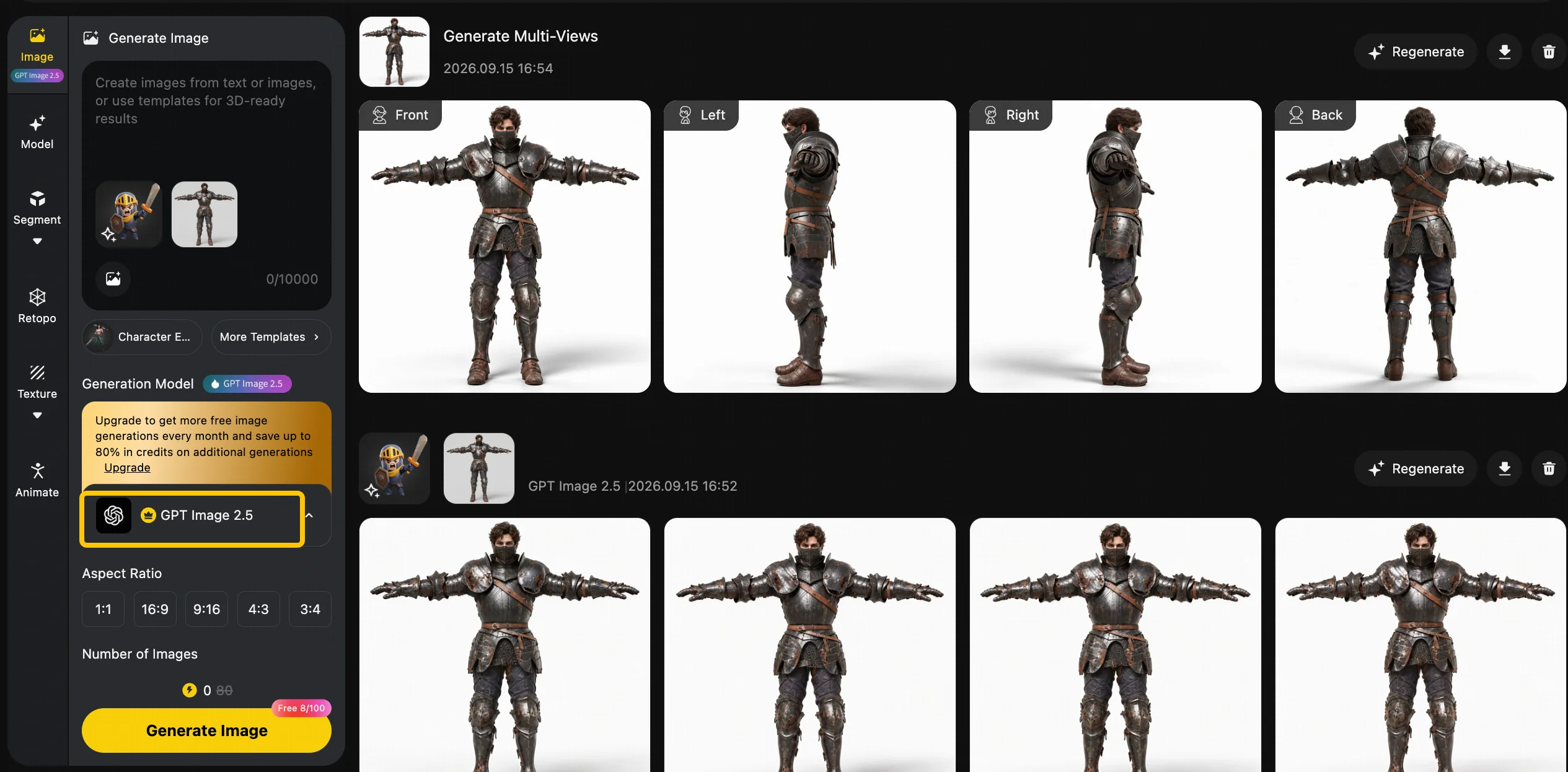
Cutout results can move directly into model generation
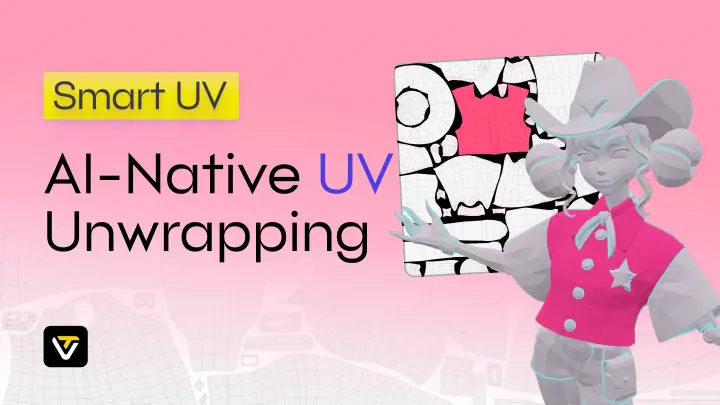
For characters and scenes that contain several useful pieces, Cutout can isolate the components before they become separate assets. Tripo says selected results can move to Generate 3D, while Batch to 3D can process up to ten prepared images together.
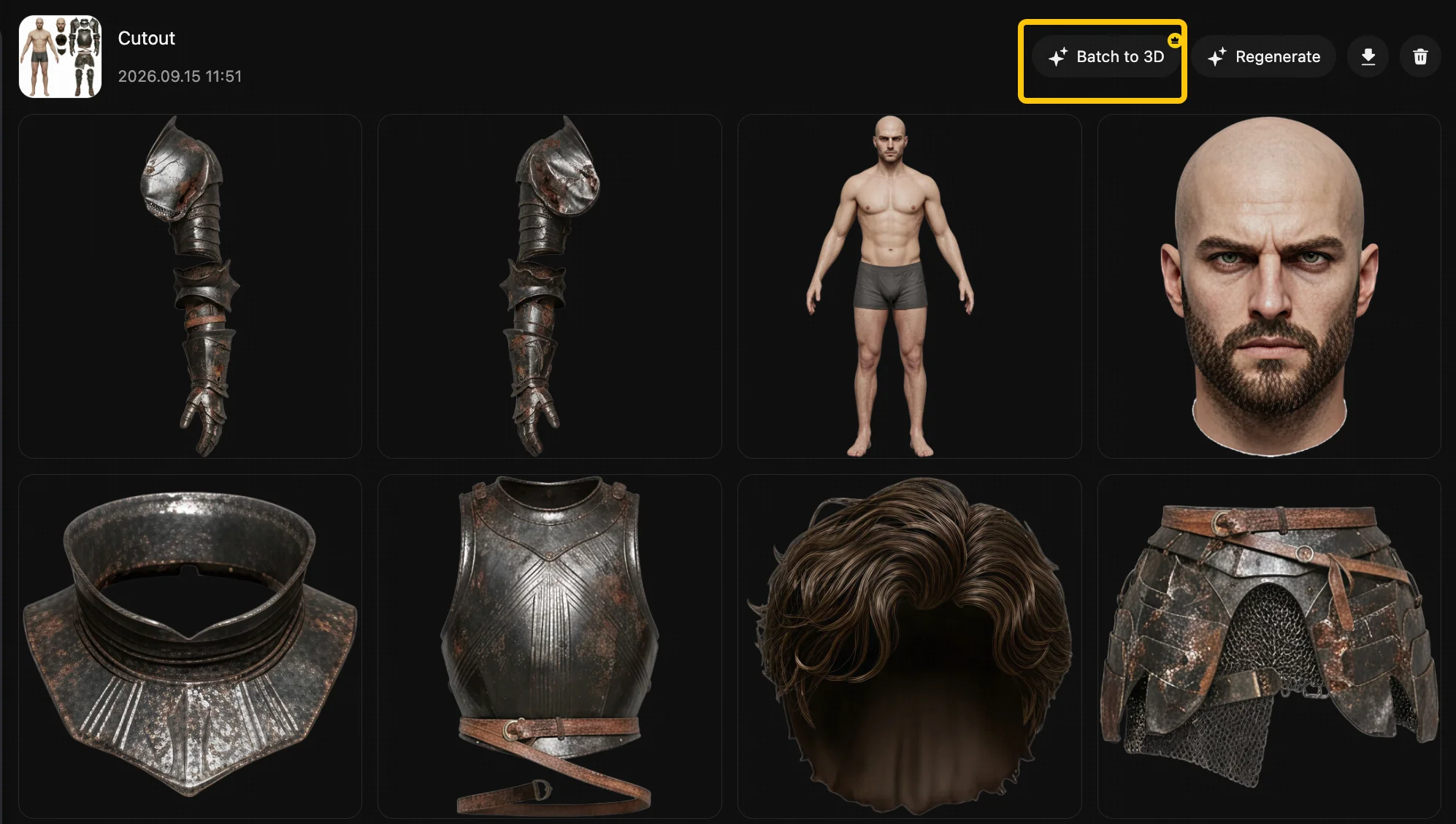
That path is most relevant when a game character needs a body, head, hair and equipment as distinct production assets, or when a scene concept needs to become a set of props. It can reduce manual transfers between image preparation and 3D generation, but the resulting geometry, topology, textures, scale and rigging still need their own acceptance checks.
Meshy exposes both models through automated image pipelines
Meshy's September 15 changelog adds gpt-image-2-5-flare and gpt-image-2-5-sunburst to the documented model values for Text to Image and Image to Image. Text generation costs 9 Meshy credits per image and editing costs 12, matching the existing GPT-Image-2 price. Both models support 1:1, 16:9, 9:16, 4:3, 3:4, 3:2 and 2:3 outputs.
The API route matters for teams that prepare references in batches or as part of an internal asset tool. A September 14 change also lets Image to Image accept a completed image task through input_task_id, so a pipeline can pass earlier output forward without copying its result URLs into a new request.
Better references narrow ambiguity rather than remove asset review
The two integrations point to the same production idea: image generation is moving upstream into reference preparation. A controlled pose, visible side and back views, or separately extracted props give a 3D system more explicit material than a single composition-first concept image.
Neither announcement provides a controlled comparison showing how much this changes final mesh quality, cleanup time or consistency across a full game. Teams can evaluate the update with a small fixed asset set: keep the prompt and target specification constant, compare single-view and prepared multi-view inputs, then inspect silhouette, part separation, topology, texture continuity and rigging before deciding where the extra image step pays for itself.
Sources (5)
No sponsorship or affiliate links in this article.