PRODUCT UPDATE / 3D assets · Native texturing
Meshy N1 joins the Retexture API for 2K game-asset textures
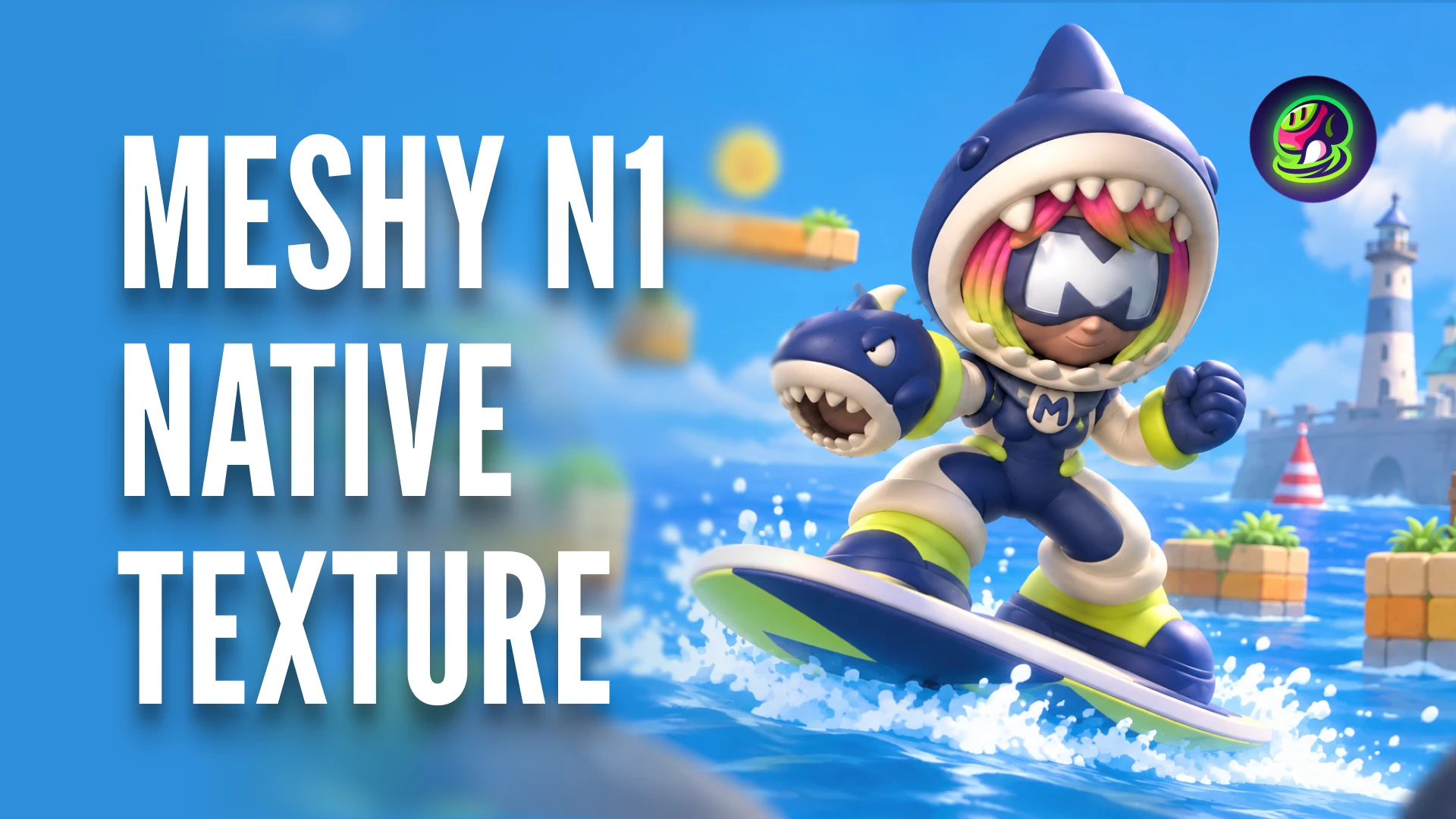
The November 2 API update textures an existing mesh from one to four reference images. N1 targets stylized assets and outputs base color; PBR maps and 4K or 8K textures remain outside this mode.
Developers building stylized props or characters and teams adding reference-led retexturing to an internal asset tool.
Meshy added N1 to its Retexture API on November 2, giving developers a reference-image route to 2K base-color textures on an existing 3D model. For stylized props and characters, an internal asset tool could use that route to prepare visual variants. N1 needs image references and does not supply the extra material maps used by a full PBR workflow.
Reference images guide the new texture
The dated API update accepts one to four images. The first is the front view; the order of the remaining views is flexible. The Retexture reference also cautions that a reference whose shape differs greatly from the model may fit poorly.
Meshy’s November 3 technical post describes N1 as generating color directly in 3D, addressing artifacts that can appear where projected images meet. Its tavern and raincoat examples compare Meshy 7 and N1 using the same mesh and input image.
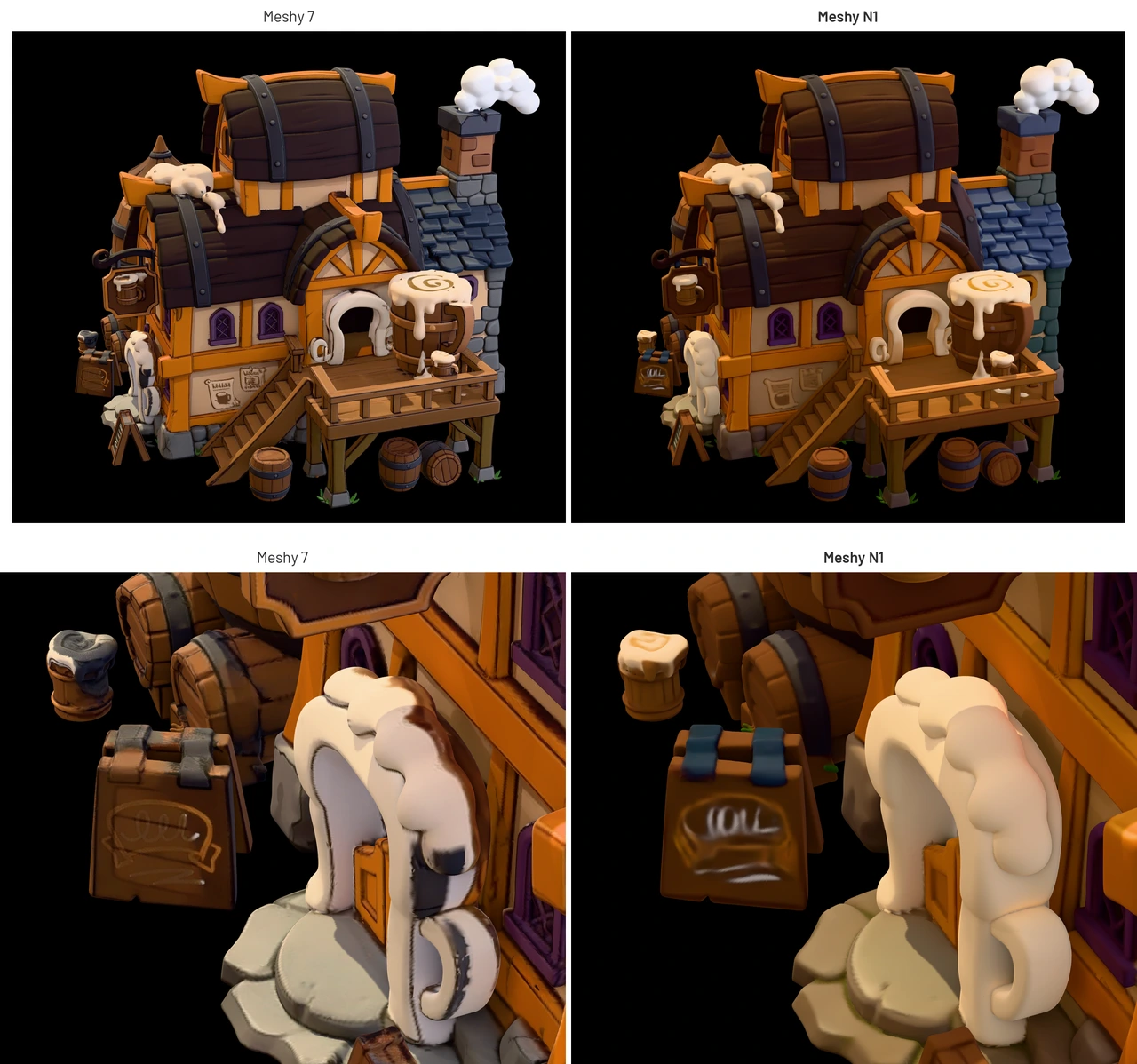
Those are vendor-selected comparisons. They show the intended use around color boundaries and repeated patterns, while a particular game’s assets still need inspection from multiple angles and under its own lighting. The post’s speed and cleanliness measurements come from Meshy’s test set and do not establish a project’s cleanup time.
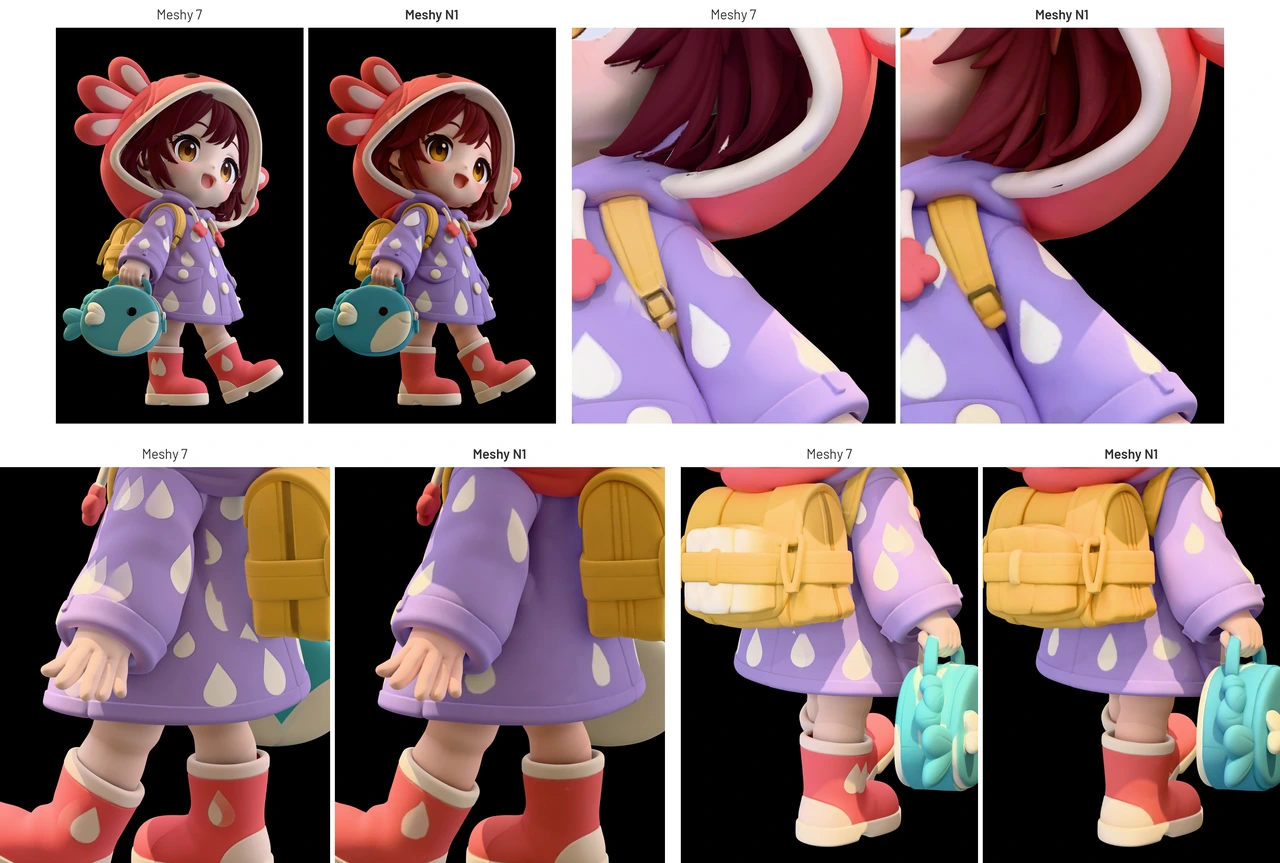
Select N1 explicitly and budget API credits
API requests must select ai_model: "meshy-n1"; latest still selects Meshy 7. N1 produces 2K base color only. It does not provide metallic, roughness or normal maps, or 4K and 8K output. Sending PBR generation or unsupported resolution options returns an error.
The current API pricing uses prepaid API credits, and N1 costs 10 credits per task. API task creation requires a paid plan. The workspace rollout began on October 31, with access for registered users; its multi-view texturing is limited to subscribers.
For a production workflow, the useful starting point is an existing mesh with suitable references, followed by a small set of texture candidates to review. The 3D asset and animation category collects related tools for the surrounding mesh, rigging and export work.
Sources (4)
Based on official announcements and public API documentation. No sponsorship or affiliate links.