PRODUCT UPDATE / Blender asset and level workflows
Scenario Blender 0.13 adds text-driven motion and finer blockout controls
The November 4 update adds reference images and density choices for blockouts, motion for rigged characters and head-texture preservation. The experimental plugin uses paid Scenario cloud generation.
For teams trying character motion, texture variations and early level layouts in Blender; rig compatibility and target-engine checks still matter.
Scenario released version 0.13.0 of its Blender plugin on November 4, adding more control over early level layouts, text-driven motion for rigged characters and texture changes that can preserve a character’s head. The extension remains experimental, requires Blender 5.0 or later and a Scenario account with API access, and uses paid cloud generation.
Choose how a blockout is planned
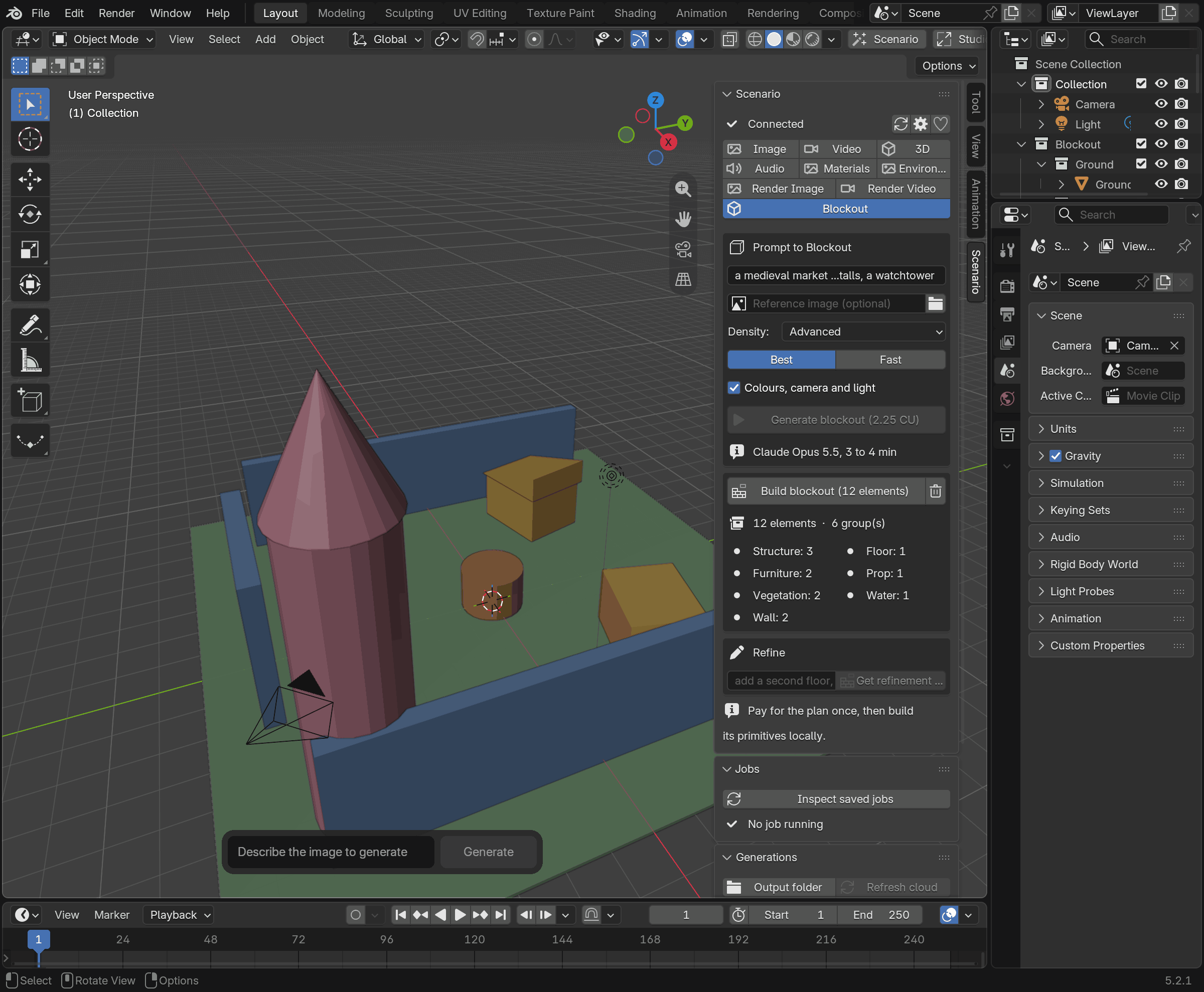
The release expands Blockout with an optional reference image, four density levels and Best / Fast model choices. A developer can describe a courtyard or supply concept art, choose how much detail the layout needs, then compare the displayed cost before generating a plan.
Planning and construction are separate: the cloud designs the plan, then Blender builds its coloured primitives locally. Teams can use those shapes to review space and composition before replacing them with detailed assets. Rebuilding replaces the Blockout collection and loses manual edits within it, so this is still an early layout workflow. The cover shows the documentation’s locally built sample plan, rather than a live model response; its displayed price is illustrative.
Describe motion for an existing rig
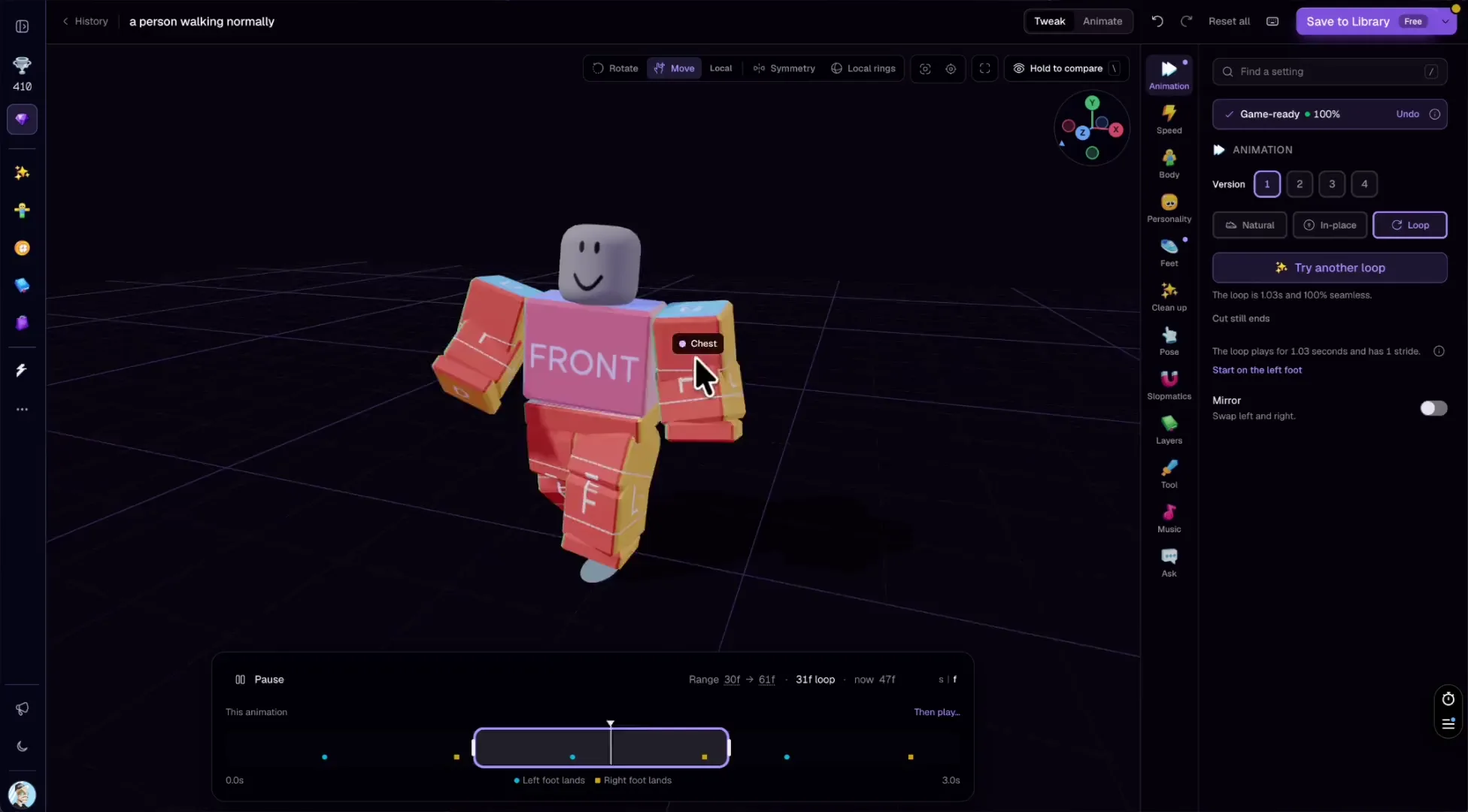
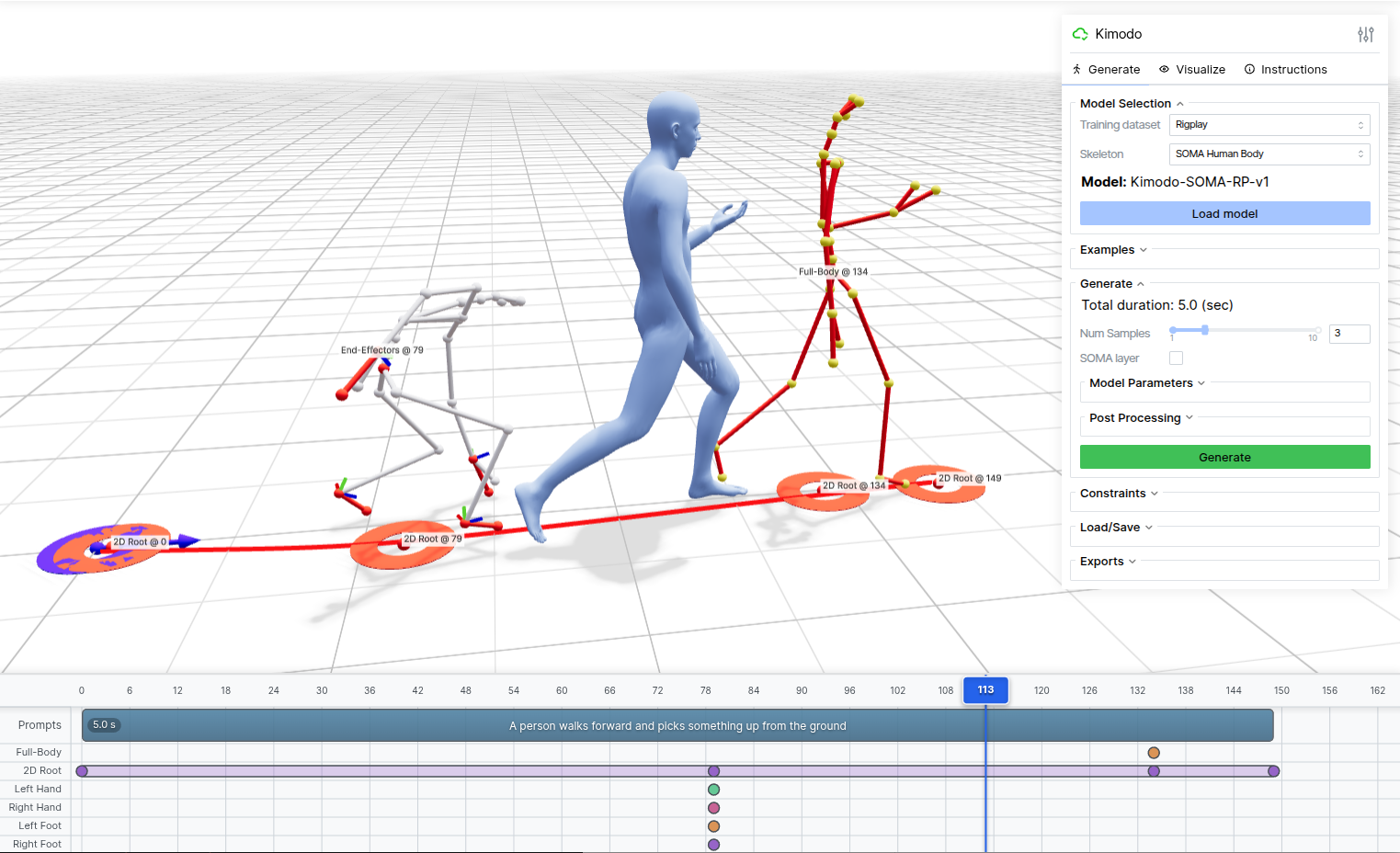
In 3D → Edit → Animate, Uthana Text to Motion 3.0 and Viggle Text to Motion accept a written action. These paths generate motion without uploading the character mesh; the character must already have a rig. Uthana starts with Animation only, with frame-rate and duration controls.
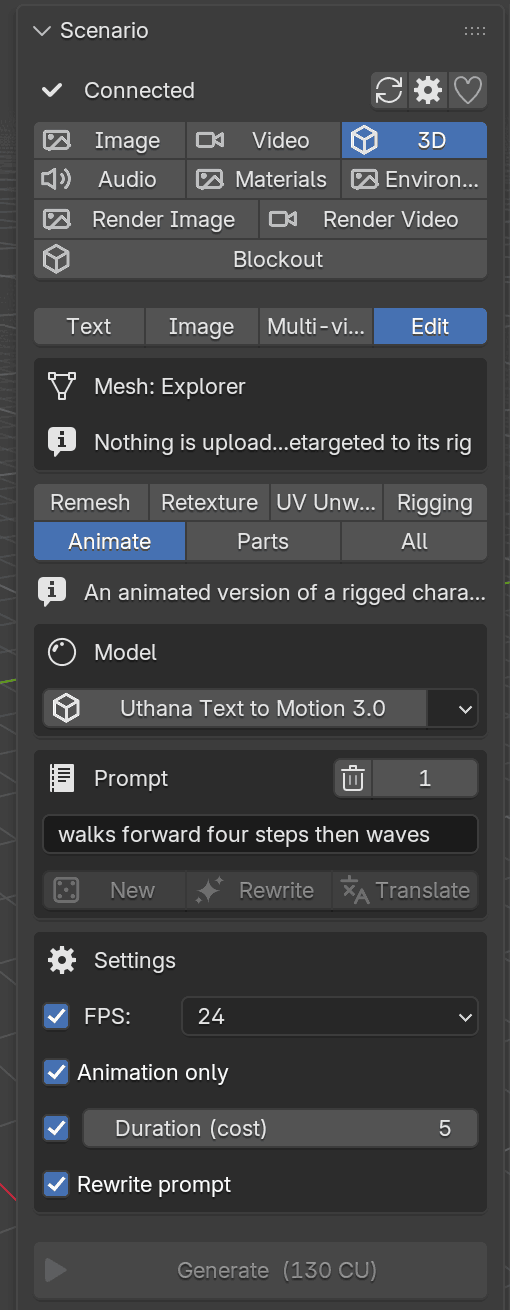
The returned motion can then be applied to the rig, including movement across the floor. The compatibility notes restrict application to matching skeletons or supported humanoid retargeting conventions. Fingers and face bones are not retargeted. Developers still need to check foot contact, root motion and playback in their game engine.
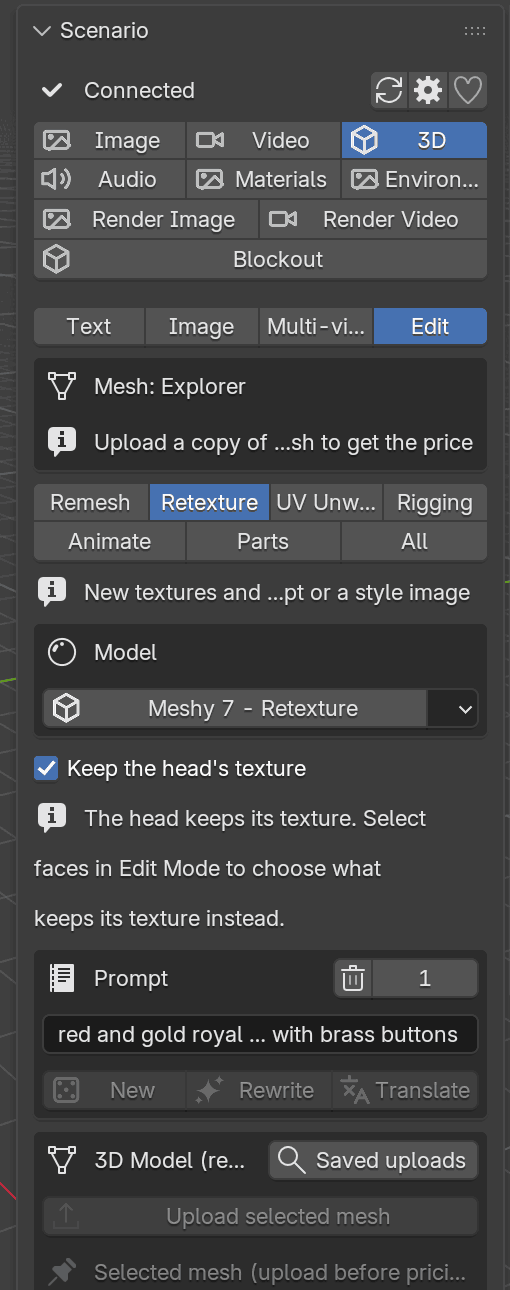
Retexture gains another useful control for character variations: selected faces can keep their texture when the result is applied. With no faces selected, the documented default preserves a standing character’s head texture; Keep the head’s texture can be turned off to repaint it too.
Review the generation cost
The plugin is open source; Scenario generation consumes Creative Units (CU). Prompt helpers and Blockout planning can carry separate charges. Version 0.13 adds a spending confirmation threshold: requests above 500 CU by default ask for confirmation, and setting it to zero asks every time. Agent requests retain their own approval step.
The Scenario tool profile covers the wider asset workflow. The 3D assets and animation and world and level building categories offer related tools for taking these experiments into production.
Sources (5)
Based on official release notes and public documentation. No sponsorship or affiliate links.