PRODUCT UPDATE / Editor agents and 2D assets
AI Game Developer adds Claude Fable 5.2 and GPT-Image 2.6
The app moves existing Fable 5.1 and Image 2.5 selections to the new models. Fable 5.2 is available from Studio and the update includes Sunburst examples of game sprites and inventory icons.
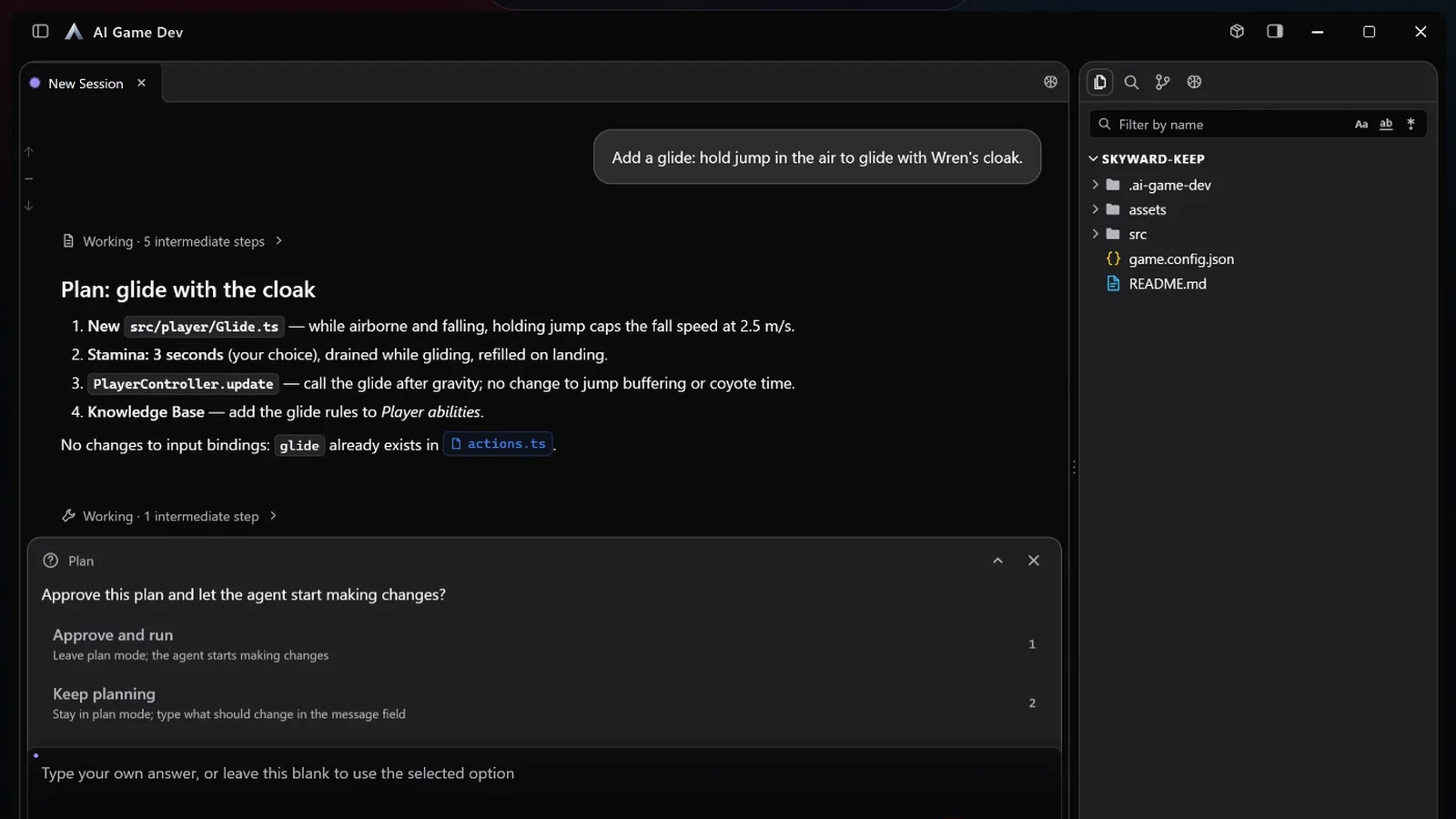
If you’re planning a feature that touches several scripts, you can use Fable 5.2 to review the scope before asking the agent to edit the project.
AI Game Developer added Claude Fable 5.2 and GPT-Image 2.6 on November 9. The app automatically moves existing Fable 5.1 and Image 2.5 selections to the new versions. Game developers can use Fable to plan changes across several scripts and ask the agent to generate sprite sheets or inventory icons with Image 2.6. AI Game Developer announcement
Fable 5.2 is available on Studio and higher plans
Pick Fable 5.2 in the app’s model list. If you previously selected Fable 5.1, the app updates the selection and serves 5.2 for requests that still name 5.1. Anthropic released the new model the same day. AI Game Developer says it uses less of your plan allowance per token than Fable 5.1. The available models also depend on your billing country. Developer announcement · Anthropic release · Plans · Regional availability
For a save-format change, use Plan mode to ask the agent which scripts read and write the old format and how it will test existing saves. Review that list before approving edits. The app can connect to Unity, Unreal Engine and Godot projects through the corresponding engine plugins. Plan mode demo · Engine setup
GPT-Image 2.6 powers Flare and Sunburst
Both image options now use version 2.6. The release says Flare is available during the trial while usage remains and Sunburst is available on paid plans. Image requests use your plan allowance first. They can draw from your prepaid balance after that if you’ve enabled Extended usage. Model update · Plan usage
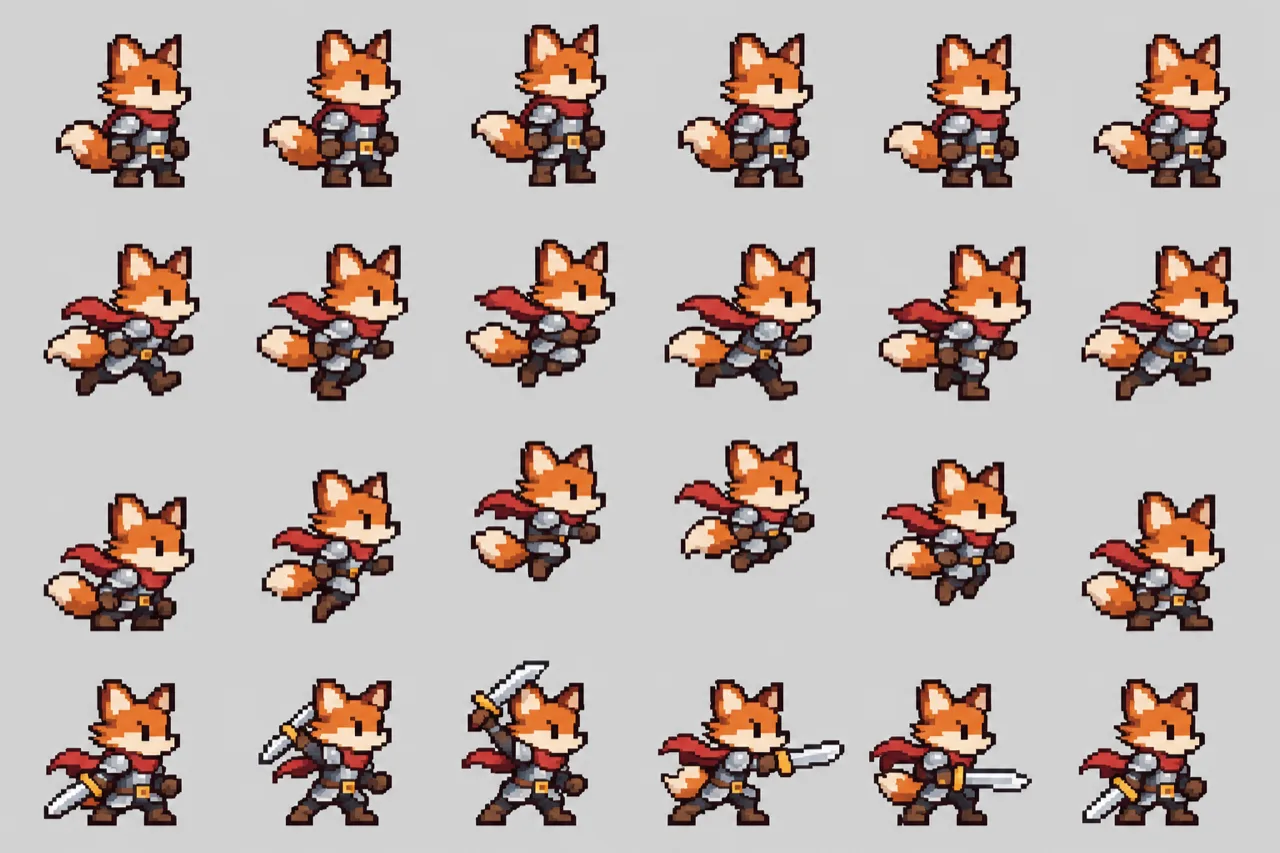
The developer’s Sunburst example puts a fox knight’s idle, run, jump and attack frames on one sheet. When you slice a sheet like this for a platformer, check where each frame starts and whether the character’s feet line up in the running loop.
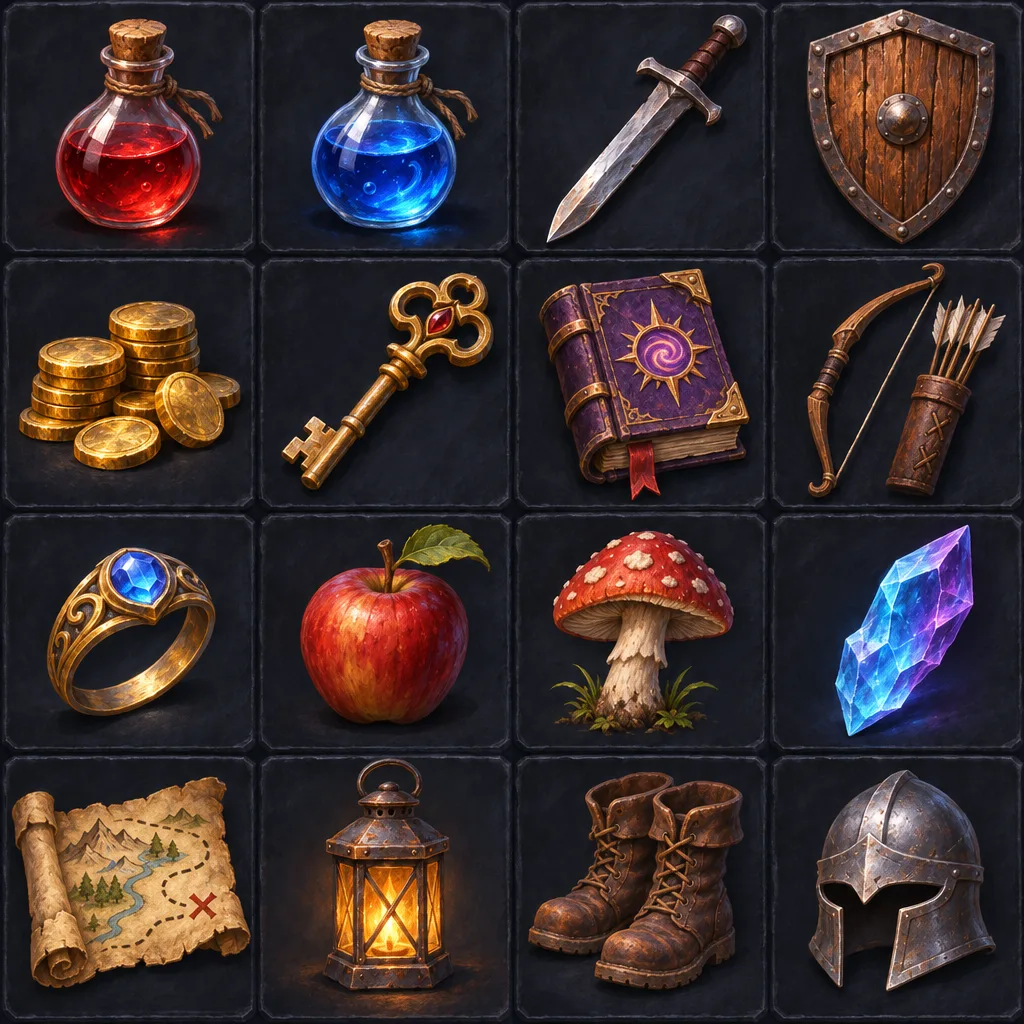
Another example shows 16 RPG inventory items in a four-by-four grid. After cutting the grid, view the icons at the actual size of your inventory slots and check that you can still tell similar items apart. Original Sunburst examples
Sources (6)
Based on the developer’s release and demos. The cover shows an October Plan mode demo. The body images are the developer’s published Sunburst outputs.