PRODUCT UPDATE / Game assets · Coding agents
Ludo launches a CLI for game assets and coding agents
The September 28 release brings Ludo's generators to the terminal, with local file output, Godot animation resources and spending controls. Pro or Studio access is required.
For developers adding asset generation to an existing coding workflow.
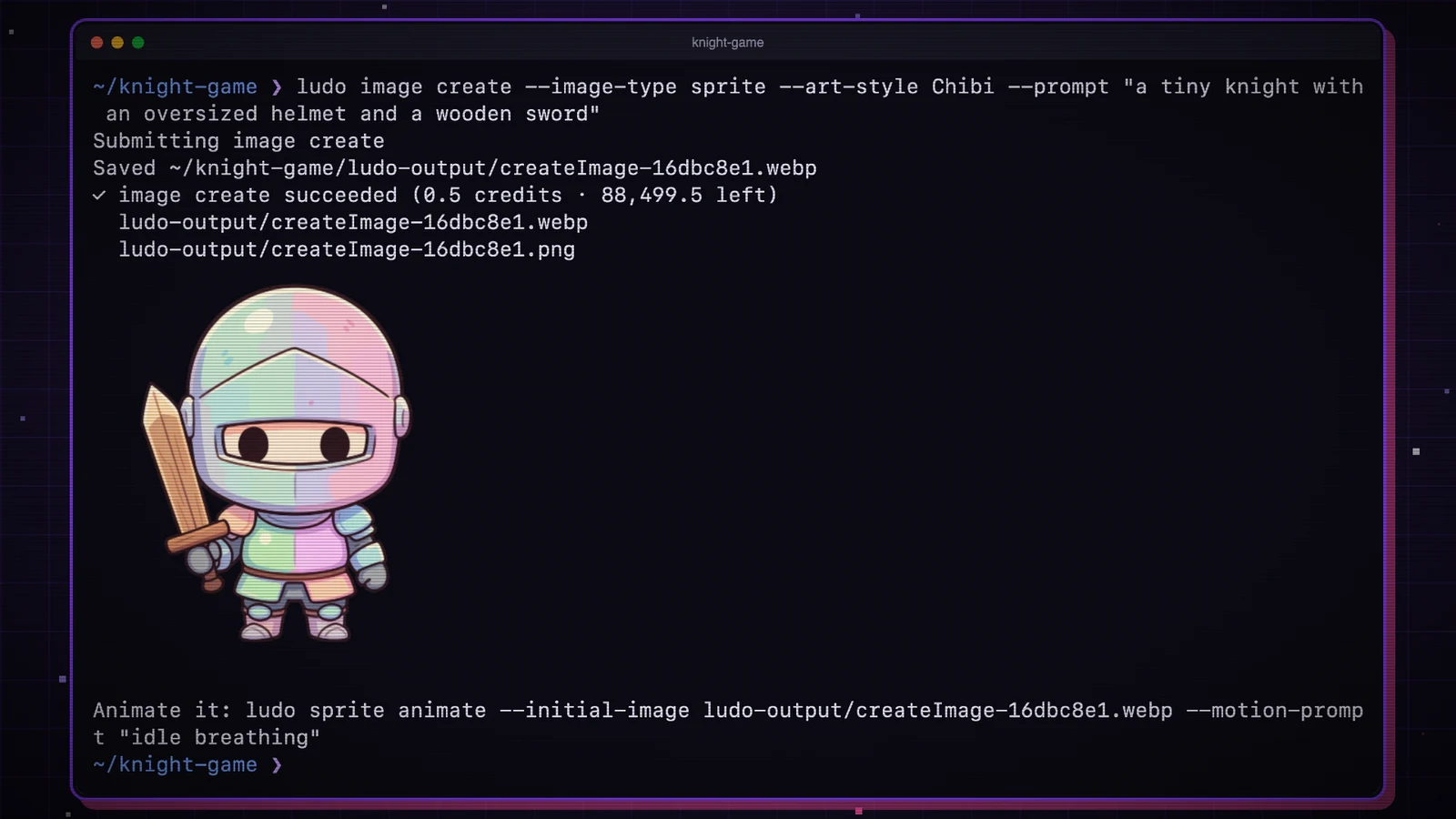
Ludo announced its command-line tool on September 28, giving developers and coding agents a terminal interface to its game-asset generators. It covers sprites, animation, 3D models, video and audio, with generated files saved locally. Access requires a Pro or Studio plan.
Asset generation inside the project
The CLI guide describes a workflow for agents such as Claude Code: read the relevant command help, submit a generation request, then receive JSON containing the saved file paths. Ludo provides a Claude Code skill and project instructions for other agents.
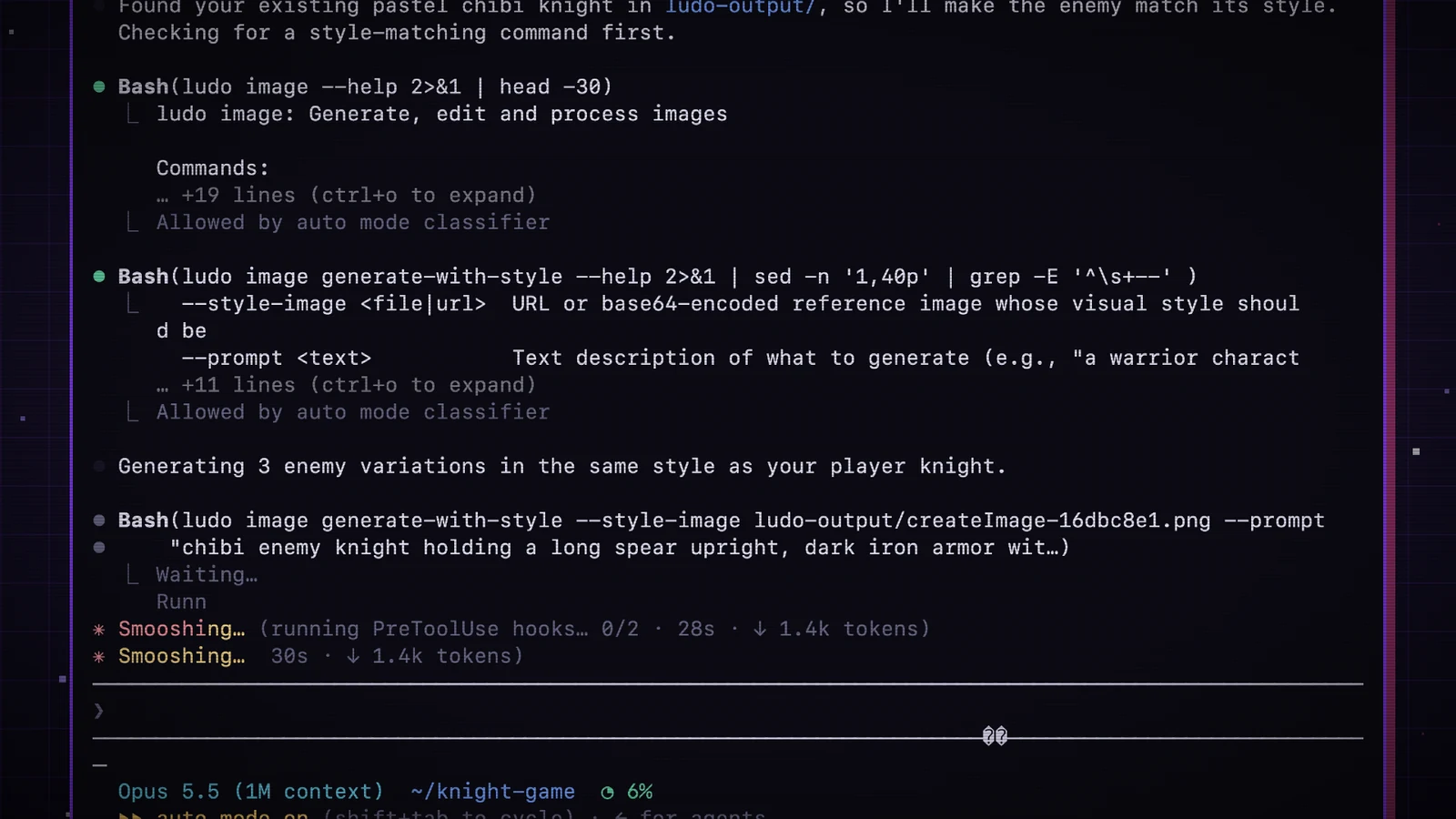
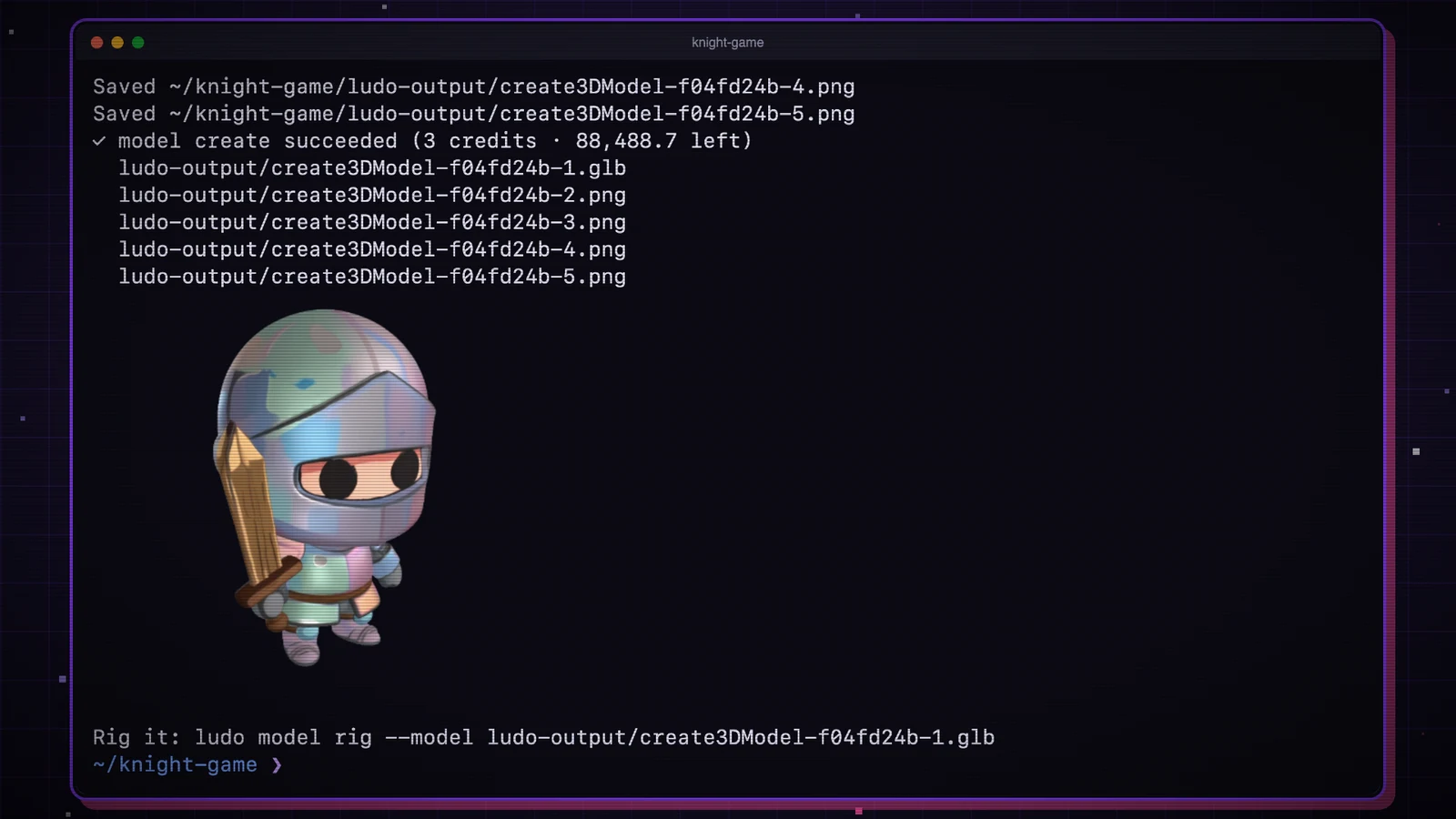
Developers can pass a local reference image directly. The CLI handles its upload and saves results to ./ludo-output by default. Ludo's example starts with a knight sprite and uses that image to make a 3D model.
Sprite animation also has a Godot-specific handoff: --engine godot writes a Godot 4 SpriteFrames resource for AnimatedSprite2D. This gives developers a concrete file to bring into an existing project.
CLI generations still consume credits
Ludo's developer page lists CLI access for Pro and Studio; Free trial and Indie accounts do not include it. The interfaces share an account and credit balance. The pricing page also makes a distinction that matters for automation: unlimited web-app features do not extend to CLI calls, including image generation.
The CLI offers --dry-run to estimate a command's cost and --max-credits to reject a request above a chosen amount. Project budgets must be set explicitly; there is no default spending limit. For a first automated run, a small asset batch with a budget would make the cost and resulting files easier to inspect.
Sources (4)
No sponsorship or affiliate links in this article.