PRODUCT UPDATE / Roblox Studio · AI characters
Roblox Studio adds Prompt-to-Avatar beta for R15 game characters
The Studio beta turns a text description into an editable 2D concept, then a 3D character with R15 or Advanced R15 rigging. Creators can choose clothing and head options before generating the model.
Roblox developers prototyping the look of NPCs or player characters before checking their movement and expressions.
Roblox announced Prompt-to-Avatar in Studio beta on October 29 (UTC). The workflow starts with a text description, lets the creator refine a 2D concept, then generates a 3D game character. The listed rig options are R15 and Advanced R15, providing a starting point for character prototyping inside Studio.
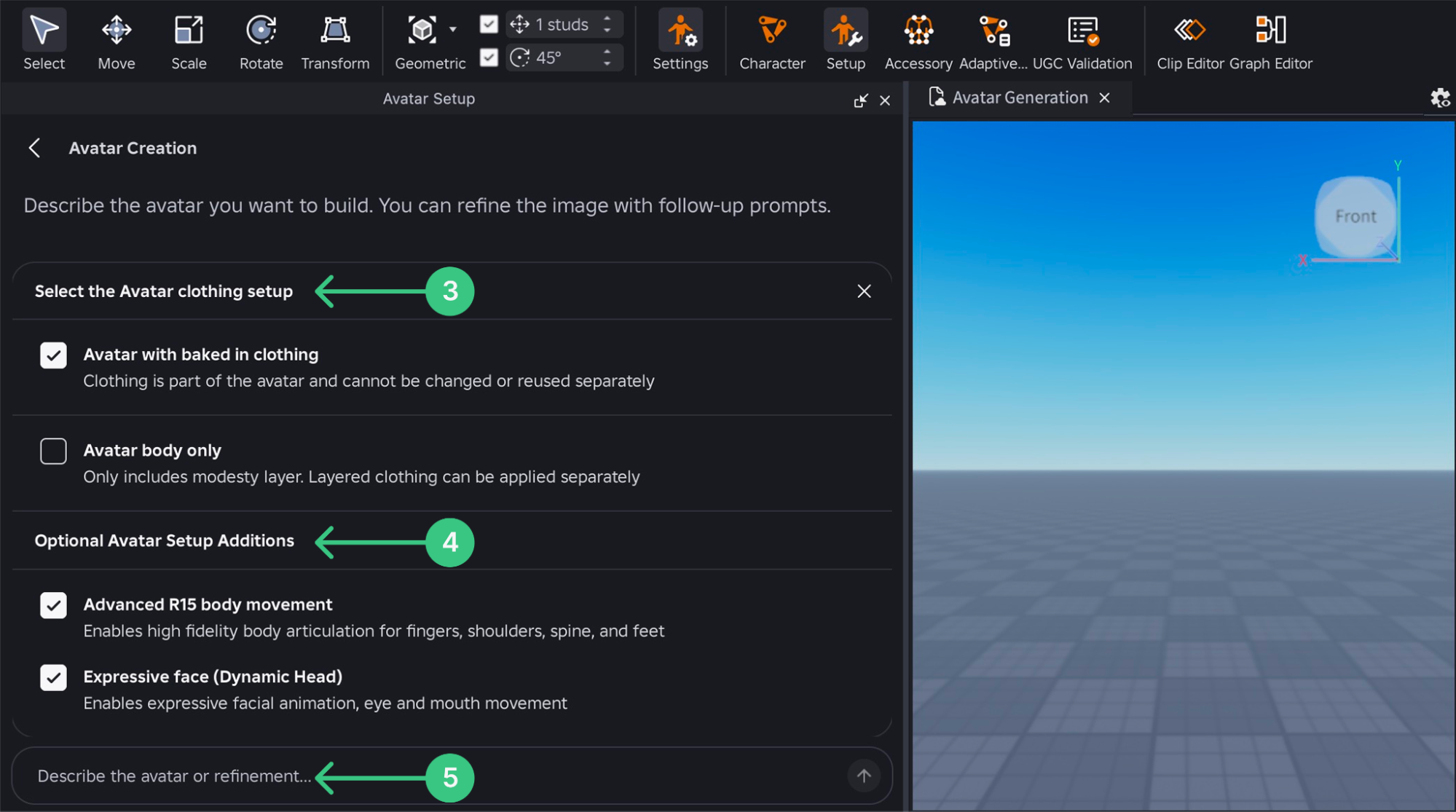
Choose clothing and head options before generation
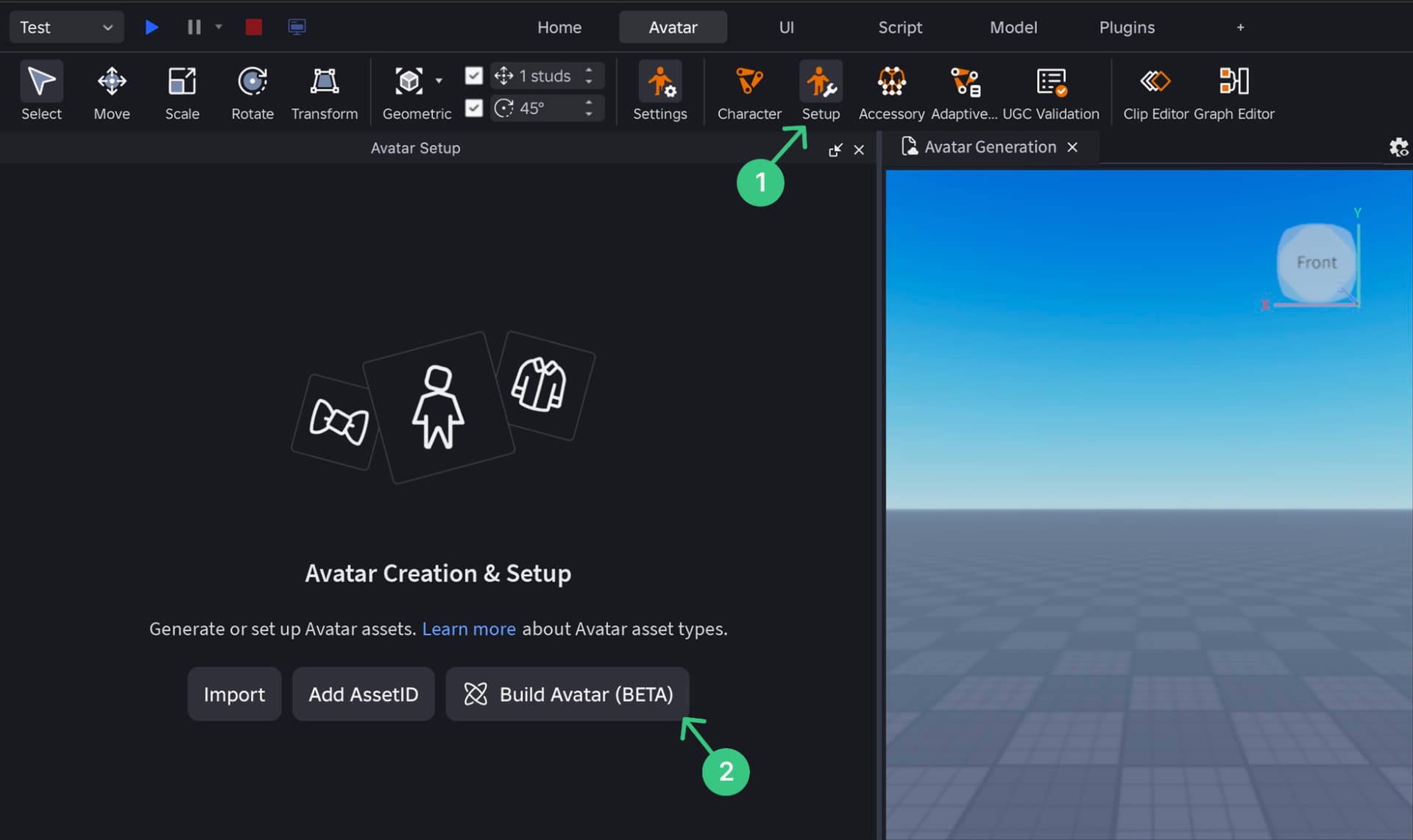
Enable Prompt-to-Avatar under File > Beta Features, open Avatar Setup from the Avatar tab, then select Build Avatar (BETA).
The clothing choice affects later editing. Baked-in clothing forms part of the avatar and cannot be changed or reused separately. The body-only option includes a modesty layer, with layered clothing applied separately. Static or dynamic heads and Advanced R15 movement are additional choices.
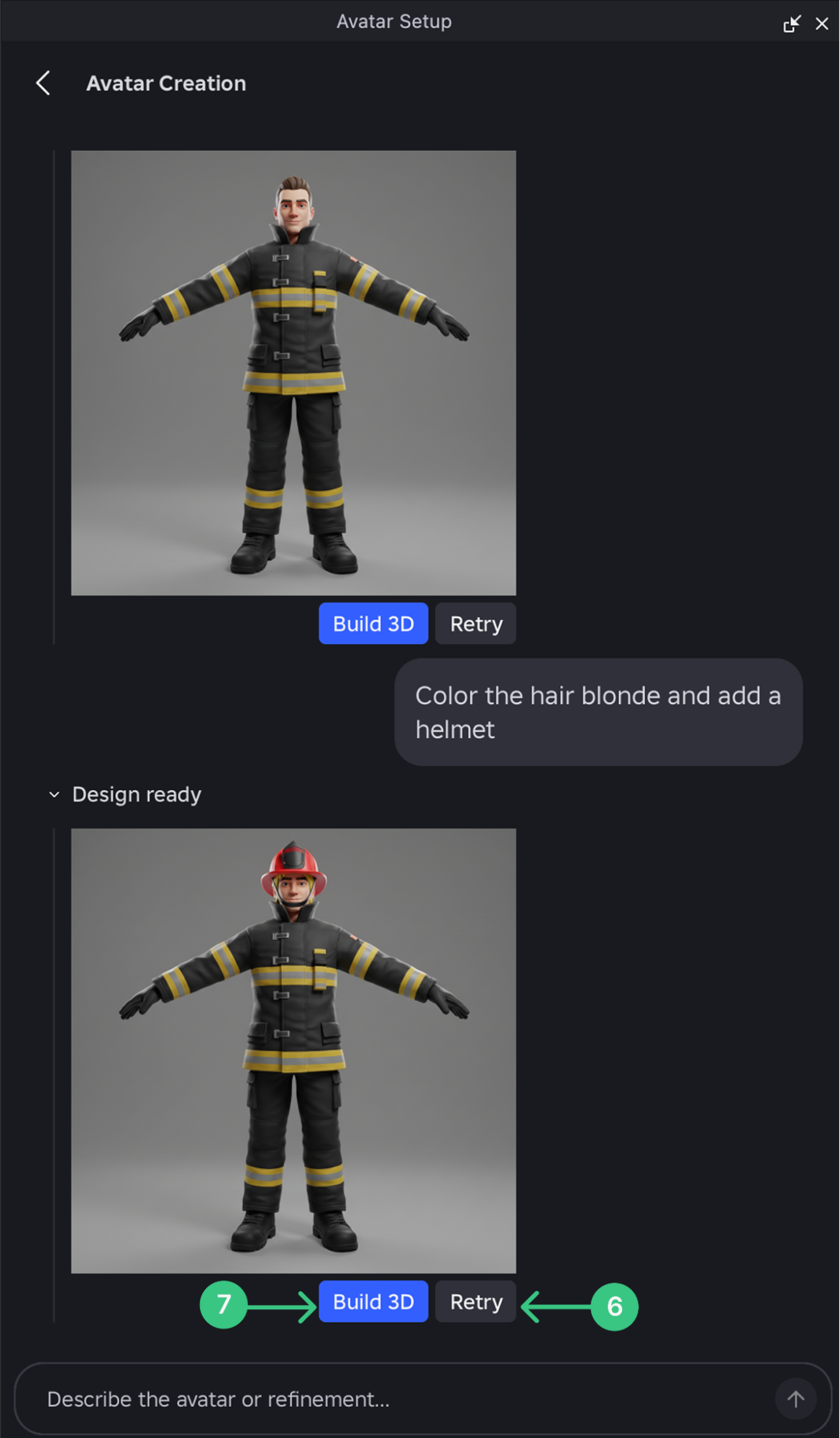
Refine the concept before selecting Build 3D
A prompt produces a 2D preview that can be revised with follow-up instructions. Each revision uses the preceding image as context; Retry produces another preview, while Build 3D starts model generation. The concept stage gives developers a place to settle proportions, colours and style before requesting the character.
The announcement also lists Assistant and Studio MCP support. External AI clients need a connection to the local Studio session, described in Roblox's MCP guide. The announcement does not specify a separate price or generation allowance for this beta.
Check movement and expressions in Avatar Setup
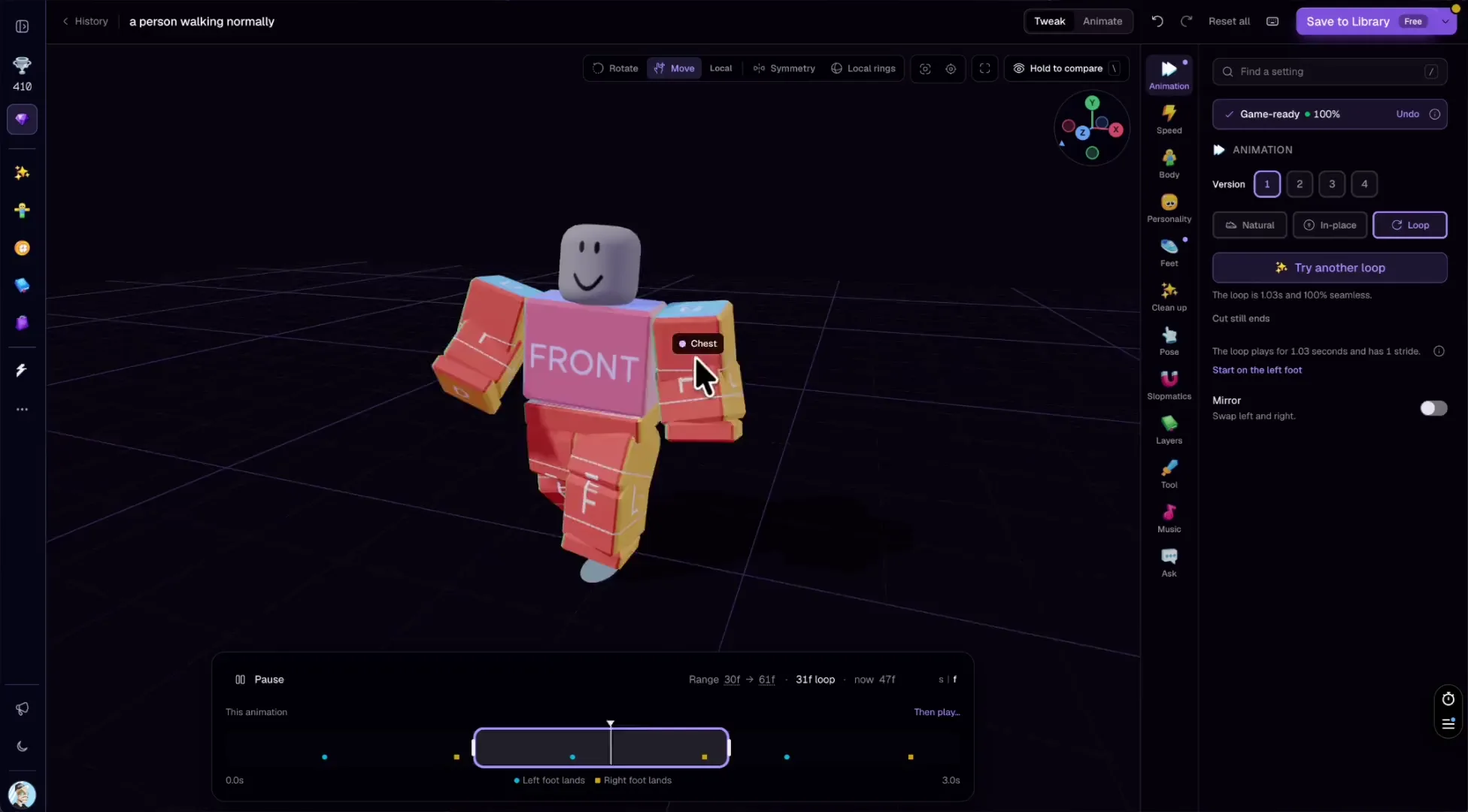
The Avatar Setup documentation provides animation and facial-pose checks, plus Test in Experience for trying a character in the active game. These give developers a way to review the result and make further adjustments.
Roblox still lists separating clothing and accessories into individual assets, separating hair from the head, and integration with Roblox Build as future work. The concept images should not be treated as a promise of independently editable outfit pieces. For the next production steps, browse our 3D assets and animation category.
Sources (3)
No sponsorship or affiliate links in this article.