PRODUCT UPDATE / Roblox Studio · AI environments
Roblox Scene Generation beta builds editable environments from text and images
The new Studio beta generates models, textures and terrain for environment prototypes. Assistant currently accepts one reference image, while the viewport menu accepts several; procedural assets can be adjusted afterwards.
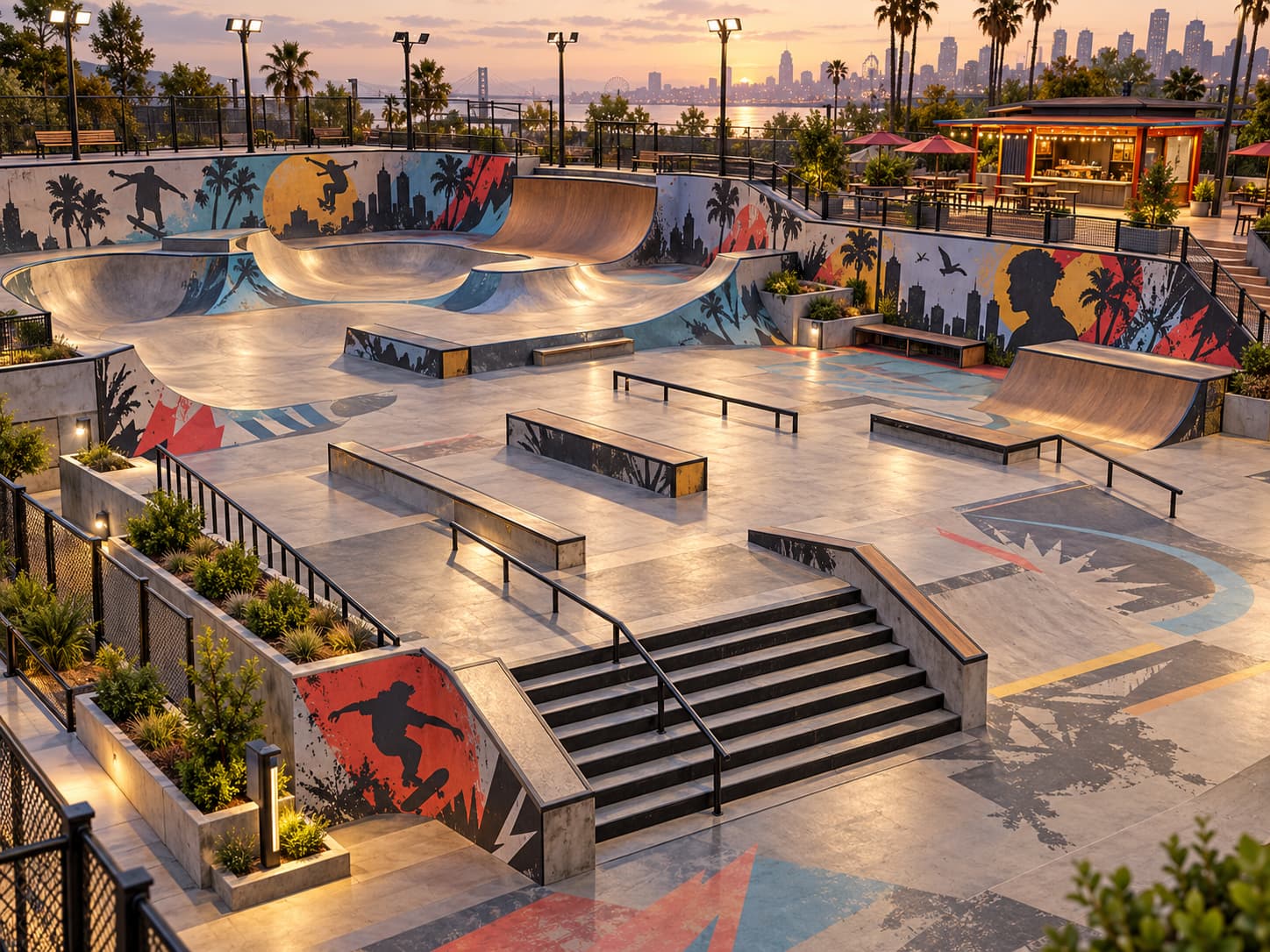
Roblox developers blocking out rooms, buildings or outdoor areas before refining their gameplay.
Roblox launched Scene Generation in Studio beta on October 30 (UTC). Its announcement describes turning text and reference images into an environment whose models, textures and terrain can be edited separately. For developers trying out a room or outdoor layout, that provides material to refine in the editor.
Assistant and the viewport accept different image inputs
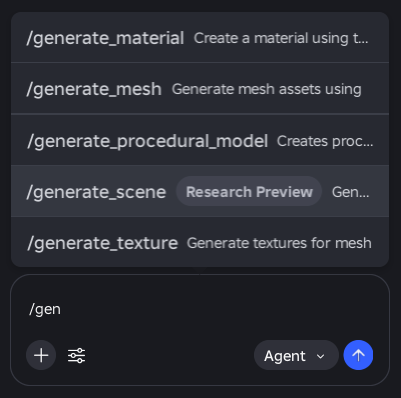
In Assistant, enter /generate_scene with the scene description. This route currently accepts one image.
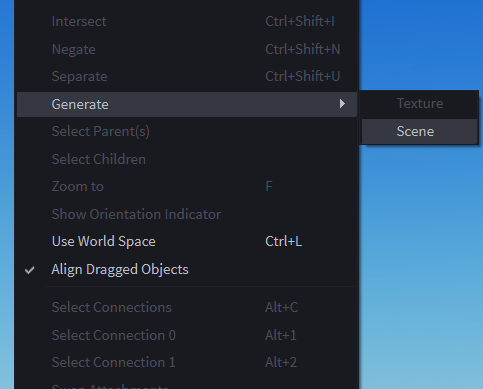
For several references, right-click in the viewport and choose Generate > Scene. Roblox suggests using the prompt to distinguish a layout reference from a style reference. The new Generate ribbon tab and multiple images through Assistant remain planned additions.
Keep editing the models and testing the game
The procedural-model documentation explains how a generator module and exposed attributes control an object's structure. Changing the Size property or generation attributes regenerates its contents. Where Scene Generation uses procedural assets, those controls offer a way to revise a building or create variations without replacing the whole scene.
Roblox's Assistant guide also describes editing objects and scripts inside Studio. The beta announcement says Assistant, or an AI agent connected through MCP, can help modify the generated procedural models. The scene-generation announcement does not specify a separate price or request allowance; the guide's rolling limit for individual procedural-model generation should not be read as a scene quota.
The separate game-building guide keeps planning, playtesting and refinement in the process. After generating an environment, check movement routes, scale and gameplay in Studio, then adjust the assets around what players need to do. For a broader starting plan, see our first playable game guide.
Sources (4)
No sponsorship or affiliate links in this article.