PRODUCT UPDATE / Game development agents
WEPPY fixes Roblox MCP folder restoration and playtest sync
Version 2.17.13 addresses duplicate folders and restoration around Play mode. The update matters to Roblox developers who use coding agents with a local project mirror; bidirectional sync requires Pro.
For Roblox developers using coding agents to edit a local project mirror.
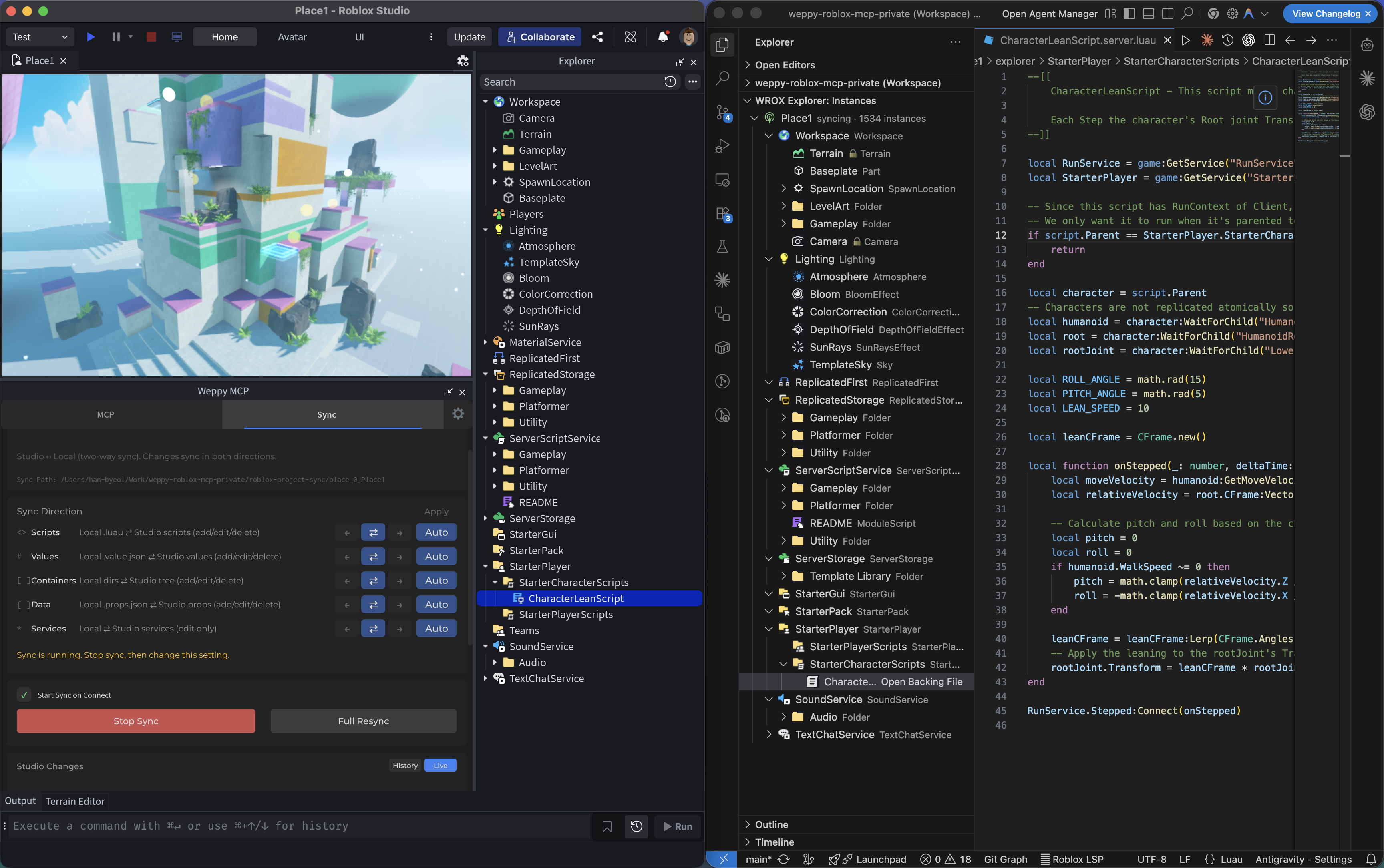
WEPPY released Roblox MCP v2.17.13 on October 3, addressing folder restoration and synchronization around play sessions. The third-party toolkit connects coding agents such as Codex and Claude Code to Roblox Studio. For developers editing scripts through an AI client, the fixes concern how those edits move between Studio and local project files.
Restoring folders without duplicating the project tree
The release notes say restored local folders retain existing Studio objects at their original paths, avoiding unwanted ~N duplicates. Missing or changed script, property and Value files can also be restored when Studio content is unchanged, with folder attributes and tags preserved.
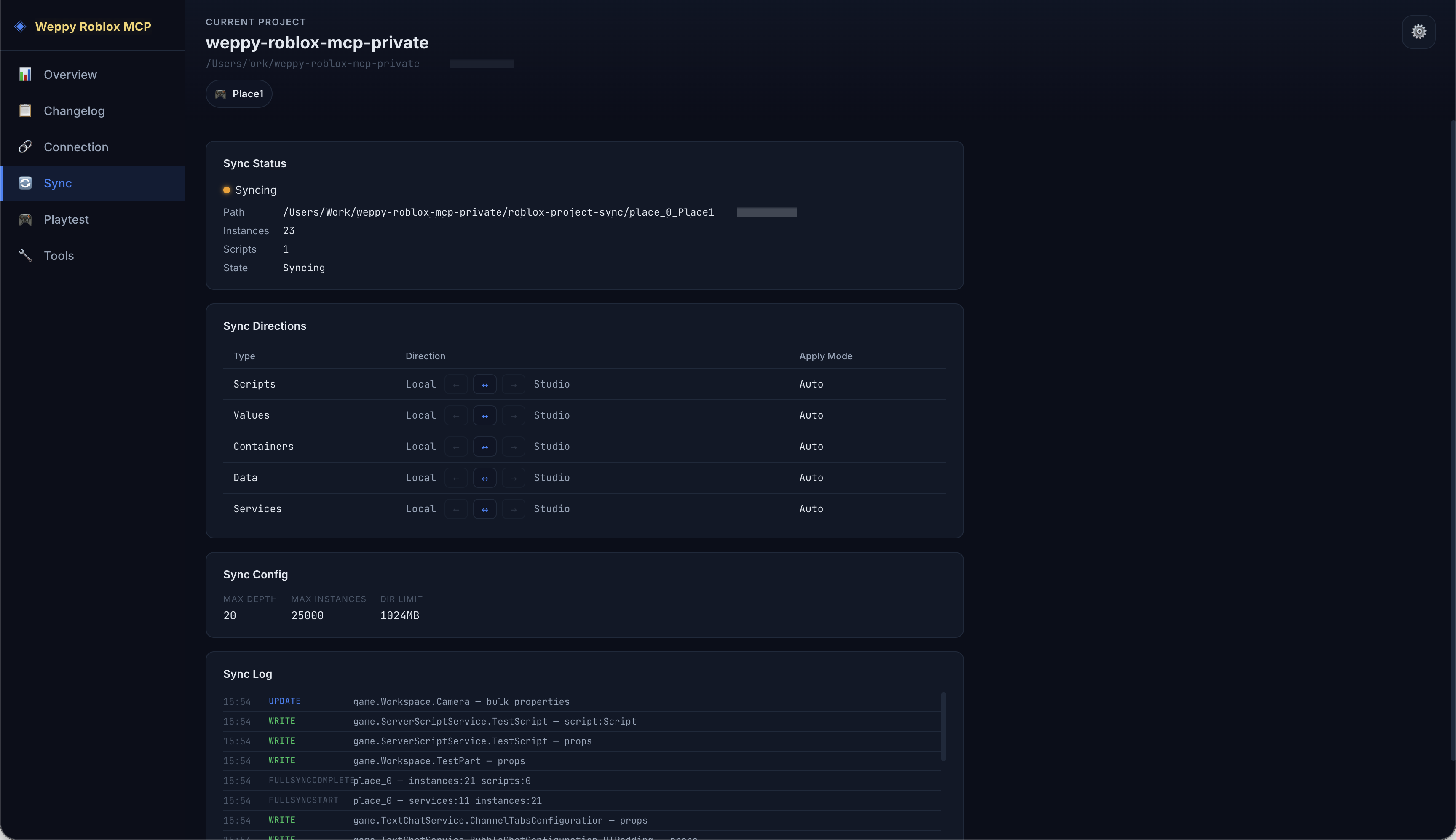
Pending restoration now respects synchronization pauses during Play and targets the correct objects when editing resumes. Folder recovery and mode transitions sit directly in the edit, playtest and revise cycle.
Persistent edits after a playtest follow the sync policy
The preceding v2.17.12 release on October 1 addressed persistent edits after a playtest. Changes that remain in Edit mode are mirrored according to the chosen sync policy; temporary Play objects stay out of the local project. Status messages also distinguish a connected session from one that is actively delivering changes.
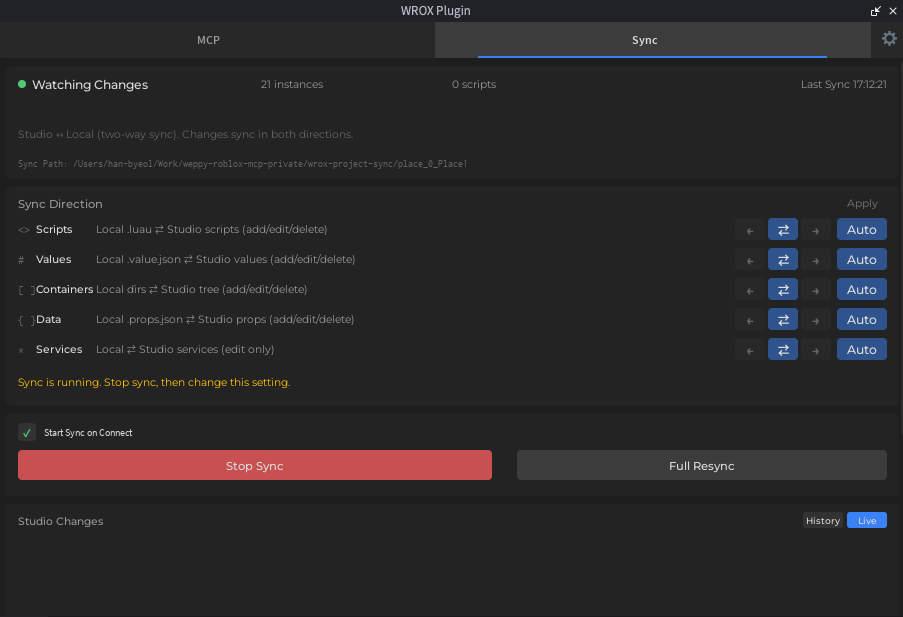
Sync gives an agent local files to read as project context. The free Basic plan supports one-way synchronization from Studio to local files. Sending local edits back through bidirectional sync requires Pro.
The current project documentation requires the MCP server and Studio plugin to use the same release; update both and restart Studio before reconnecting. Sync is off on first use, while returning users retain their saved settings. All three illustrations are March 2026 archive screenshots; consult the current version for its settings.
Sources (5)
No sponsorship or affiliate links in this article.