PRODUCT UPDATE / Game development agents · Unreal Engine
UECP 2.3 adds screenshot approval and Linux builds for Unreal Engine
Ultimate Engine CoPilot separates approval settings for screenshots, shell commands, source control and extensions. Existing installs need to enable screenshot confirmation; Linux updates require a website download.
For Unreal developers configuring AI editor access or moving their workflow to Linux.
GameDev Core released Ultimate Engine CoPilot 2.3.0 on October 16, adding separate approval settings and Linux builds to its AI assistant for Unreal Editor. Developers can choose which screenshot, shell, source-control and extension operations require confirmation.
Screenshot approval needs enabling on existing installs
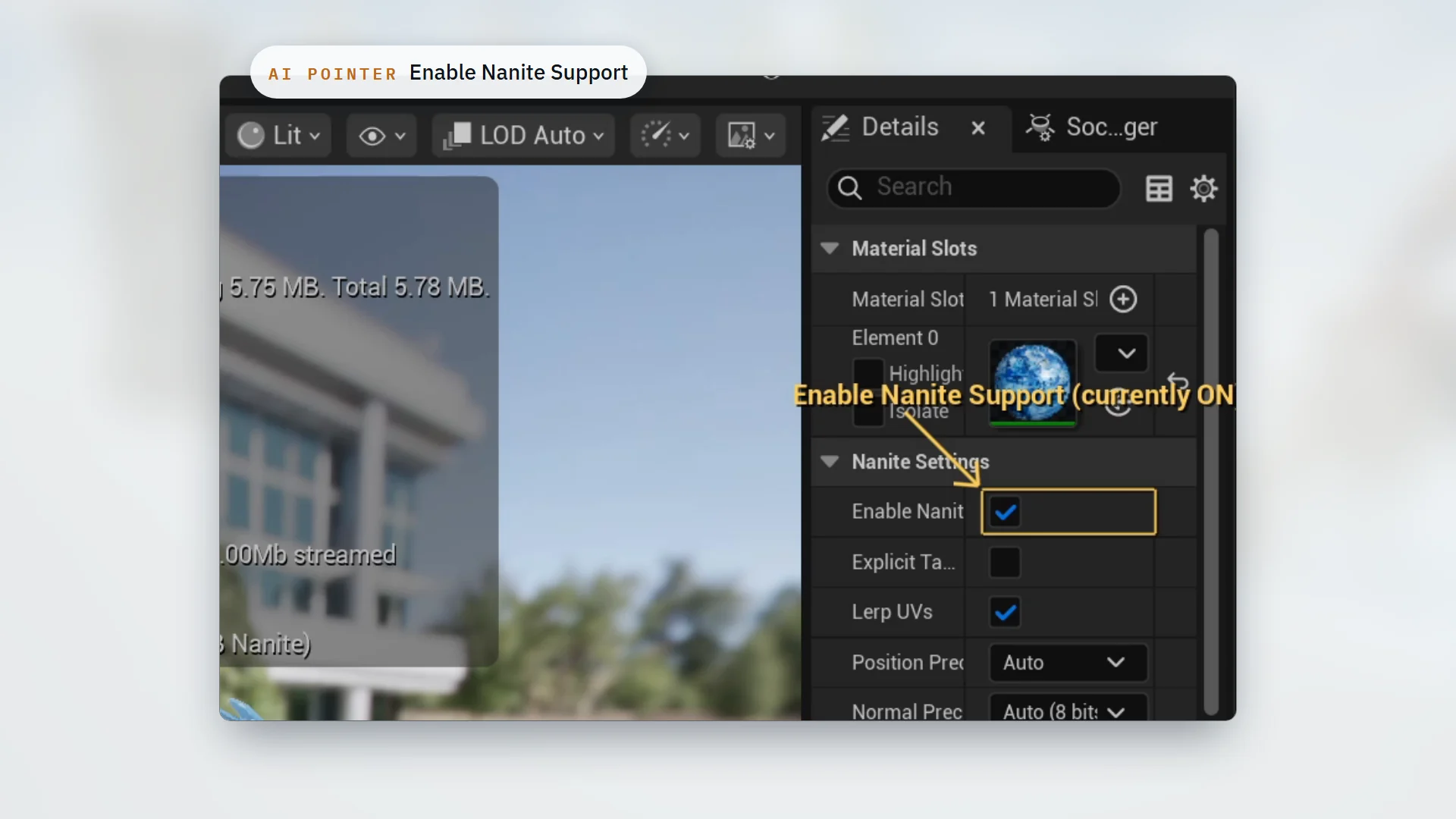
UECP already reads and operates editor interfaces, including locating controls in panels. Its screenshots send editor, play-session or plugin-panel images to the selected AI provider alongside the conversation. The new confirmation covers the rest of the session once accepted.
Screenshot confirmation defaults to on only for new installs. Existing users must enable Screenshot Confirmation under Settings > AI Behaviour. Shell, Source Control and Extension have separate switches too. If Destructive Op Confirmation was previously off, shell and Git prompts will now be off as well, so check those settings after upgrading.
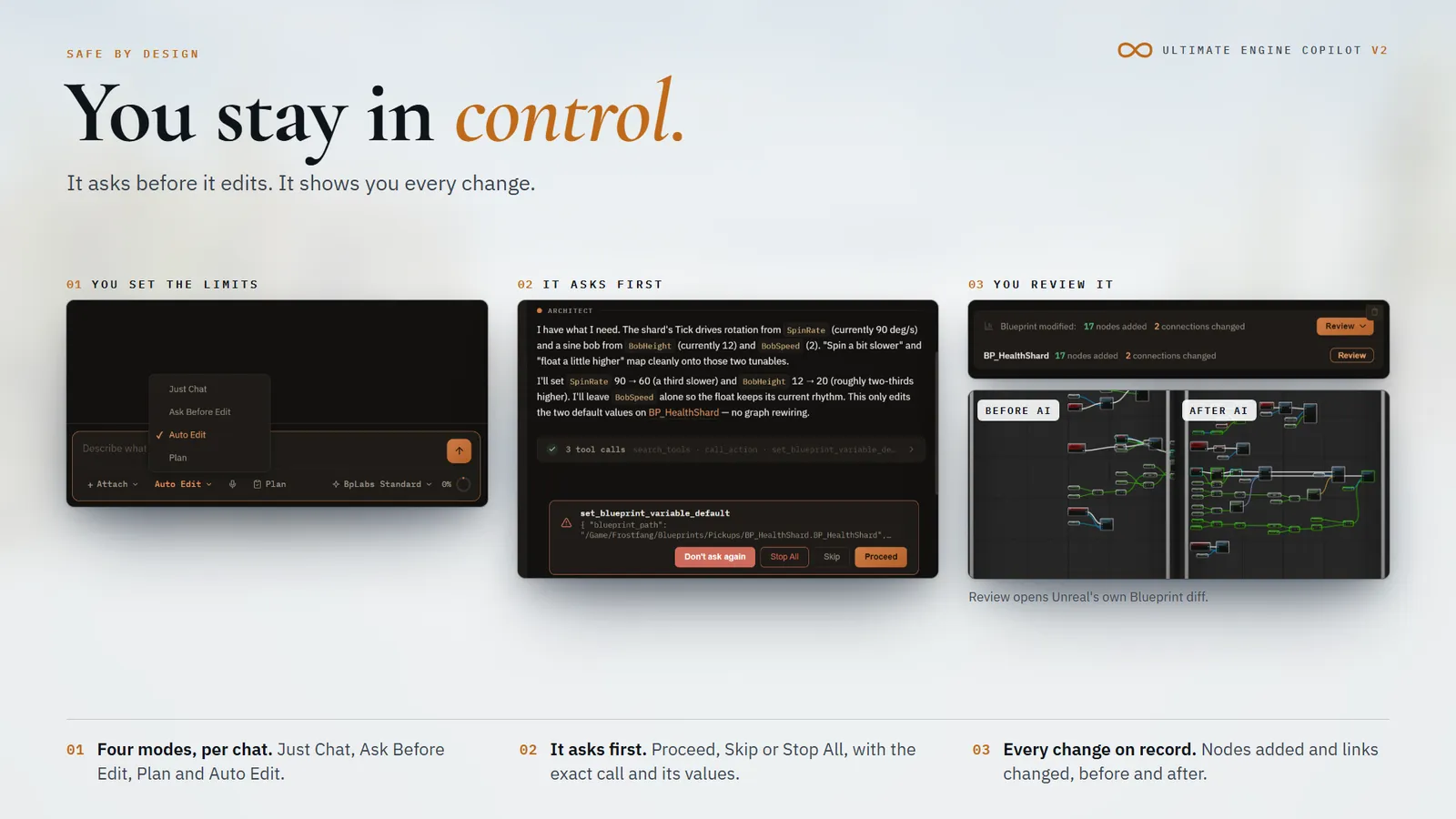
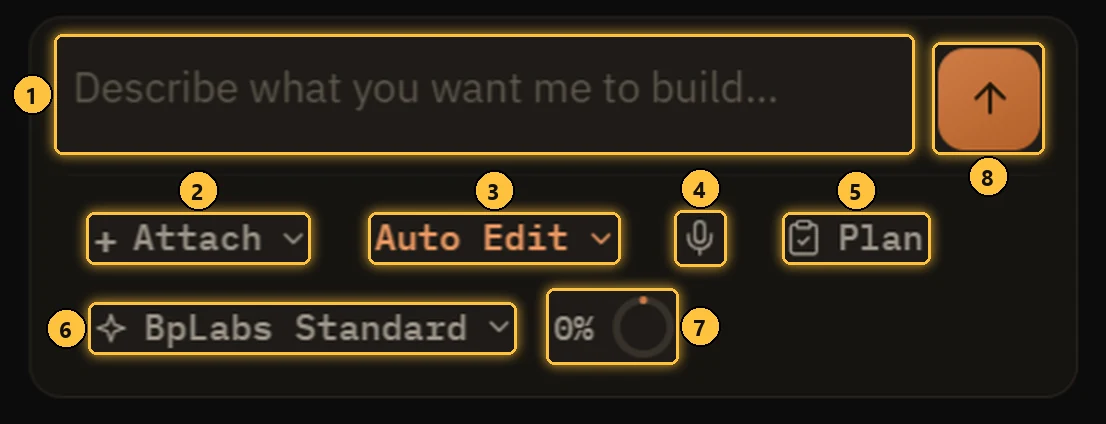
The composer's existing Just Chat, Ask Before Edit, Auto Edit and Plan modes select how a conversation works. The separate confirmation settings also matter when deciding which operations should ask first.
Linux builds cover UE 5.5 through 5.8
The installation guide specifies x86_64 Linux builds for Epic's UE 5.5–5.8 binary engines. Linux updates currently require a download from the website; the in-editor updater does not supply Linux packages. The MetaHuman extension is unavailable on Linux UE 5.6 binary engines. The first Linux build also lacks the “Don't ask again” button fix.
This platform and approval update is separate from 2.2.5's Voxel terrain extension. Access still requires a license or an active plan. A standalone license includes no AI tokens; users can bring an API key or a local model. See the pricing options. Fab buyers need to link their purchase before downloading the package for their engine version.
Sources (6)
No sponsorship or affiliate links in this article.