PRODUCT UPDATE / Game development agents
WEPPY 2.17.15 tackles memory use in large Roblox project syncs
The Roblox MCP update reduces memory held during Full Sync and corrects change history and dashboard status. It targets developers working with coding agents and local project files; bidirectional sync requires Pro.
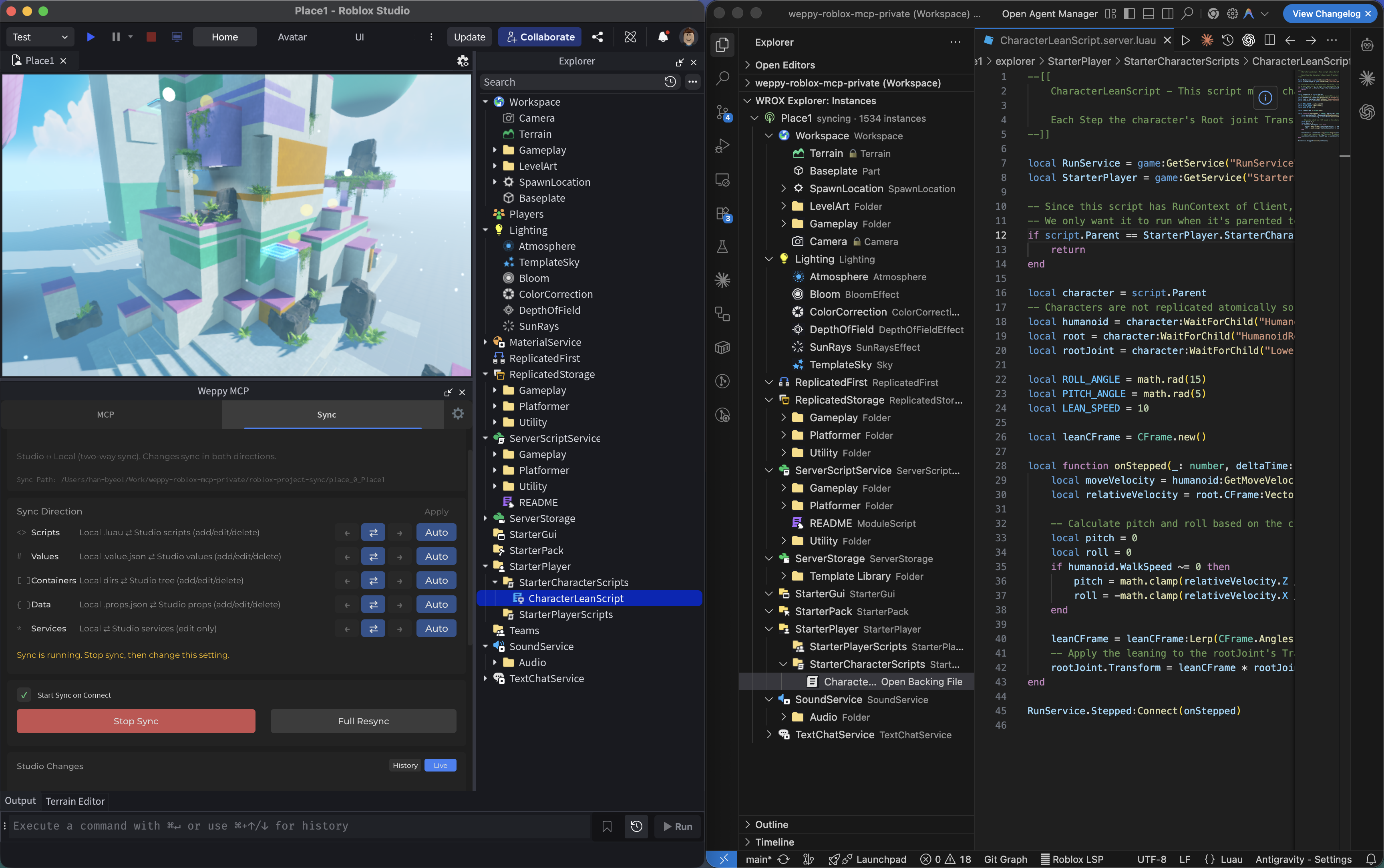
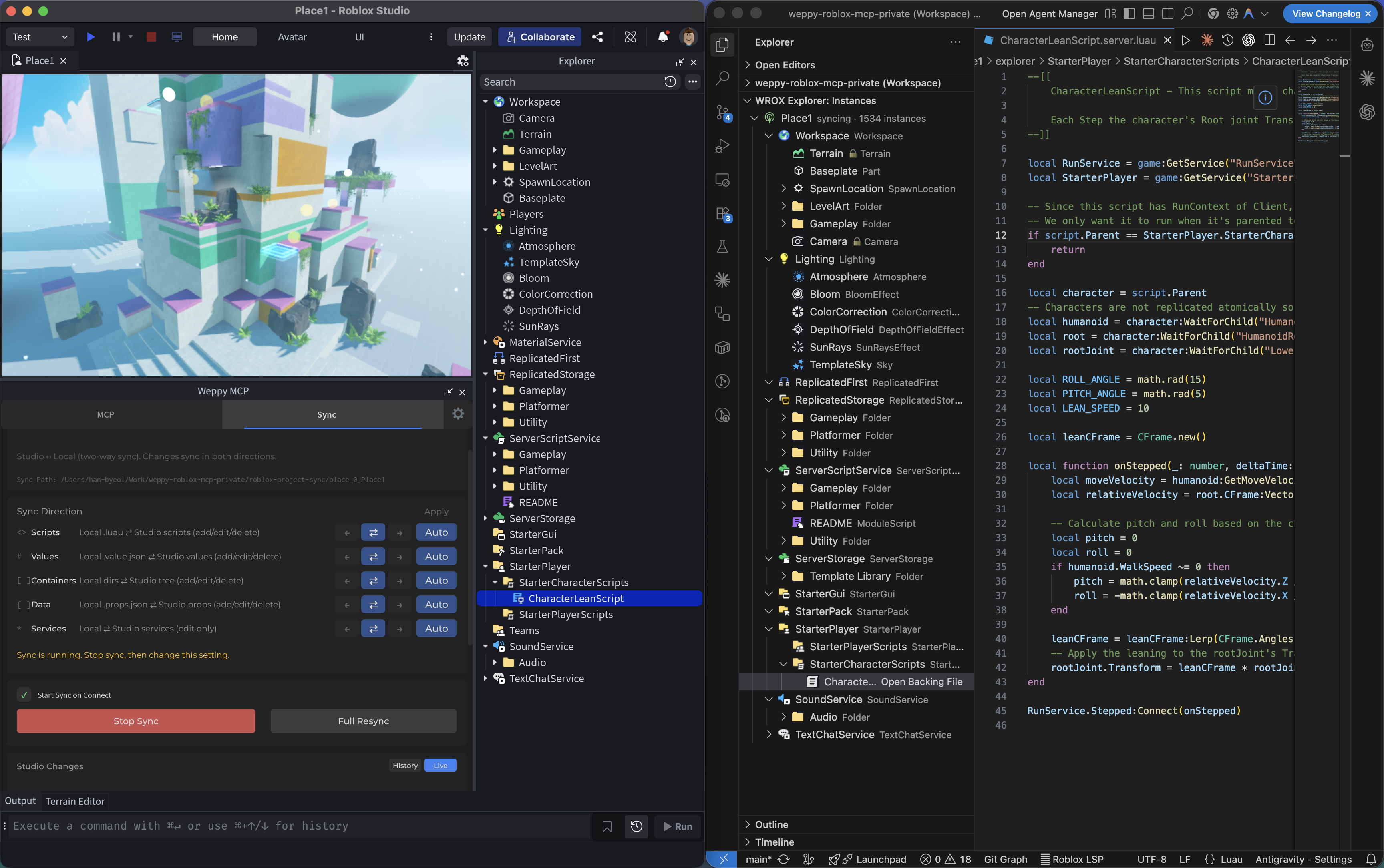
For Roblox developers using coding agents to edit a local project mirror.
WEPPY released Roblox MCP v2.17.15 on October 6, updating Full Sync memory handling, change history and dashboard status. The changes concern Roblox developers who give coding agents a local project mirror to read and edit, particularly when synchronizing larger projects.
Full Sync avoids duplicate project indexes
The maintainer says Full Sync uses less memory and spends less time processing accumulated history. Completion also avoids retaining duplicate project indexes, with the aim of reducing server crashes on large projects. The release includes no comparative memory or timing measurements, so the size of the improvement remains unquantified.
A completed sync now records one final summary with the correct file count. Changes from tool operations and synchronization are combined without duplicate entries, and clearing history prevents older queued changes from appearing again.
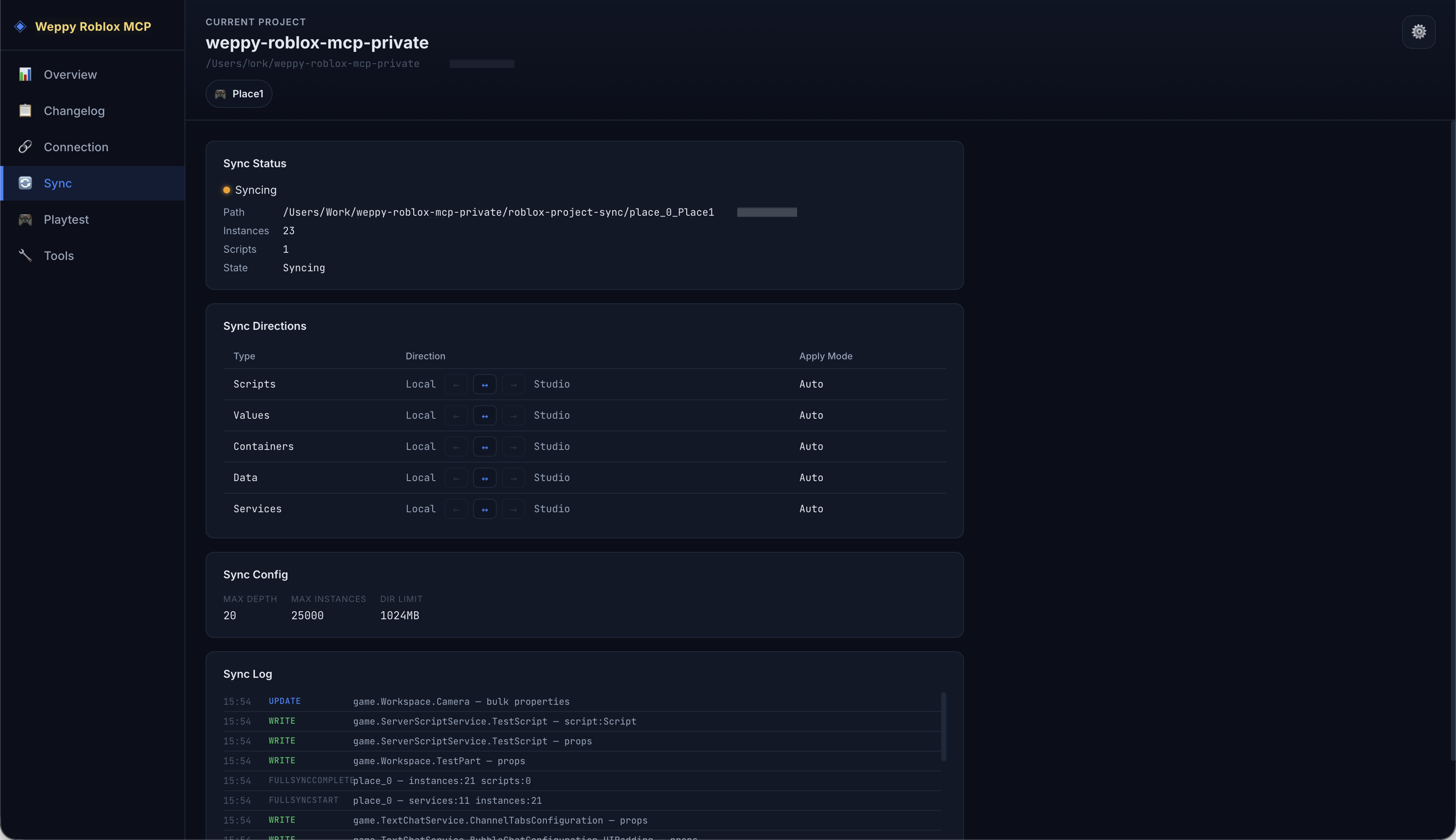
Dashboard logs distinguish the start, progress, completion and failure of a Full Sync. Overview refreshes handle bursts of updates and discard outdated responses after a connection change, keeping previous connection results from overwriting the current state.
Sending local edits back requires Pro
WEPPY is a third-party MCP tool connecting clients such as Codex and Claude Code to Roblox Studio. Sync saves a local mirror that agents can use for project context. Free Basic provides Studio-to-local synchronization; bidirectional sync and sync history are Pro features.
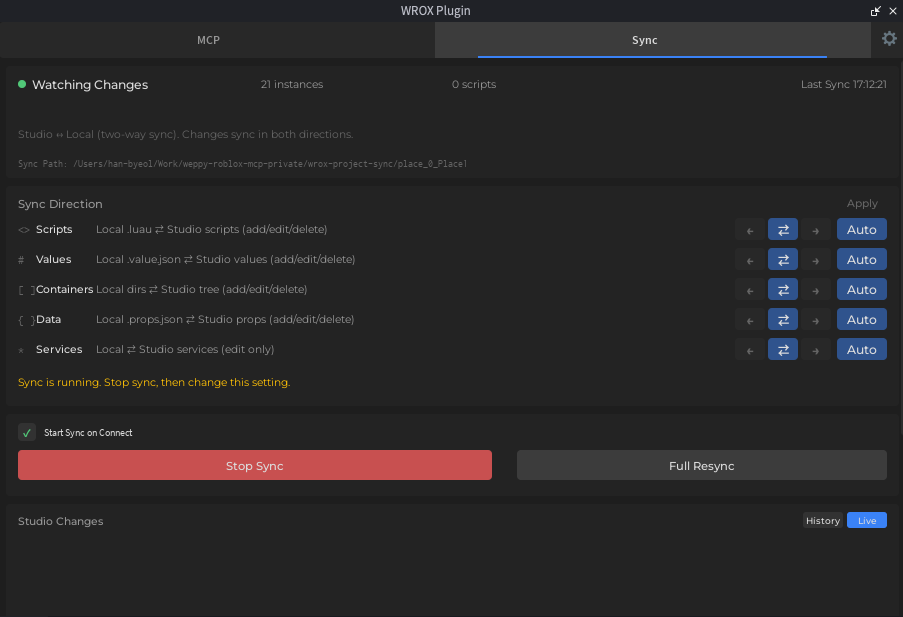
The v2.17.15 documentation requires the MCP server and Studio plugin to come from the same release. Update both and restart Studio before reconnecting. Sync starts off on first use, while saved settings remain in effect for existing users. All three images are March 2026 archive screenshots illustrating the workflow; use the installed version for current controls and settings.
Developers already working with agents on local scripts can check our Codex access and usage conditions.
Sources (4)
No sponsorship or affiliate links in this article.