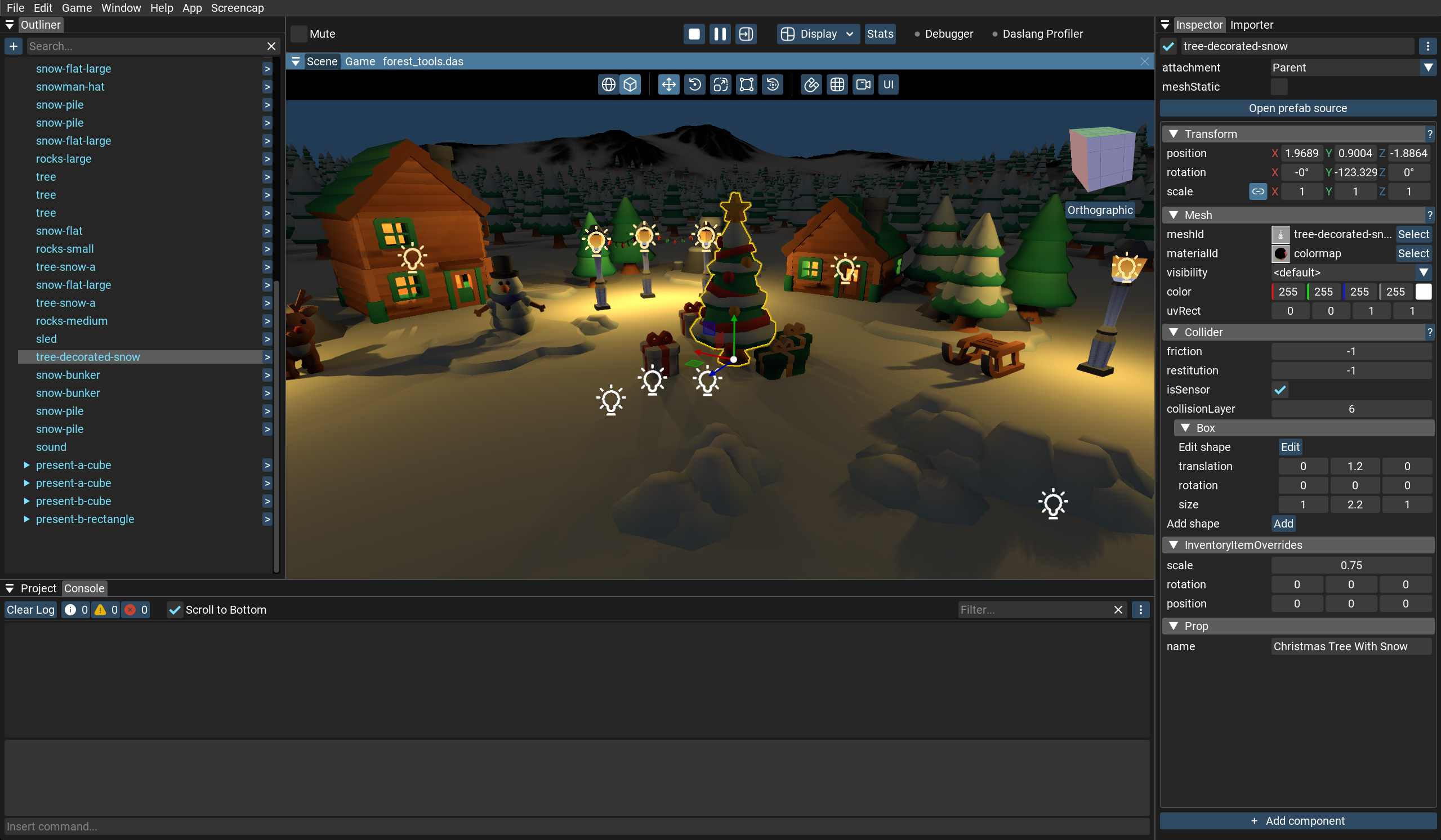
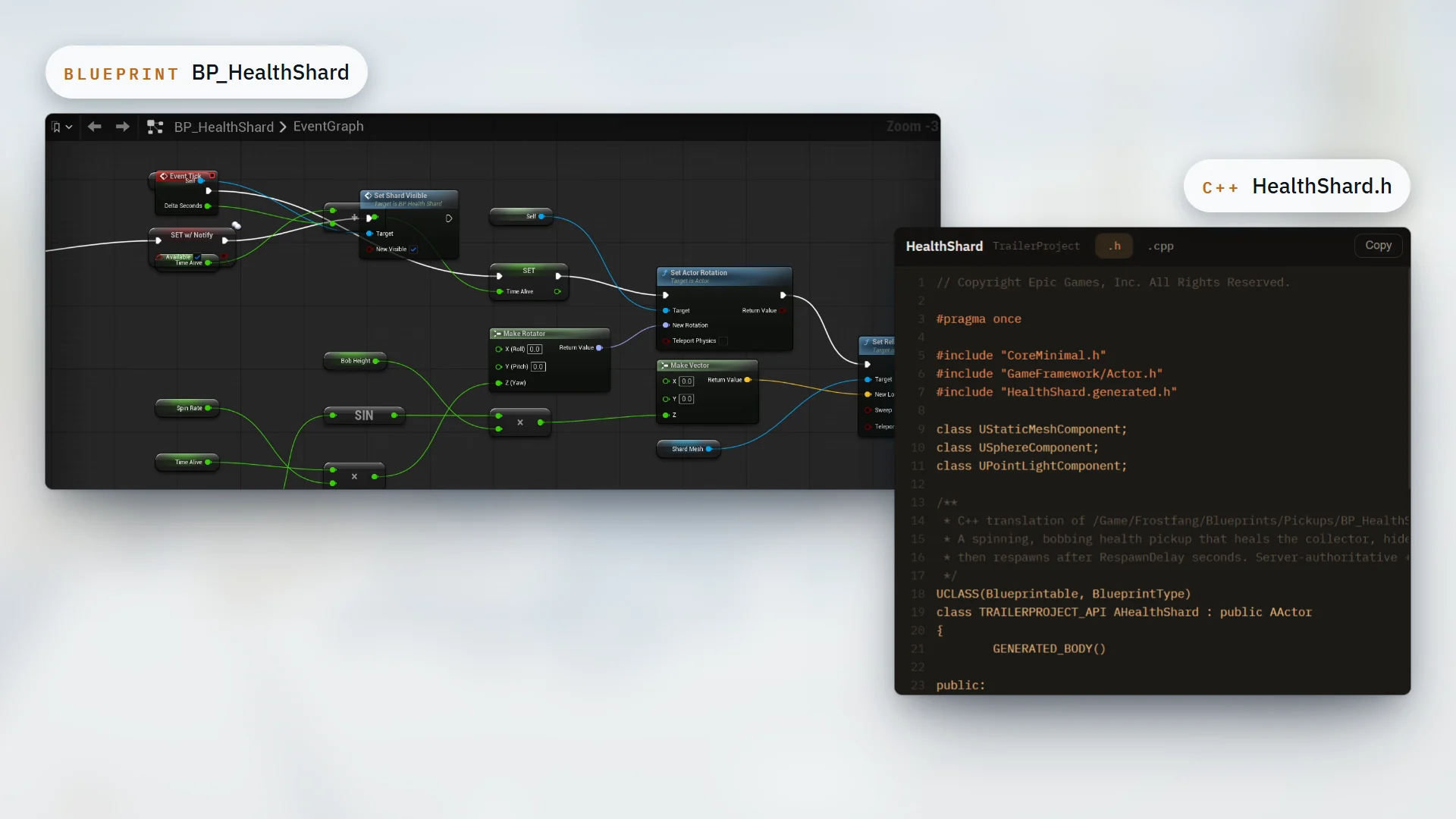
PRODUCT UPDATE / Engine agent tooling · Product update
Unity brings its official game development plugin to Grok Build
Grok Build joins Claude Code and Codex as a supported client for Unity's official plugin. It shares more than 30 engine skills, supports Unity 6+, and uses the Unity CLI for live Editor operations.

For Unity 6+ developers using Grok Build, including teams that also work with Claude Code or Codex.
Unity announced Grok Build support for its official agent plugin on October 1. Developers using Grok Build can now load Unity's engine guidance from their terminal. The plugin supports Unity 6 and later.
The same Unity skills across three agents
The addition is a Grok Build installation path. Unity says all three clients share more than 30 skills maintained in one repository by its feature teams. They cover UI Toolkit, uGUI, 2D and tilemaps, URP, Shader Graph, audio, navigation, physics, multiplayer and in-app purchases.
The skills supply task-specific references: the project's UI framework for a settings screen, 2D configuration for jittering pixel art, or IAP guidance for a purchase system. Developers can describe a task normally or select a skill explicitly from Grok's slash menu.
Unity's September 9 Claude Code demonstration illustrates the IAP skill. The agent checks the project, reads the reference for adding purchases to a new project, and asks for the product ID, coin amount and storage approach.
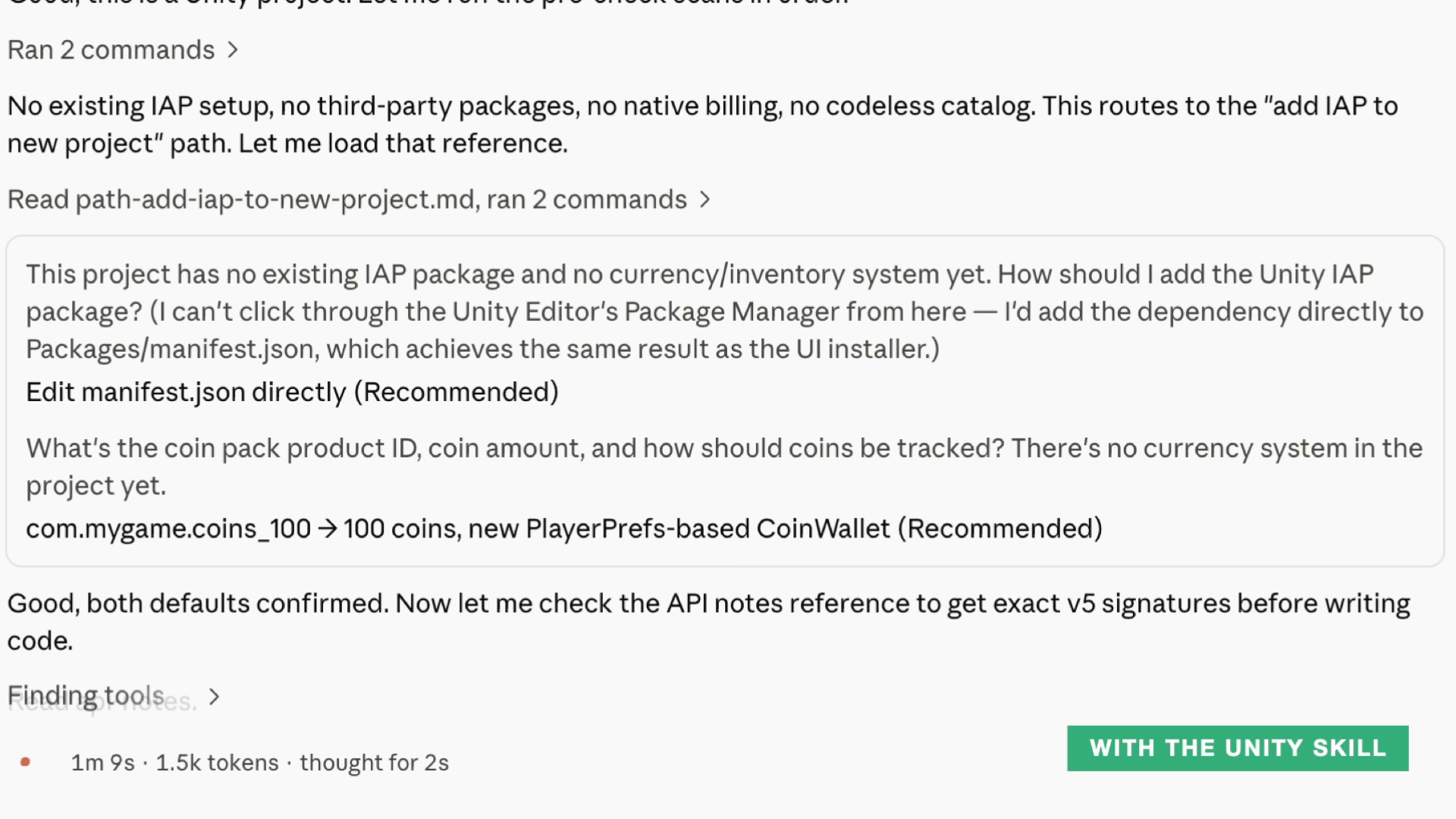
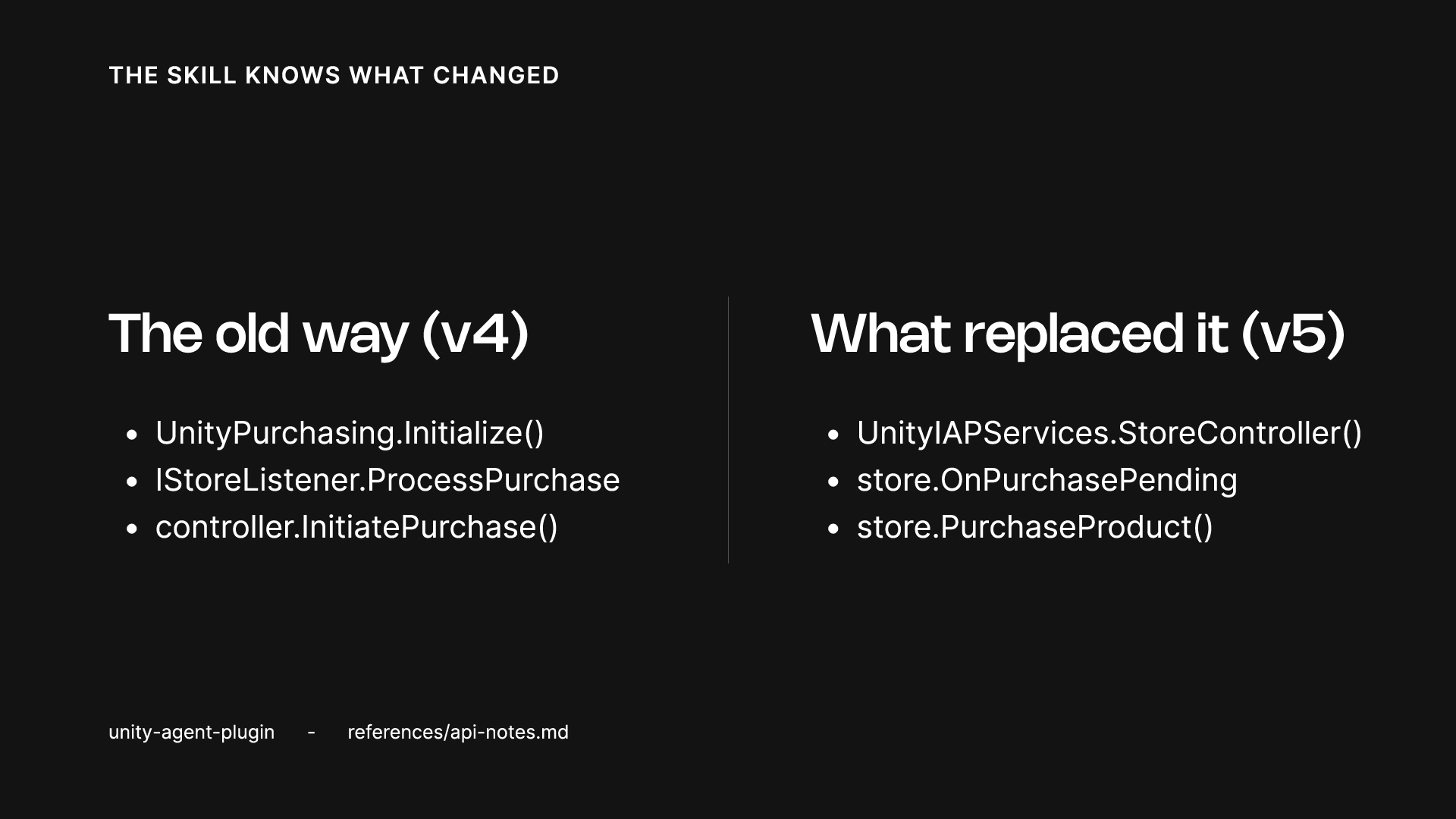
The demonstration also lists API replacements between IAP v4 and v5. These two archive frames show the earlier Claude Code example. Shared reference material does not guarantee identical results from different agents.
Install in Grok; Editor operations use the Unity CLI
The official installation guide gives this terminal command:
grok plugin install Unity-Technologies/unity-agent-plugin --trustThe --trust flag accepts installation from the repository. Use grok plugin list to check that the plugin is enabled and grok plugin details unity to inspect its contents. Installation happens in the coding agent; this plugin is not available through Unity's Package Manager.
The repository documentation explains that skills which create GameObjects, change import settings or execute C# in the Editor use the Unity CLI and its companion Unity package. The agent can check for and help install those dependencies. Commit the project before substantial changes so the edits can be inspected and reverted.
Developers already using the Unity plugin for Claude Code or Codex can keep their existing setup. The new integration lets teammates working in Grok Build access the same engine guidance.
Sources (6)
- Unity · Meeting you where you work: Unity Plugin for Grok Build
- Unity Discussions · The Official Unity Plugin for Grok Build
- Unity Docs · Unity's plugin for Grok
- Unity Docs · About Unity's plugin
- GitHub · Unity-Technologies/unity-agent-plugin
- Unity · Official Unity Plugin for Claude Code (September 9 background)
No sponsorship or affiliate links in this article.